28 Image Vault
®
PRO Command
2 Software on the DVR
Your DVR has all of the software built-in to check recording status live, view live
securityvideo,playbackrecordedvideo,andfullyconguretheDVR.Touseany
of these capabilities an SVGA monitor and mouse must be connected to the DVR.
While the mouse is provided with the DVR, you may use nearly any commercially
available SVGA CRT monitor (most LCD monitors will also work).
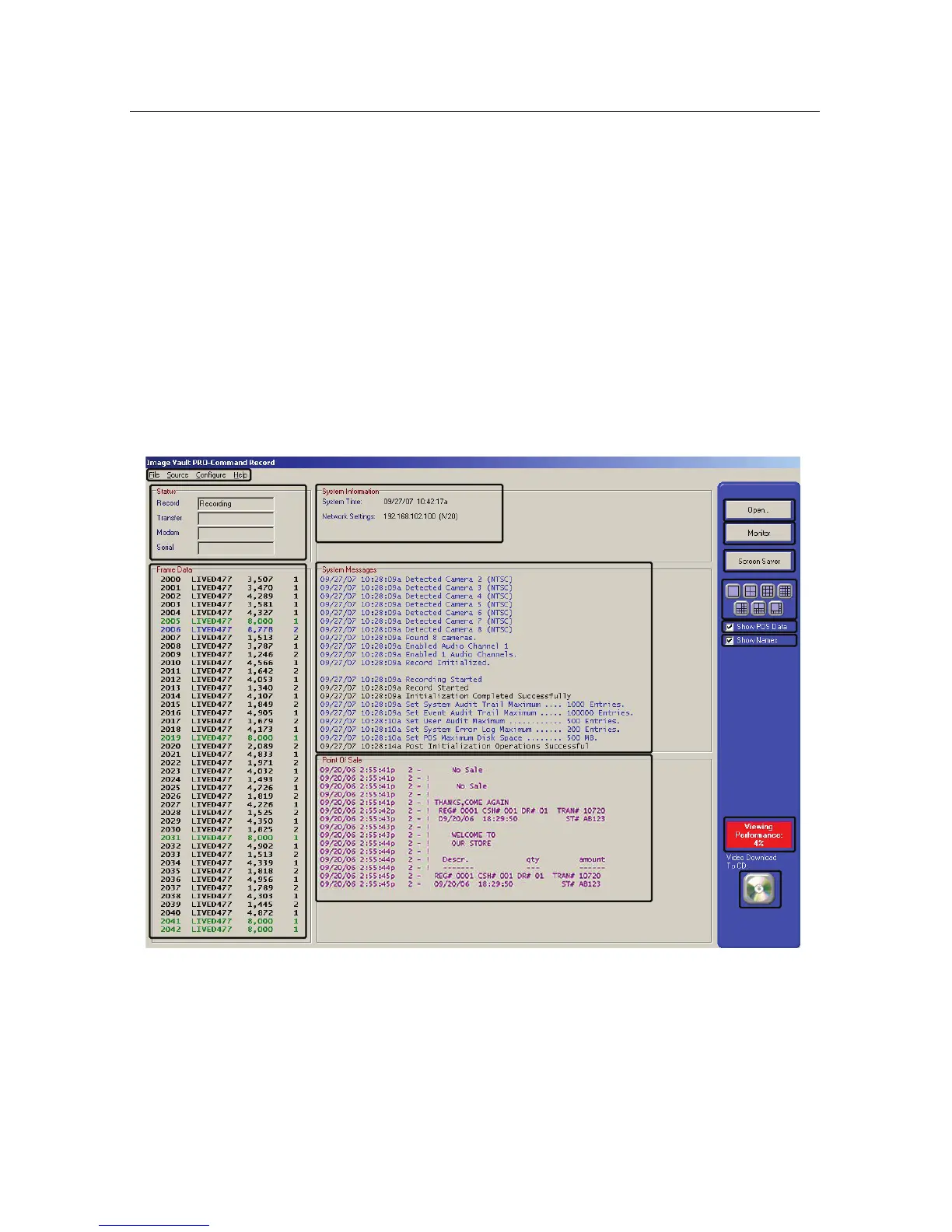
2.1 Live Status Mode
Use the Live Status Mode to check current recording status and verify capture
of transaction data. From this mode you may jump to Live Monitor Mode, open
Playback Mode, check viewer performance or make a CD copy of the most recent
video.
A
B
C
D
G
H
K
L
I
J
M
N
E
F



 To Next Page