42 Image Vault
®
PRO Command
4.4 Audit Data
Image Vault PRO Command features three distinct audit logs. The System Audit
keeps a record of system events ranging from log-in activity to camera signal
detectiontopowerloss.TheUserAuditspecicallytracksuseractivity.Itprovides
the data for the Viewing Performance indicator calculation. The External Event
Auditisarunningrecordofrecordingtriggersdenedbytheuserwhencong-
uring motion detection, data rules, and external inputs.
System Audit
To view the System Audit log, select “View System Audit Entries” from the Status
menu. The entire log is presented. Scroll as needed to view entries. Depending
on the nature of the entry you may double-click a row to display an associated
image.
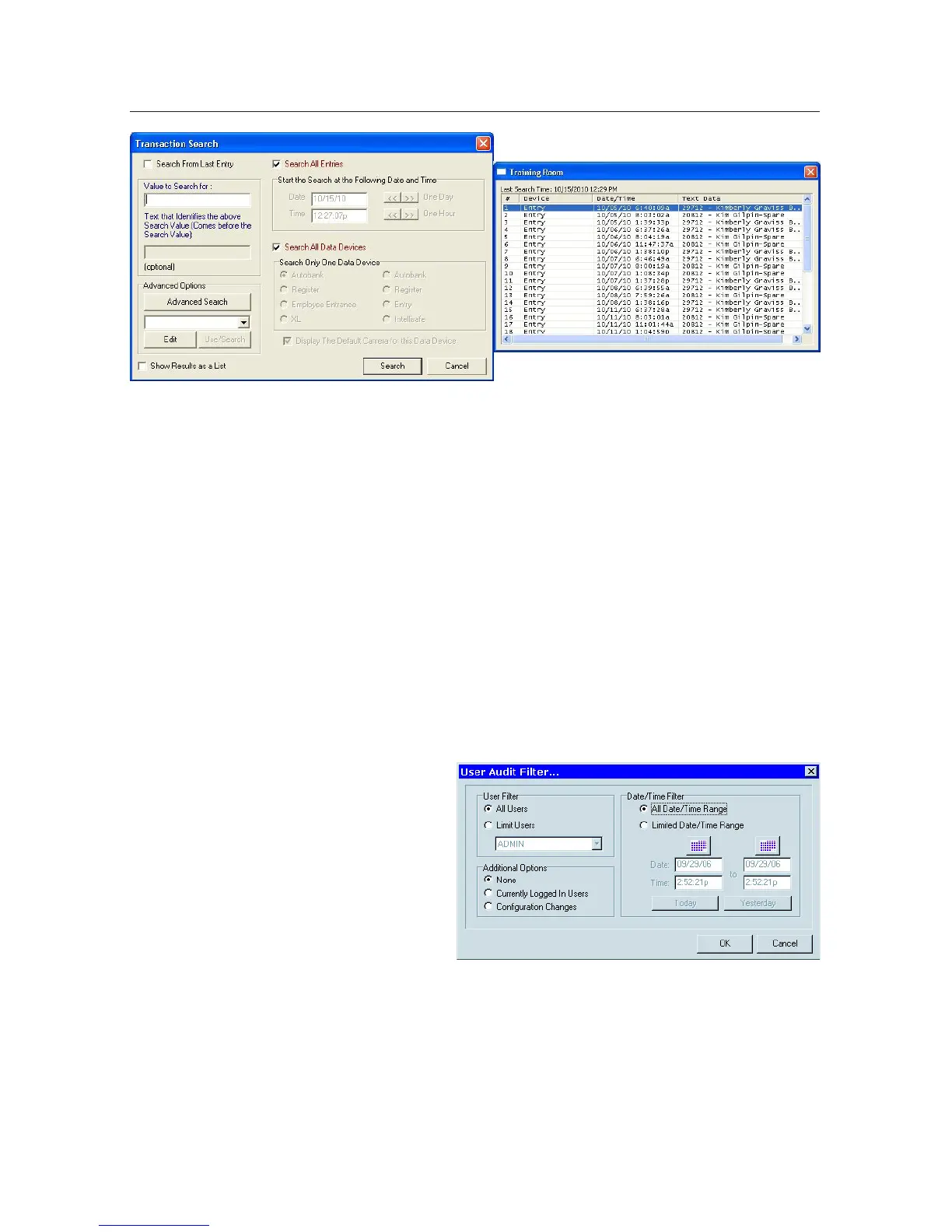
User Audit
To view the User Audit select “View
User Audit” from the Status menu.
You may view data for an individual
orallusersforaspeciedperiod.
From the list generated you may view
details pertaining to the list itself or
anyspecicentryonthelist.
External Event Audit
To view the External Event Audit you may choose “View External Audit Entries”
fromtheStatusmenuorclickthe“ExternalAuditTrail”button.Youmaylter
yoursearchtolookforanyoralleventtypesinaspecicperiod.Ifyouchoosea
specictypeofeventyouwillhaveadditionallteroptionssuchascamera,POS
source, or dry contact input. When viewing data you may annotate entries with
a status and even add comments. Entries are also searchable and color coded by
status.



 To Next Page