68 Image Vault
®
PRO Command
8.7 Software Updates
From time to time Image Vault may release an update for your DVR. Updates may
includearevisiontotheprogram,anysupportleorevenoperatingsystemles.
Updates are available from the website (www.image-vault.com). Updates may be
emailed to you at no charge. If you request the update via CD, Image Vault may
charge a nominal shipping fee. Always check the website or Image Vault Techni-
cal Service to verify compatibility before installing any updates.
Auto-Update CD
If you receive the update on a CD (or you may copy the email attachments onto
your own CD), place the CD in the CD-ROM drive of your DVR, then reboot the
DVR. During the boot-up process your DVR will check the CD drive for a disc con-
taininganyupdates.Whenitndsupdatesitautomaticallyinstallsthembefore
starting up the recording process to ensure that all updates are fully loaded. After
the update is complete the CD should be removed. A blank CD should remain in
the drive at all times in the event you need to quickly burn a disc for authorities.
Remote Update
Select“RemoteUpdate”fromtheStatusmenutouploadupdatelesdirectly
totheDVRfromyourPC.Enter(browsetond)thezipletoupload.Enterthe
password only if one is provided by Image Vault. To force the DVR to reboot
automatically after the upload is complete check the “Reboot When Upload
Complete” option. If you choose not to reboot automatically, the DVR will install
the update automatically the next time it is rebooted.
8.8 Screen Resolution
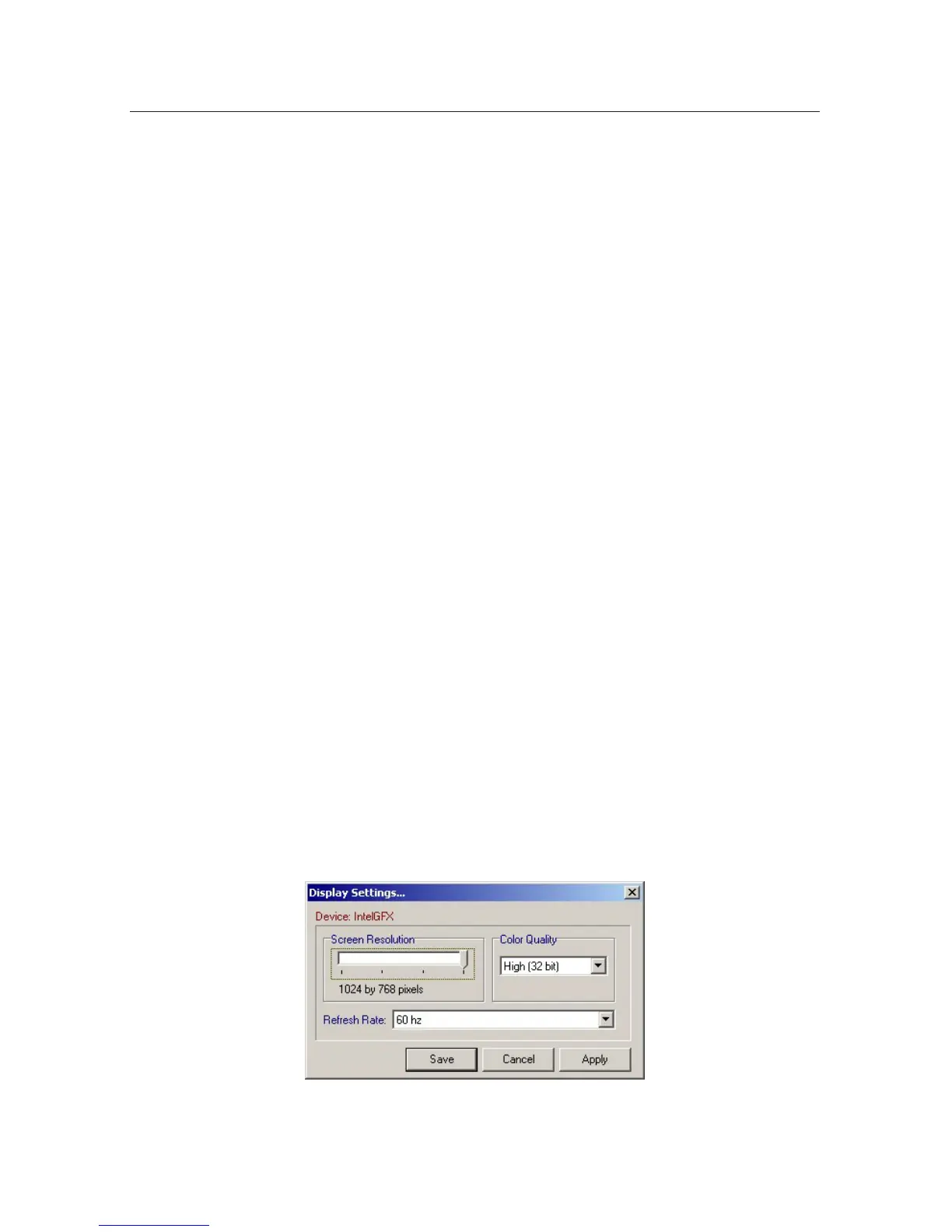
Log into Playback Mode locally to edit the screen resolution of the DVR. To ac-
cessscreenresolutionsettings,select“DisplaySettings”fromtheConguration
menu. The default resolution setting is 800 x 600. You may reduce resolution to
640 x 480 (not recommended) or increase resolution to 1024 x 768. Changing
screen resolution will not affect the resolution of images captured by or stored
on the DVR.



 To Next Page