43 Image Vault
®
PRO Command
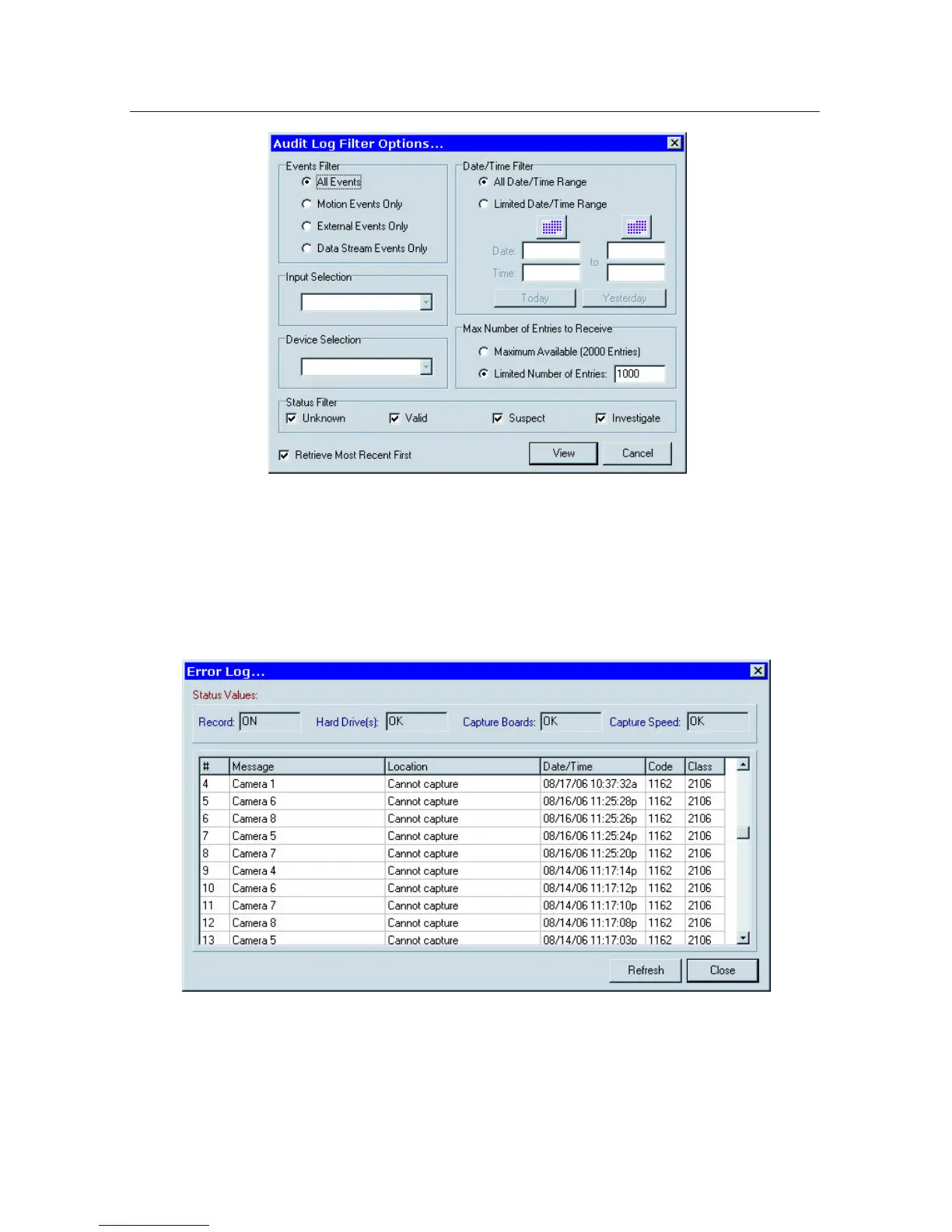
4.5 Error Log
The Error Log is a history of system-generated fault entries. It also provides a
real-time indication of recorder status. To access the Error Log select “View Error
Log” from the Status menu.
4.6 Skins
One way to dress up your software is to change its skin. The “skin” is the overall
graphic appearance of the playback software including color and button styles.
To change your software skin select Choose Skin from the Playback Options
menu.



 To Next Page