38 Image Vault
®
PRO Command
where the username and password provided are valid.
7. After connecting to one or more DVRs, you may connect to additional
DVRs by choosing Connect from the File Menu and repeating Steps 5
and 6.
3.5 Opening Copied Video
PRO-CommandPlaybackcanopenvideolescopiedordownloadedfroma
DVR. A limited version of the application, called IVView, is included on any CD or
DVD made directly from the DVR. In either case, use the software to open, view,
and search the copied video, audio, and data as if connected directly to the DVR.
When copied video is open you have the added option of exporting a clip from
theselectedcameratoanAVIformatvideole.
Openvideolesasfollows:
1. Start your PRO-Command Playback application.
2. Select “Local” and click “Open.”
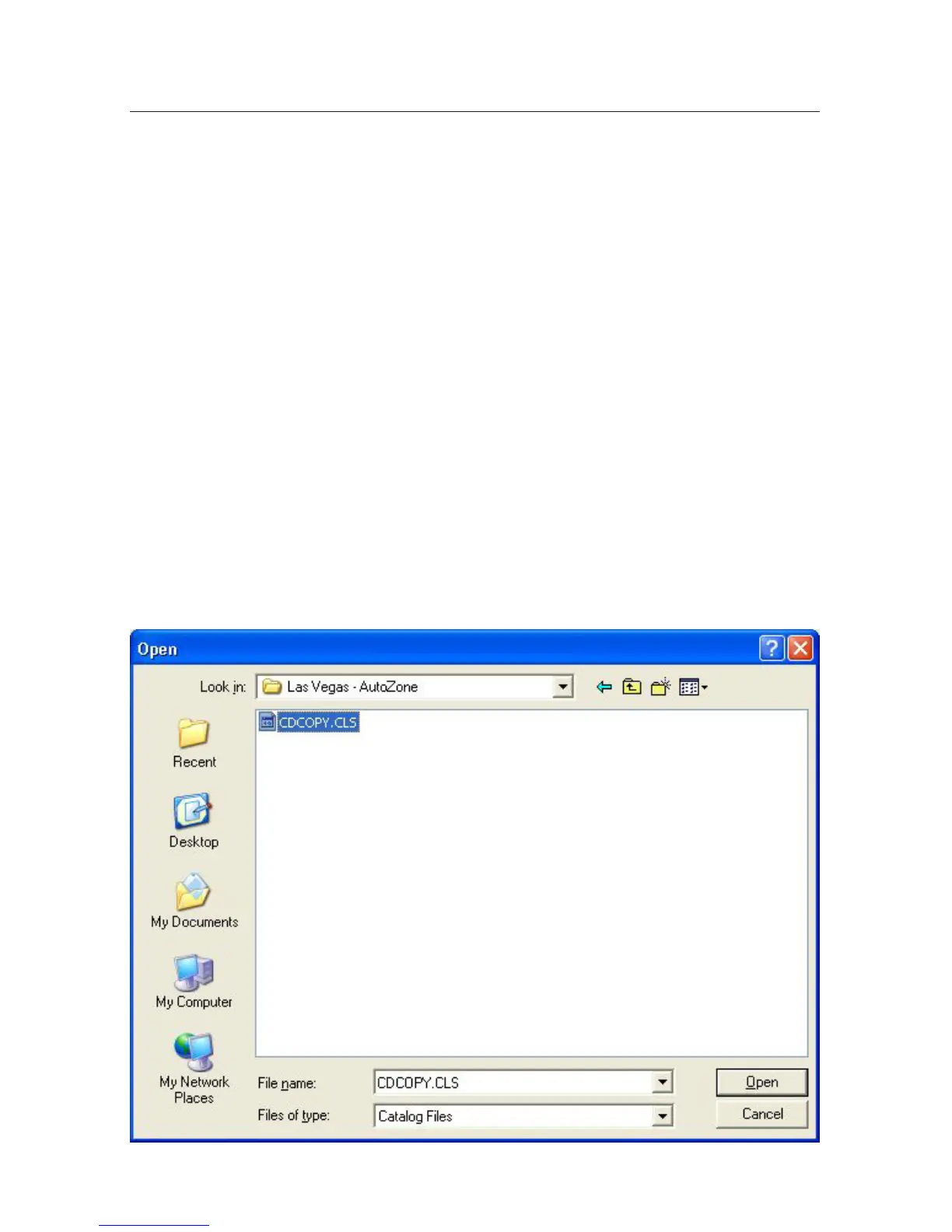
3. Locatethe.CL2lefortheclipyouwanttoopenandclick“Open.”



 To Next Page