46 Image Vault
®
PRO Command
5 Evidence Management
This chapter outlines the major features commonly associated with handling
evidence. All Image Vault video, in its original format, is encrypted and tamper-
proof. This means your Image Vault video, whether copied to CD, DVD, USB
device, or downloaded to your PC is valid in a court of law so long as it is being
viewed in its original format. In addition to viewed video, whether local or copied,
you have added capabilities to print or export still shots. Video clips copied or
downloaded from the DVR may also be exported to AVI format.
5.1 Catalog
Video is stored on the DVR in a series of blocks. The number of images in a block
depends on the average size of the individual images. The rate at which images
are stored determines the amount of time covered by a block. Your DVR man-
ages the inventory of images using what is called a Catalog. The “Live” system
catalog is the inventory of all images available on all drives onboard the DVR
from the oldest image (except Range Lock periods) to the newest image.
Blocks of video (and associated audio and data) may be write-protected using
the Range Lock feature. Applying a Range Lock to write-protect a period of video
creates a Range Lock catalog. Images in a Range Lock catalog are available to
view on, or copy from, the DVR even when they are older than the “Live” catalog.
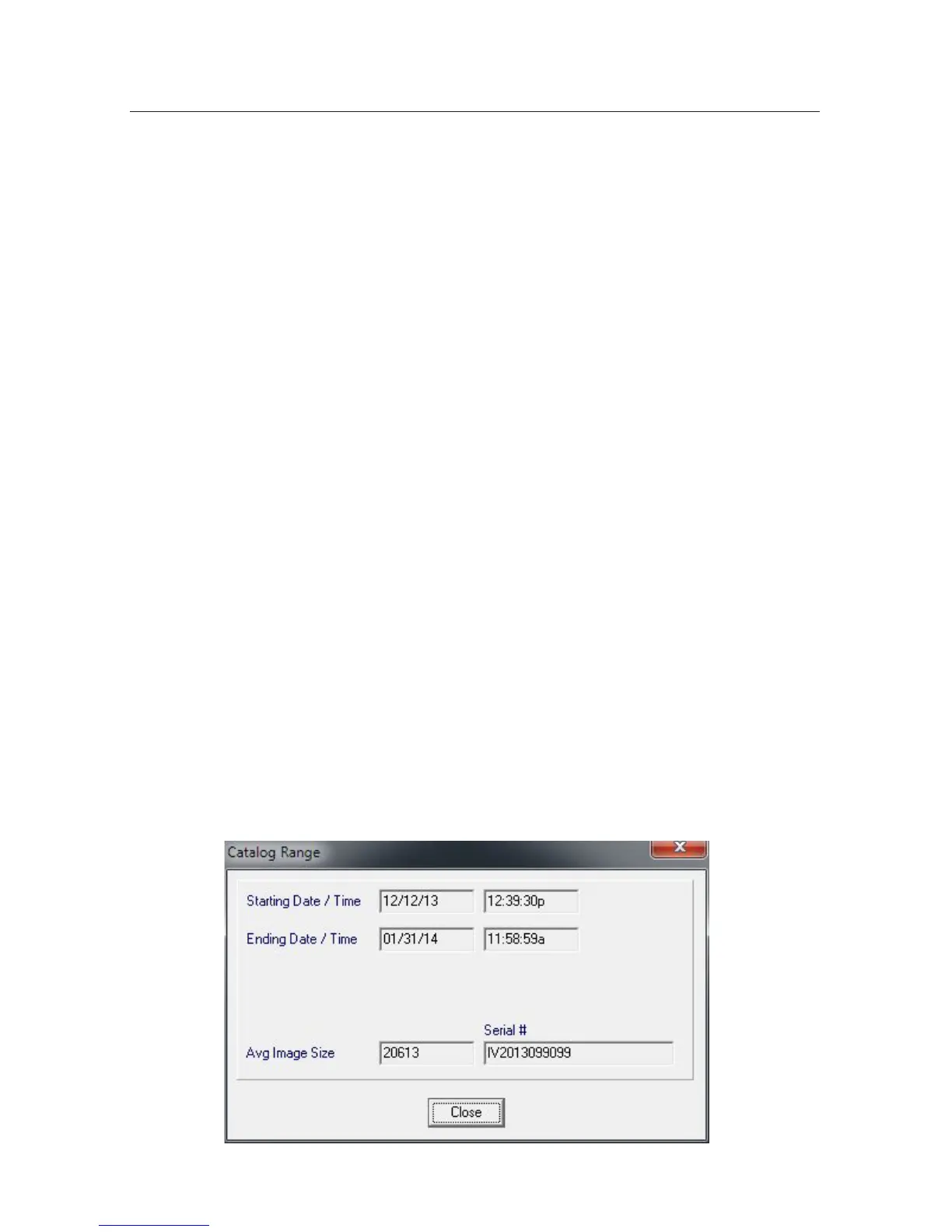
To check the amount of time covered by the catalog, click the “Catalog” button
(or select “Date Time Range” from the Catalog menu). You see the date and time
oftheoldestandnewestimagesavailableandtheirlenumbers.Thisdialogwill
alsotellyouthenumberoflesinthecatalogandaverageimagesize.Average
image size is calculated based on the total hard drive size available divided by the
total number of individual images stored. Finally, this dialog also shows the serial
number of the recorder. The serial number is particularly useful if you need to
contact Image Vault Technical Service for any reason.



 To Next Page