50 Image Vault
®
PRO Command
6.2 User Inactivity Timeouts
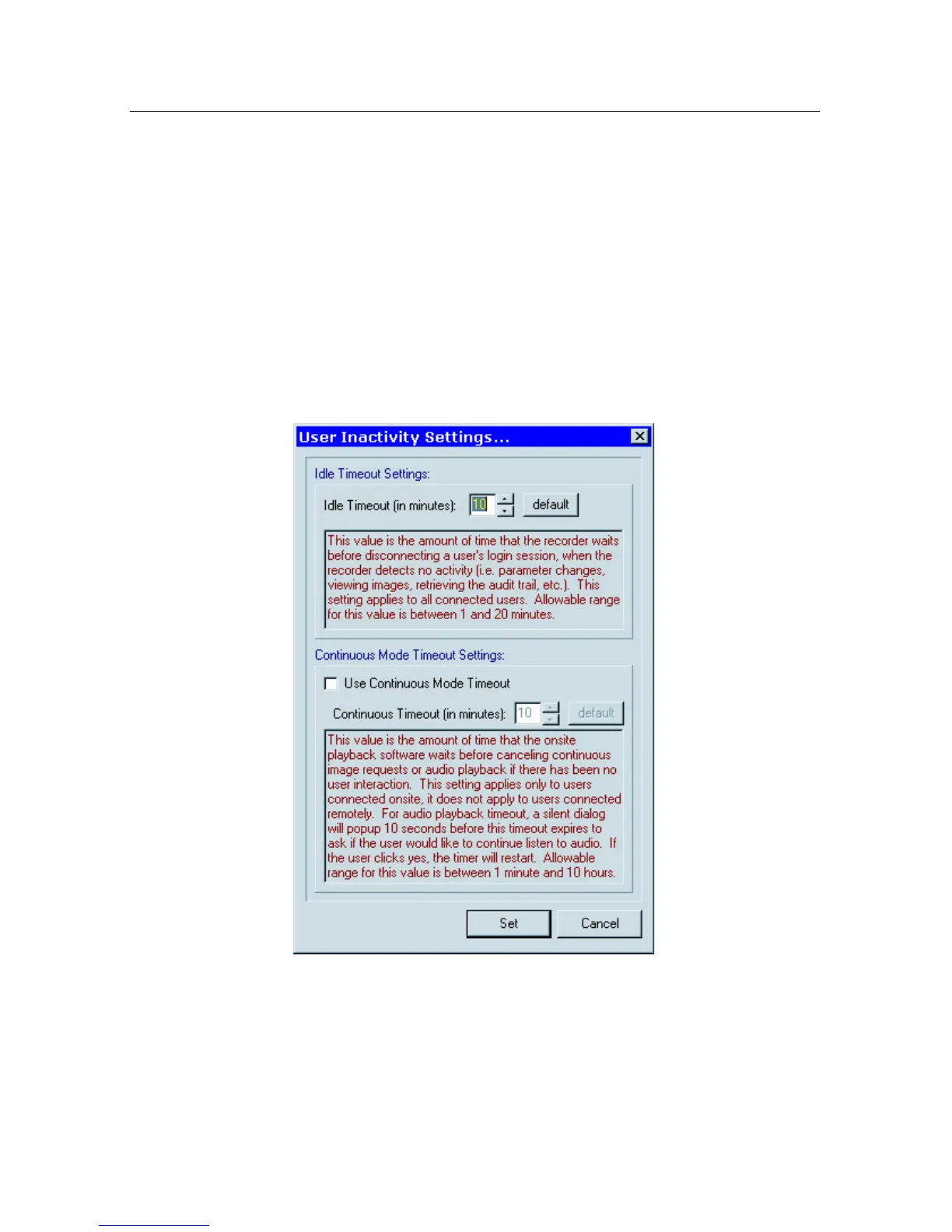
The Idle Timeout is always in effect and may be set to a maximum of 20 minutes
(default 10 minutes). If the playback user remains idle (no new images viewed)
this timeout will ultimately result in either closing Playback Mode or discon-
necting the remote PC user(except when the option to disable idle timeout is
checked).
The Continuous Mode Timeout is optional. If used it will end continuous playback
after the designated period. If there is no further user activity initiated manually
the Idle Timeout will then activate.
UserInactivitySettingsareaccessedfromtheCongurationmenu.
5.3 User Performance
PRO Command DVRs automatically record all user login activity along with keep-
ing a detailed record of everything users do while logged in. The User Perfor-
mance Indicator is an optional feature which uses this data to track how actively
the DVR is being monitored. The indicator shows a color (red or green) and a
number (percentage). You may track activity of all users or one user in particular.
Determine indicator behavior as follows:



 To Next Page