Platinum™ VX
Installation and Operation Manual Navigation
© 2016 Imagine Communications Corp. Proprietary and Confidential. Version 1.2 | Page 104
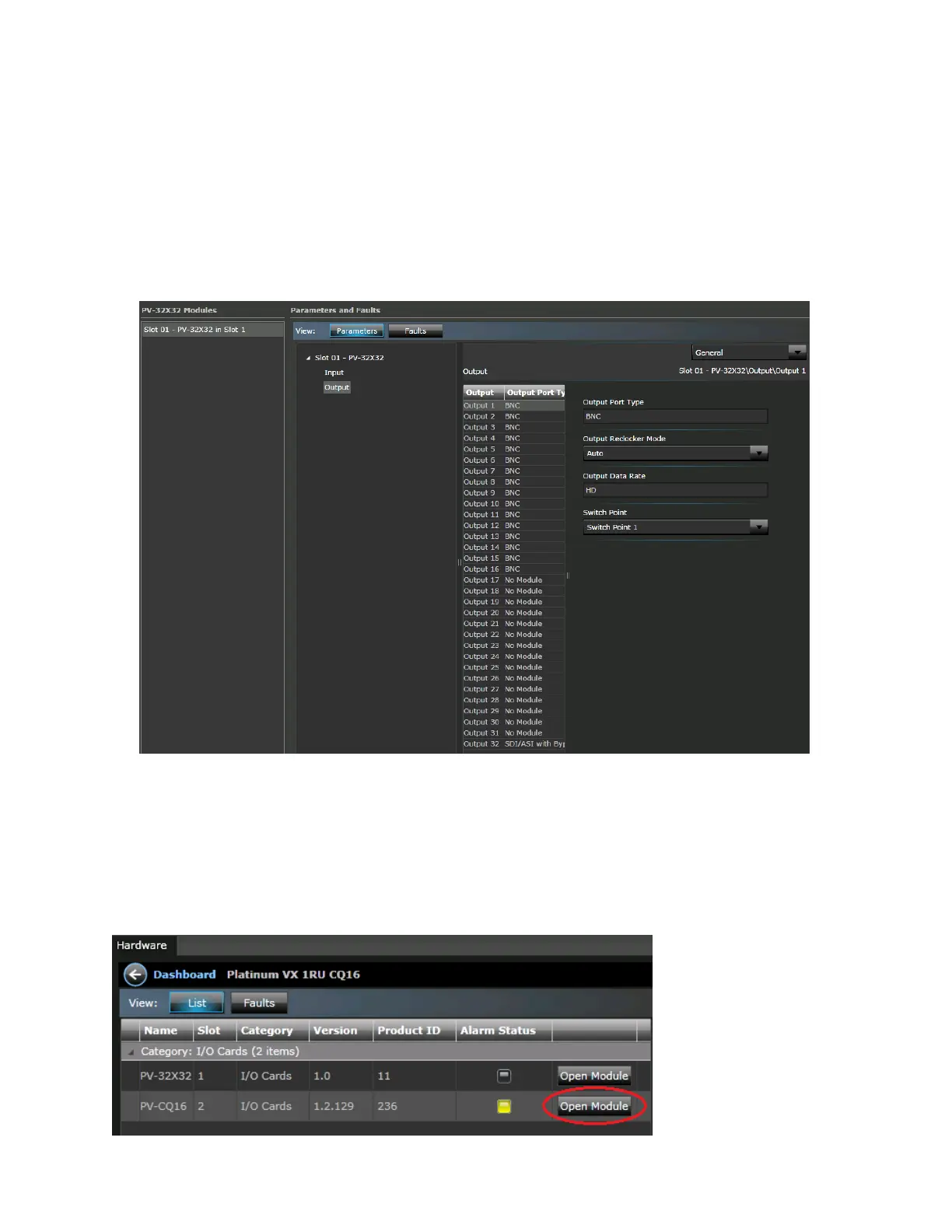
OUTPUTS
Under Output, the Output Port Type column displays information for:
BNCs in output slots 1-16
(For BNC parameters, see BNC Module Input Parameters (on page 105))
SFPs (if plugged in) in output slots 17-32
(SFP Parameters are displayed depending on the type of SFP inserted. See Supported SFP
Specifications (on page 71).)
PV-CQ16 Modules (CQS Modules)
PV-CQ16 is the CQS Module present in a 1 RU CQS frame (See 1 RU Frame (PV-CQ16-FR-1) with Clean
and Quiet Switching (on page 25))
When you click the Open Module button against a CQS Module in the Modules Dashboard View,
parameters are displayed to the right, categorized under menus. See CQS Parameters (on page 113).



 To Next Page