Platinum™ VX
Installation and Operation Manual System Configuration
© 2016 Imagine Communications Corp. Proprietary and Confidential. Version 1.2 | Page 143
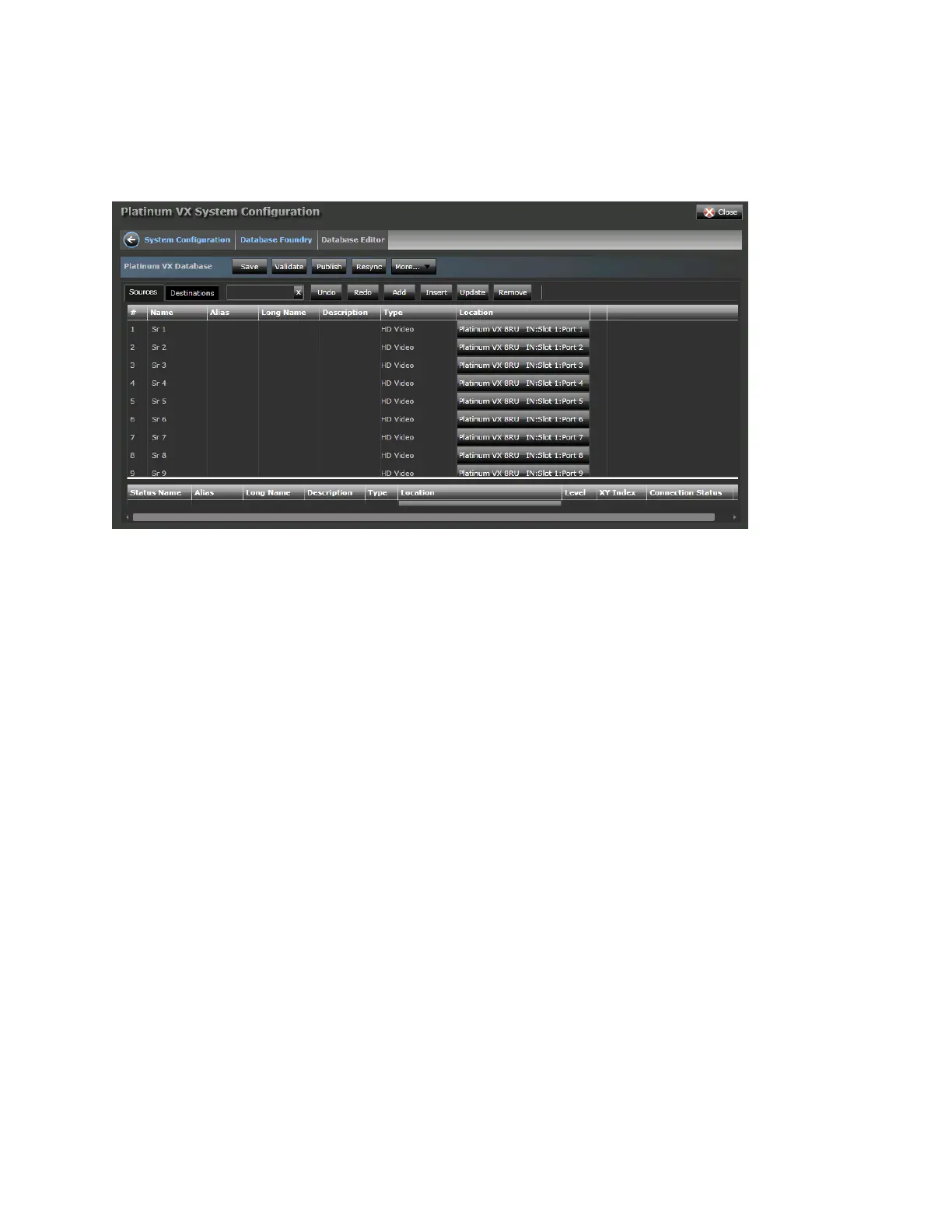
The Database Editor interface enables you to define sources and destinations and perform actions on
them. Ensure you're in the required tab (Sources or Destinations) for instance, if you want to add
Sources, ensure you're in the Sources tab.
You can perform a variety of functions on sources and destinations including:
Add
Insert
Update
Undo/Redo
Remove
Save
Validate
Publish
Resync
Import
Export
Set Preferences
Add
Click the Add button to add a new source or destination.
Number: The number of Sources or Destinations to create. By default, a single Source/Destination
will be created. If a greater number is entered here, for example 10, 10 sequential sources or
destinations will be created, incrementally named (based on the Name Prefix) and with the same
details.
Use Name Index: Select this option to use Name Indices. Unchecking this grays out the Name Index
field.
Name Prefix: Enter a name for the Source or Destination. By default, Sr or Ds. Limited to 8
characters.



 To Next Page