Platinum™ VX
Installation and Operation Manual Navigation
© 2016 Imagine Communications Corp. Proprietary and Confidential. Version 1.2 | Page 99
BNC Input/Output Modules (4/8 RU Frames)
BNC Module details are displayed when you click the Open Module button against a BNC Module in the
Modules Dashboard View.
A list of all BNC Modules in the frame along with the slot they're in is displayed on the left. To the right,
you see Parameters for that BNC Module, categorized by Input (see BNC Module Input Parameters (on
page 105)) and Output (see BNC Module Output Parameters (on page 106)).
SFP Input/Output Modules (4/8 RU Frames)
SFP Module details are displayed when you click the Open Module button against an SFP Module in the
Modules Dashboard View.
A list of all SFP Modules in the frame along with which Slot they're in is displayed on the left.
To the right, you see Parameters for that SFP Module, categorized by:
Input (see SFP Module Input Parameters (on page 107))
Output (see SFP Module Output Parameters (on page 108)).
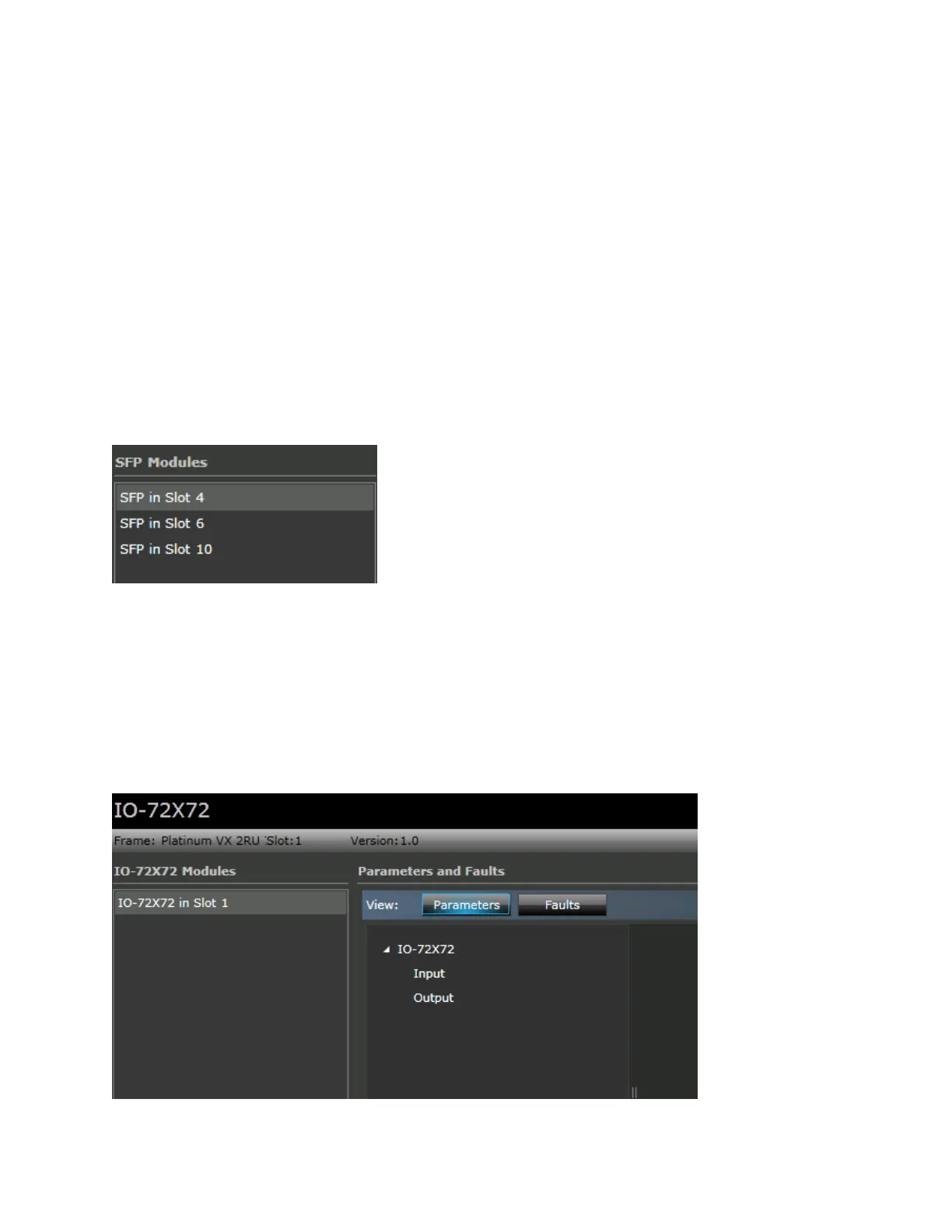
IO-72x72/IO-48x48 (2 RU Frames)
2 RU PV-48X48-FR-2 and PV-72X72-FR-2 frames don't have individual modules. A single main board IO-
72x72/IO-48x48 is displayed when you click the Go to Frame button on the main dashboard.



 To Next Page