MICRO S automatic Cutter motor
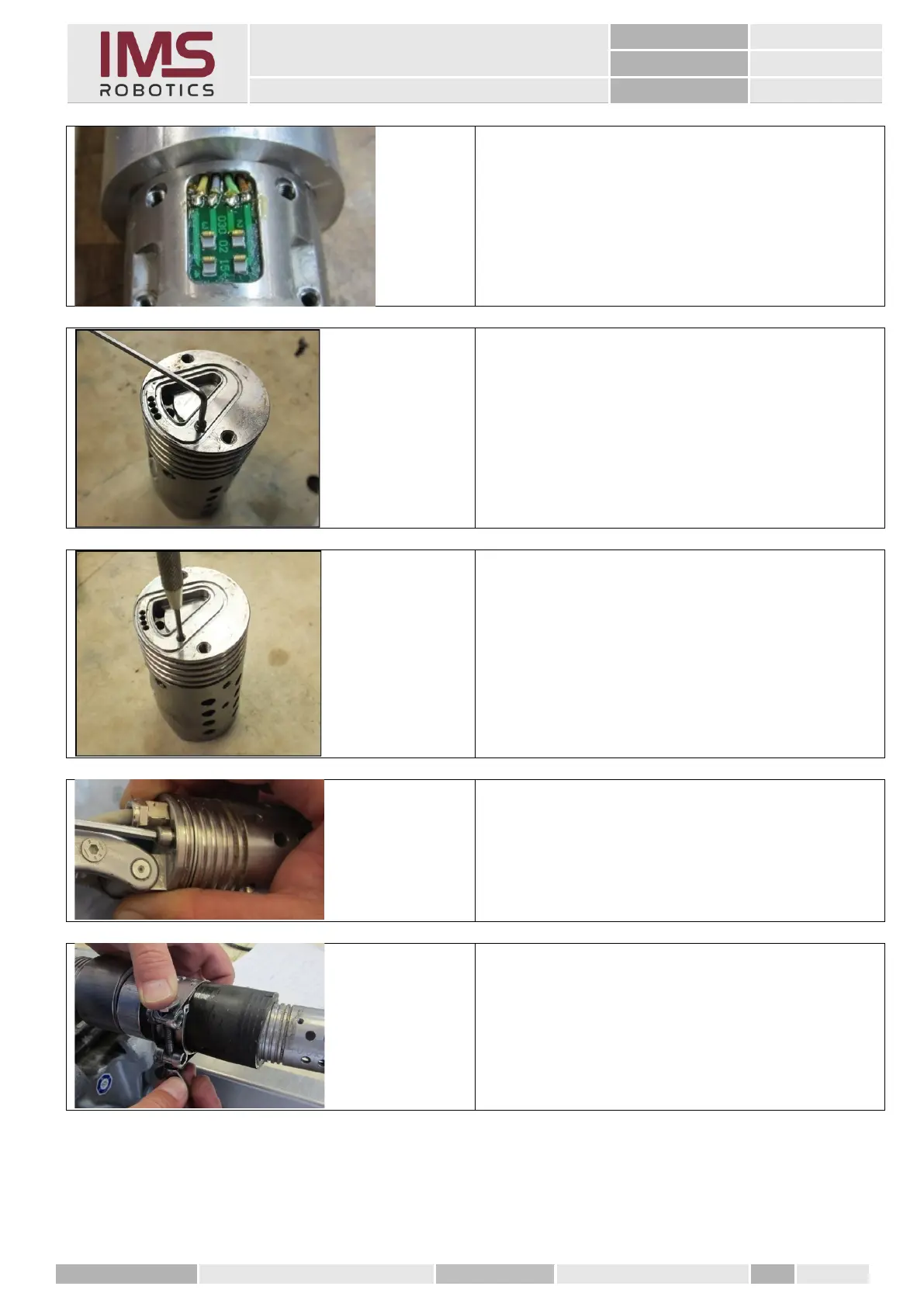
Gluing in the spring contact board according to
instructions
"Replacing the spring contact PCB camera"
Change the cylindrical pin and reuse the used
air motor housing.
1. Remove the M3x5 mm grub screw.
2. Remove the old cylindrical pin from the
housing with a punch.
3. Re-cut the thread with an M3 tap to
remove any adhesive residue.
4. Insert a new cylindrical pin and continue
as described above.
Assembly of the air motor housing – see
instructions
"Mounting the front rotary unit"
Assembly of lifting bubble – see instructions
"Mounting the lifting air bag"



 To Next Page