MICRO S automatic Cutter motor
5. Test electrical connections or functions.
• Test camera image and function
of LEDs via test case.
• Test the function of the rotary
drive.
23.3 Change radial bubble
1. Connect the adapter from the test case
(005 45 300) to the rear 2 distributor.
2. Pressurise the nitrogen system via the
nitrogen filling valve
approx. 1.5 bar
6. Connect the PU hoses of the test adapter
to the compressed air control unit with
pressure gauge one after the other.
• Milling air 6 bar
• Stroke air 6 bar
• Axial air 3 bar
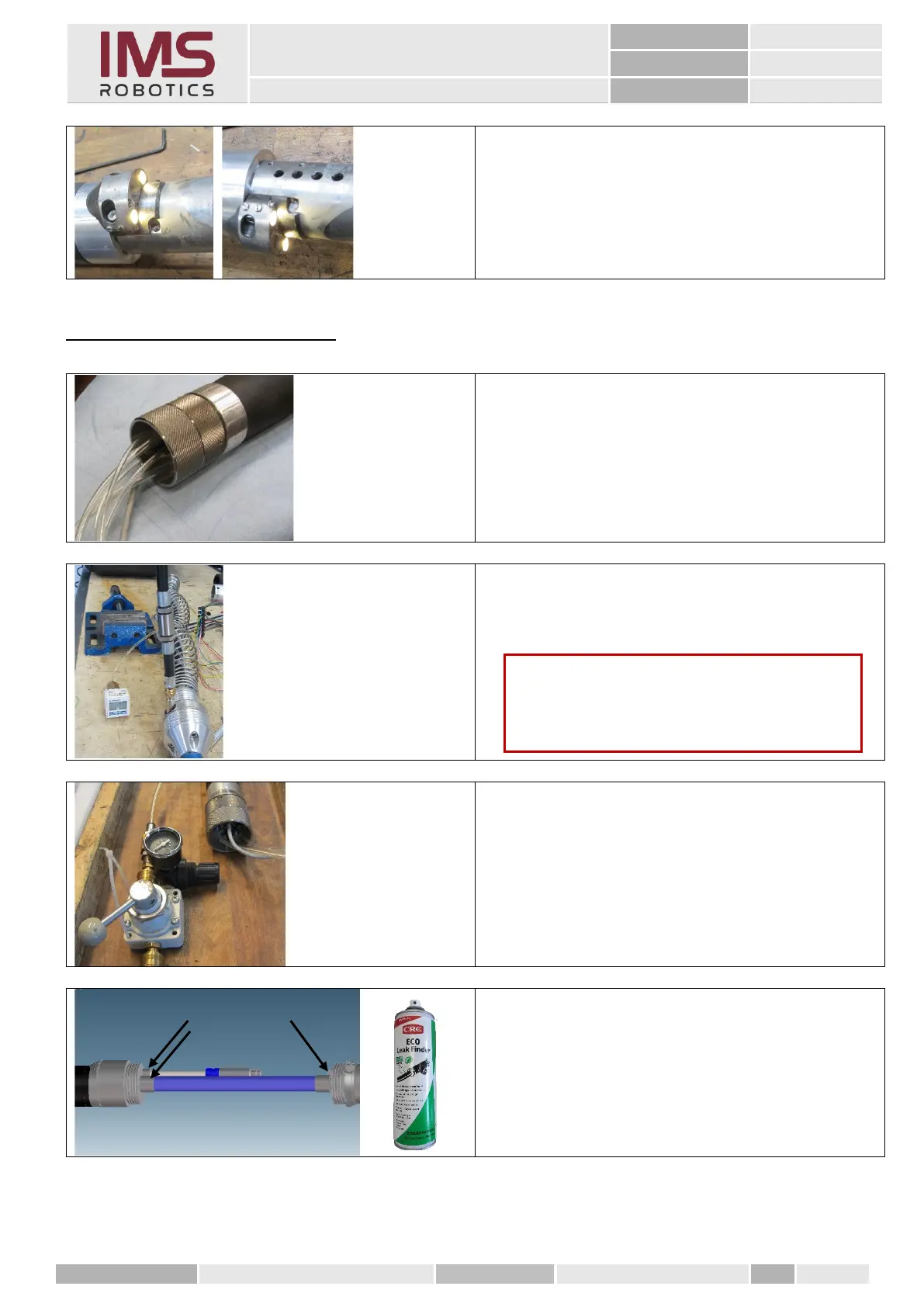
1. Spray all cable glands for camera cables
with "ECO Leak Finder".
Both press sleeves and the connections
to the distributor or to the rotary drive
must also be checked.
Caution
Test duration of at least one hour during which
the test pressure of 1.5 bar must be
maintained.



 To Next Page