MICRO S automatic Cutter motor
22. Replacing sapphire glass panes in front cover
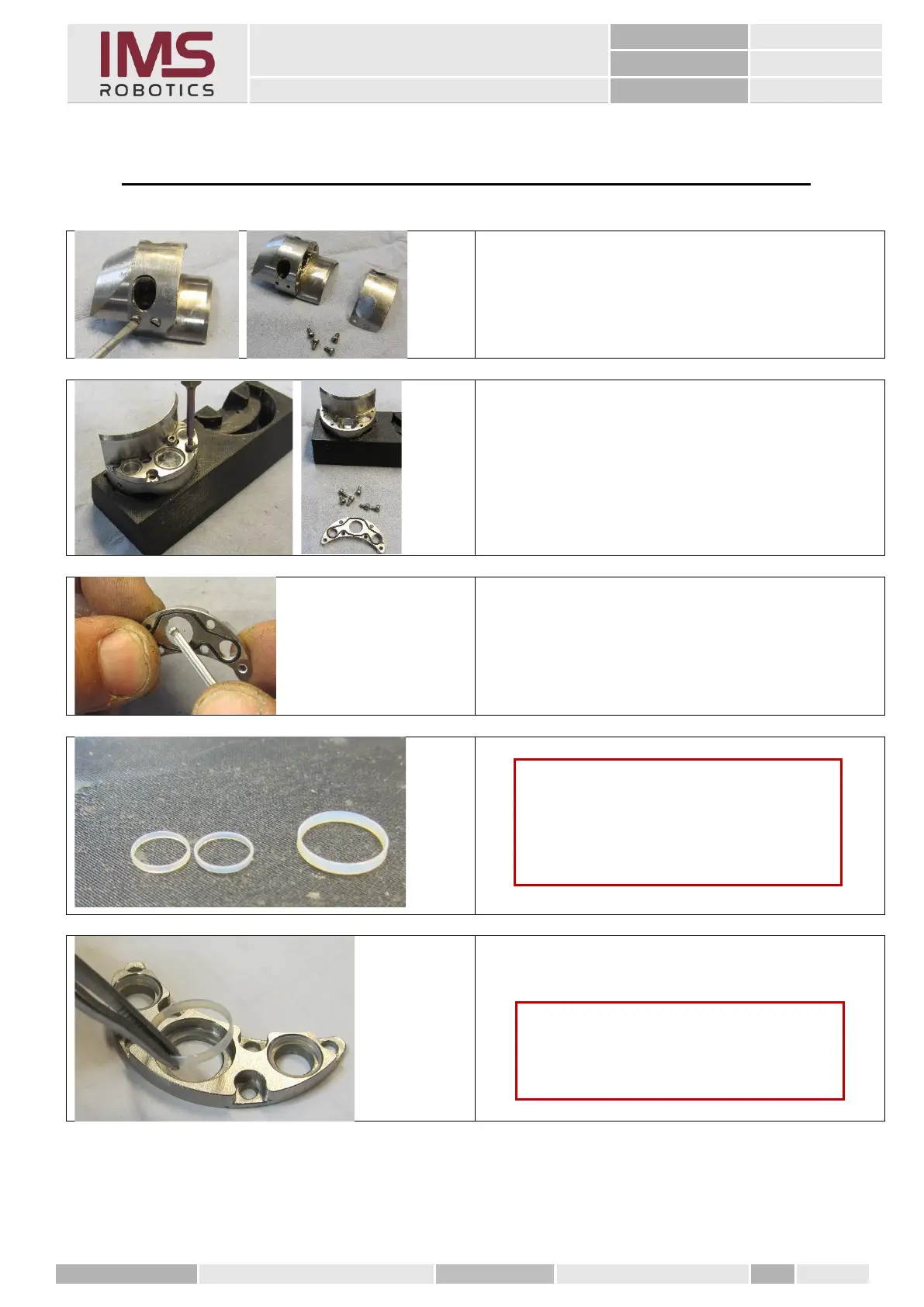
1. Dismantling mudguard
Unscrew four M2 x 4 slotted screws from
the camera body.
2. Remove front cover
Loosen six M2 x 4 hexagon socket
screws.
3. Press the sapphire glass out of the front
cover using a suitable tool.
(e.g., Allen key)
Caution
The seals are slightly conical and must be
inserted into the front cover with the
thicker side facing downwards.
To be sure, use a magnifying glass
Caution
The sealing surfaces in the cover must be
absolutely clean and free of nicks,
scratches or other irregularities.



 To Next Page