MICRO S automatic Cutter motor
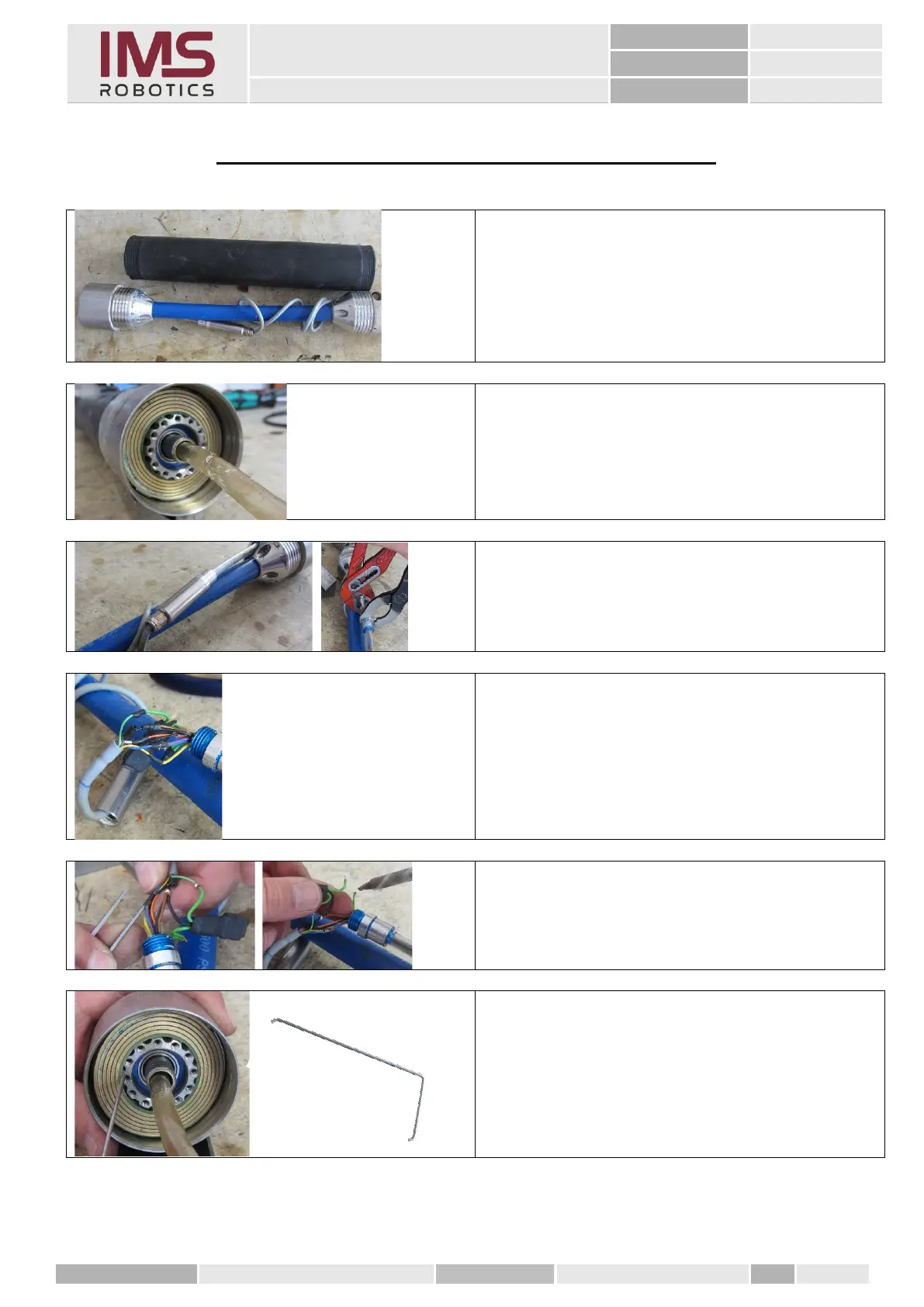
17. Removing the disc grinding ring
Remove the radial air bag according to
instructions
"Removing the radial air bag"
Remove the front rotary unit according to
instructions
"Removing the front rotary unit"
1. Open the sleeve in which the cable
connection and the voltage transformer
are housed.
Exposed cable connections and the voltage
transformer protected with heat shrink tube.
2. Remove the heat-shrink tube from the
cable connections and open the solder
joints.
3. Use a steel hook or similar tool, remove
the disc grinding ring from the rotary
unit housing.



 To Next Page