MICRO S automatic Cutter motor
16. Replacing the brush unit in the rotary unit
Remove the lifting air bag according to instructions
"Removing the lifting air bag"
Remove the front rotary unit according to instructions
"Removing the front rotary unit"
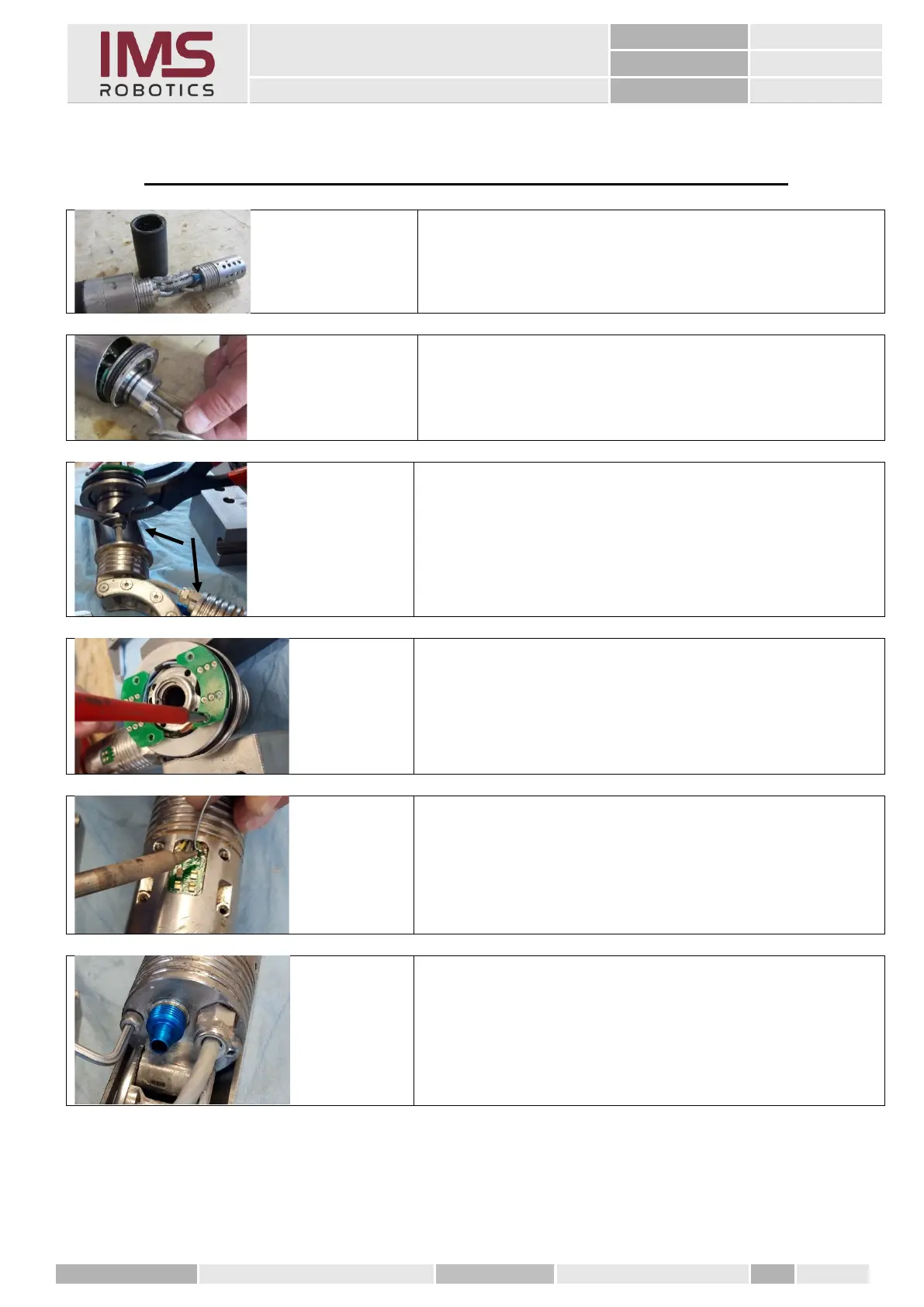
1. Loosen the cable entry from the camera cable
• 1 on the front rotary unit
• 1 on the air motor housing
3. Desolder the wires from the spring contact PCB
1. Loosen the two M4x15 cylinder screws to separate
the adapter bracket and the sheet from the air
motor housing.



 To Next Page