MICRO S automatic Cutter motor
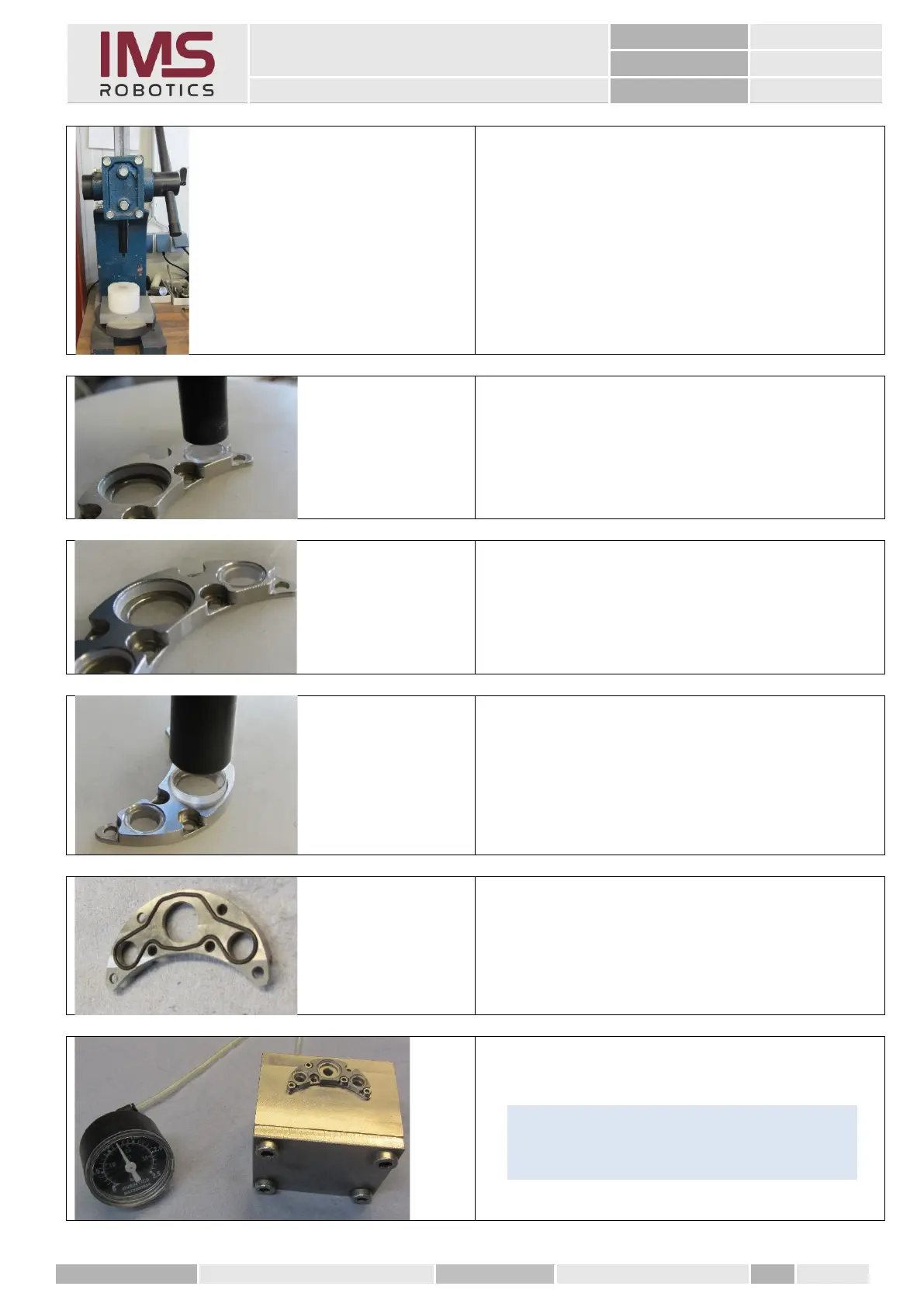
5. With a hand press and the appropriate
punches, the sapphire glasses can now
be pressed back in.
• Stamp for camera glass Ø 11 mm
• Punch for LED glass Ø 7.7 mm
6. Insert the sapphire glasses into the seals
and press them evenly into the openings
of the front cover.
7. The glasses must be flush with the
surface of the front cover.
8. Carry out the same steps with the larger
stamp for the camera glass.
9. Insert the O-ring into the groove of the
front seal.
10. Check nitrogen tightness with front cover
tester.
Tip
If no tester is available, simply assemble the
camera and check it on the milling drive.



 To Next Page