11
1
Introduction
About this User’s Manual
This User’s Manual is designed so that you can quickly install and configure
your InfoPrint 6500-V printer.
Notes and Notices
For your safety and to protect valuable equipment, it is very important that you
read and comply with all information noted in the following section:
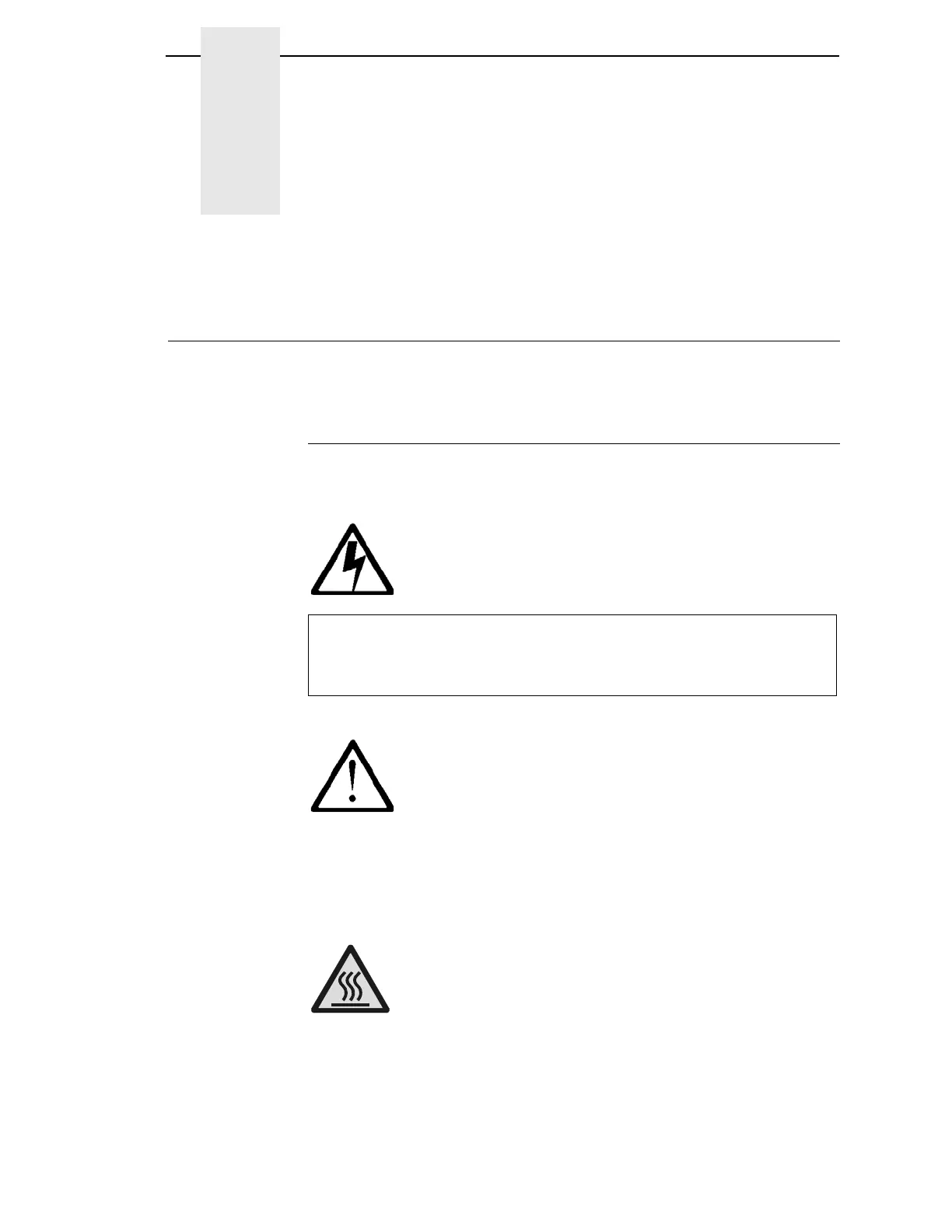
<#> The word Danger next to the lightning slash indicates the presence of a
hazard that could cause death or serious personal injury. Danger and
Caution notices are numbered to help you find the translated versions
in the InfoPrint 6500 Safety Notices booklet.
<#> The word Caution next to the exclamation point (!) indicates the
presence of a hazard that could cause moderate or minor personal
injury.
<#> The word Caution next to this symbol indicates a part or assembly that
is hot enough to burn you.



 To Next Page