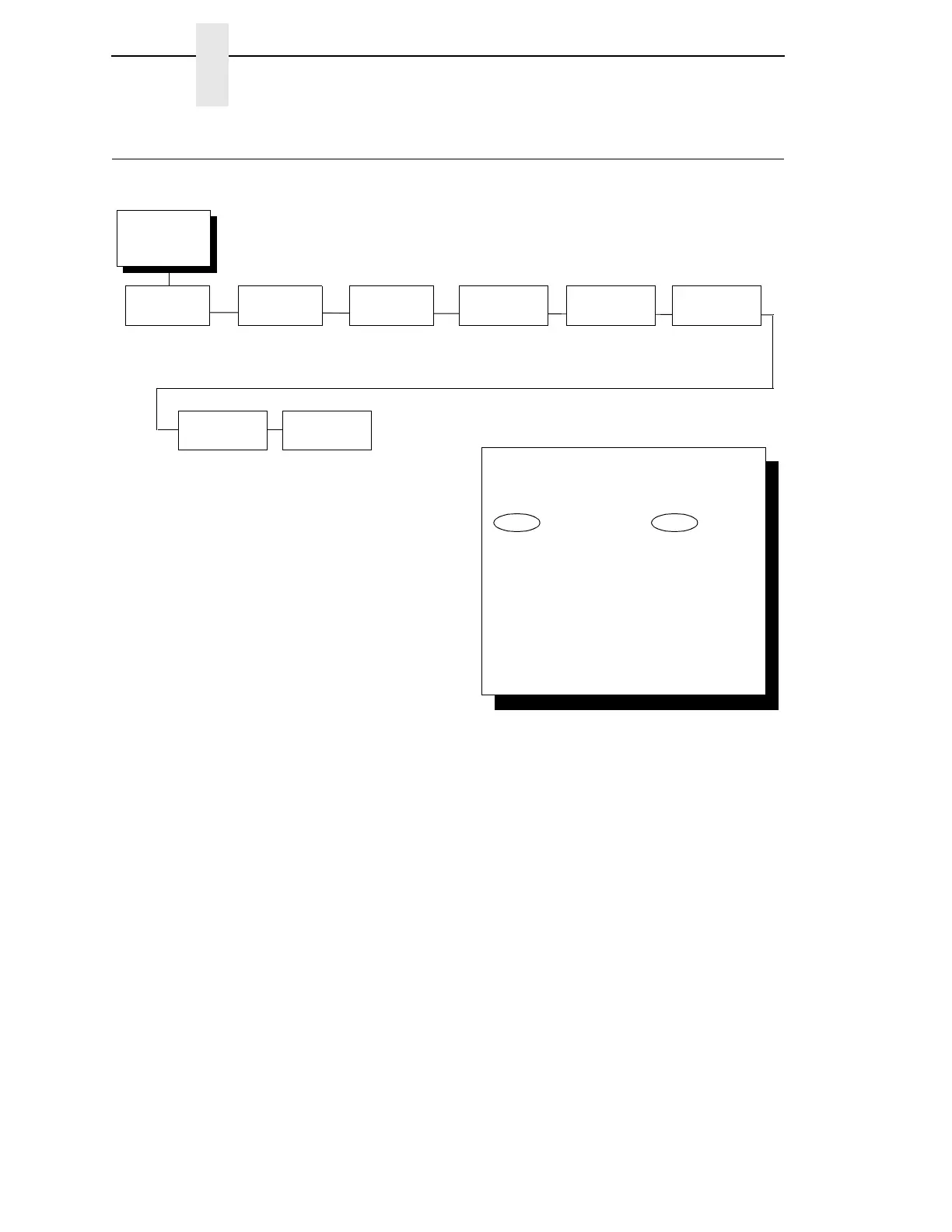
Network
Setup
(from page 58)
Ethernet
Address
1
See page 122.
Ethernet
Parameters
1
See page 123.
Wireless
Address
2
See page 126.
Wireless
Parameters
2
See page 127.
NOTE:
1
Only if the Ethernet Adapter feature is installed.
2
Only if the Integrated Ethernet feature is installed.
3
Only if the Wireless Adapter feature is installed.
4
Only if a Symbol LA 4121 RF radio card is installed.
5
Only if a Cisco radio card is installed.
Adapter
Address
1
See page 117.
Adapter
Parameters
1
See page 118.
Wireless
Kerberos
4
See page 131.
Wireless
LEAP
5
See page 134.
To cycle through the menus and its
options, press MENU then:
To enter a menu or select menu options,
press ENTER.
To return to a previous menu level,
press RETURN.
To exit the configuration menus
and return to READY, press START.
↑
Scroll/
Micro
↓
Scroll/
Micro
OR



 To Next Page