112
Chapter 4
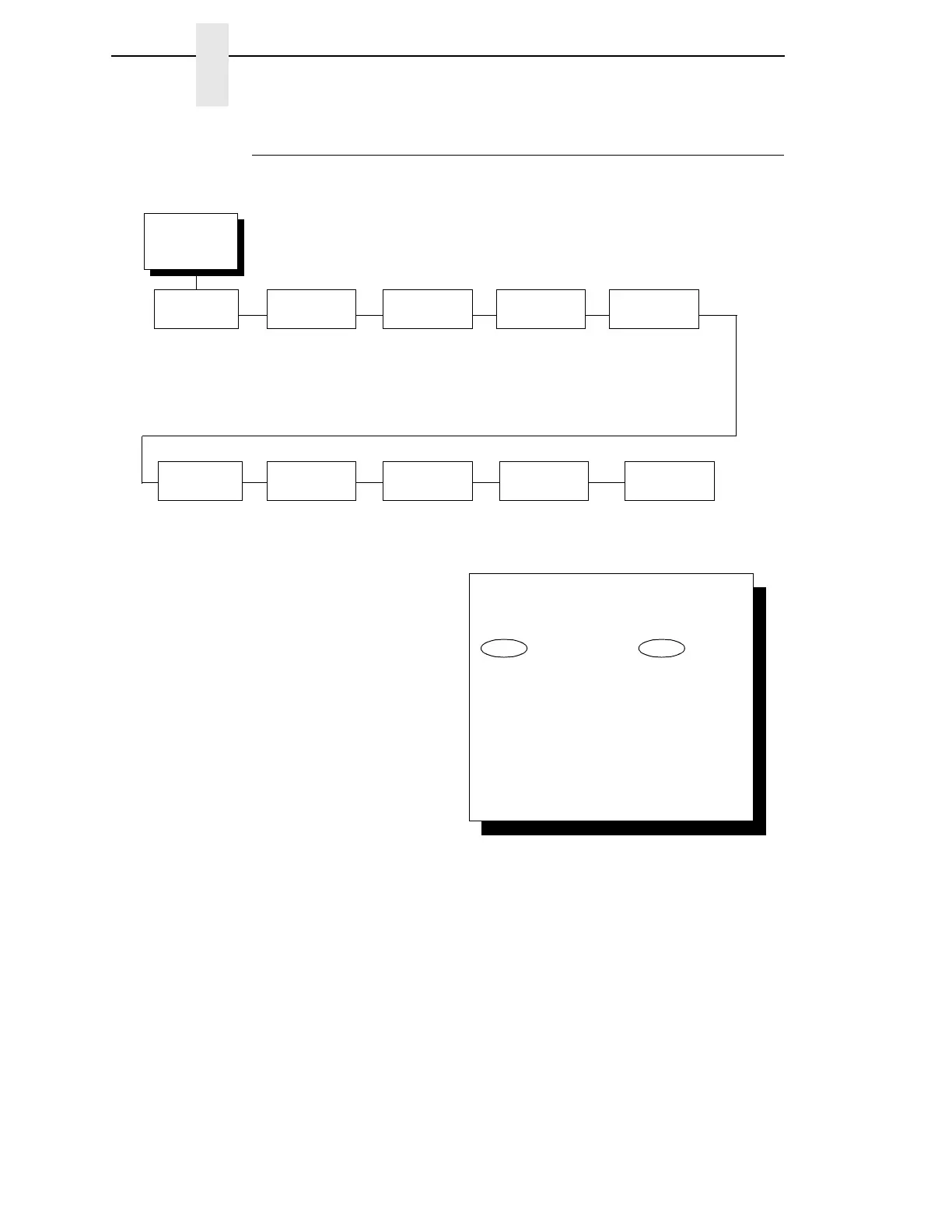
3270 Interface Menu
Compatibility Options Menu
Compatibility Options
Compatibility Option 1:
Carriage Return at MPP+1
MPP is Maximum Print Position, which is also known as line length. OPTION
1 controls a carriage return at the end of a print line and at MPP+1.
•
ON (the default). Produces a carriage return to the first print position of
the next line.
•
OFF. Produces a carriage return to the first print position of the current
line.
Compatibility
Options
(from page 105)
Compatibility
Option 1
On*
Off
Compatibility
Option 2
On*
Off
Compatibility
Option 3
Off*
On
Compatibility
Option 4
On*
Off
Compatibility
Option 6
Off*
On
Compatibility
Option 5
Off*
On
Compatibility
Option 7
Off*
On
Compatibility
Option 8
Off*
On
Compatibility
Option 9
On*
Off
Compatibility
Option 10
Off*
On
(3287 only) (SCS data stream only)
(4234 only)
To cycle through the menus and its
options, press MENU then:
To enter a menu or select menu options,
press ENTER.
To return to a previous menu level,
press RETURN.
To exit the configuration menus
and return to READY, press START.
↑
Scroll/
Micro
↓
Scroll/
Micro
OR
* = Factory Default



 To Next Page