152
Chapter 4
Emulation Configuration Menu
Emulation Configuration Menu
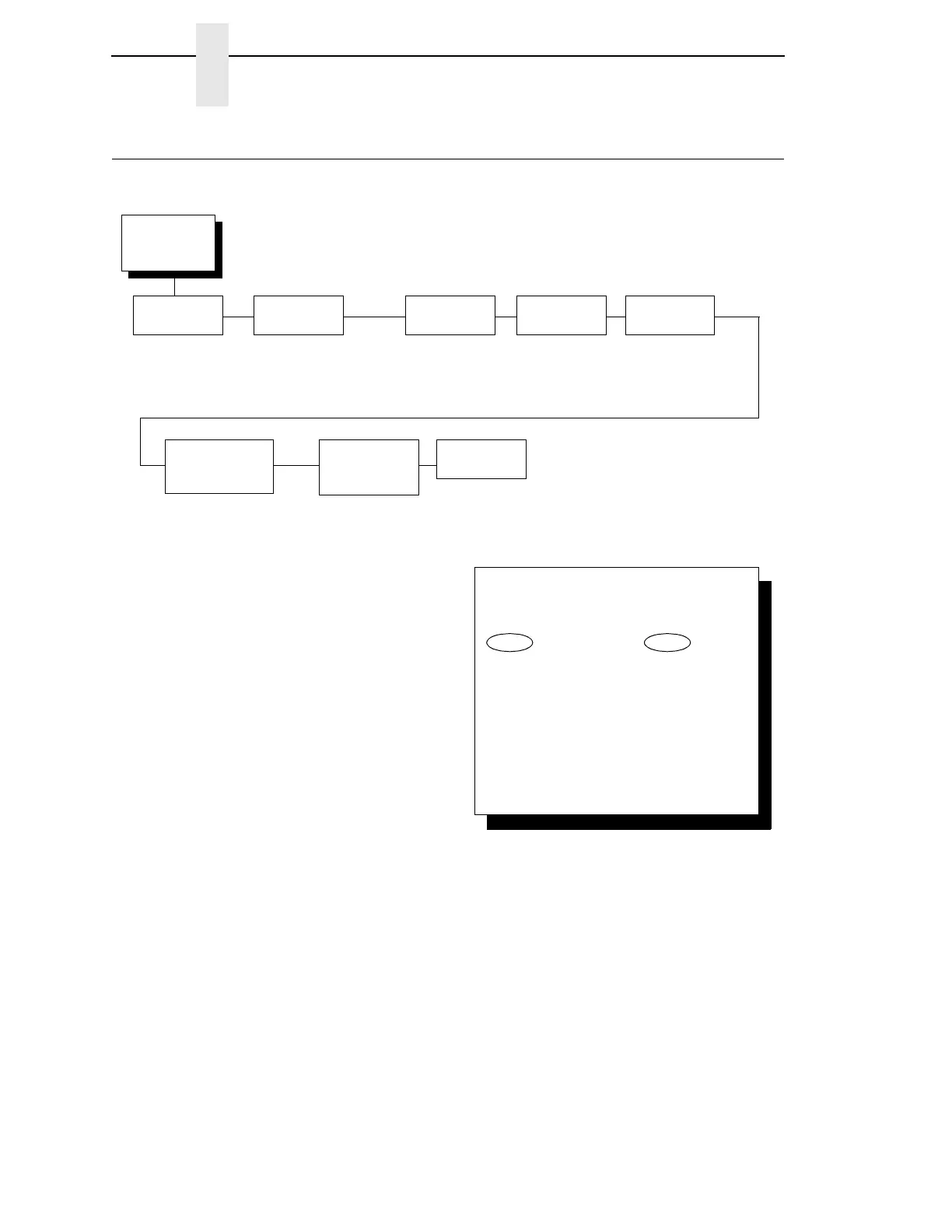
Your printer can support many emulations: Proprinter III XL, Epson, P-Series,
P-Series XQ, and Serial Matrix. These emulations are included with your
printer.
Your printer can support other emulations: IPDS, Code V, and IGP. These
emulations are features that must be ordered separately. (These features
may have been installed at the factory if the features were ordered with the
printer.) For the IPDS Coax/Twinax emulation, the Coax/Twinax feature must
be installed.
Emulation
Configuration
(from page 58)
Active Graphic
Emulation
ANSI Printer Emulation*
1
IGP
1
Code V
1
IPDS
1
See page 154
Code V
Emulation
1
See page 176
IGP
Emulation
1
See page 170
ASCII Printer
Emulation
Proprinter III XL Emul*
Epson Emulation
1
P-Series Emulation
P-Series XQ Emulation
Serial Matrix Emulation
Print
Format
See page 200
Printer Emul
Config
See page 185
ANSI Printer
Emulation
1
See page 161
NOTE:
* = Factory Default
1
If installed.
To cycle through the menus and its
options, press MENU then:
To enter a menu or select menu options,
press ENTER.
To return to a previous menu level,
press RETURN.
To exit the configuration menus
and return to READY, press START.
↑
Scroll/
Micro
↓
Scroll/
Micro
OR



 To Next Page