EasyManua.ls Logo

InfoPrint 6500 - Code V Emulation Menu

Default Icon
360 pages
Print Icon
To Next Page IconTo Next Page
To Previous Page IconTo Previous Page
Loading...
176
Chapter 4
Emulation Configuration Menu
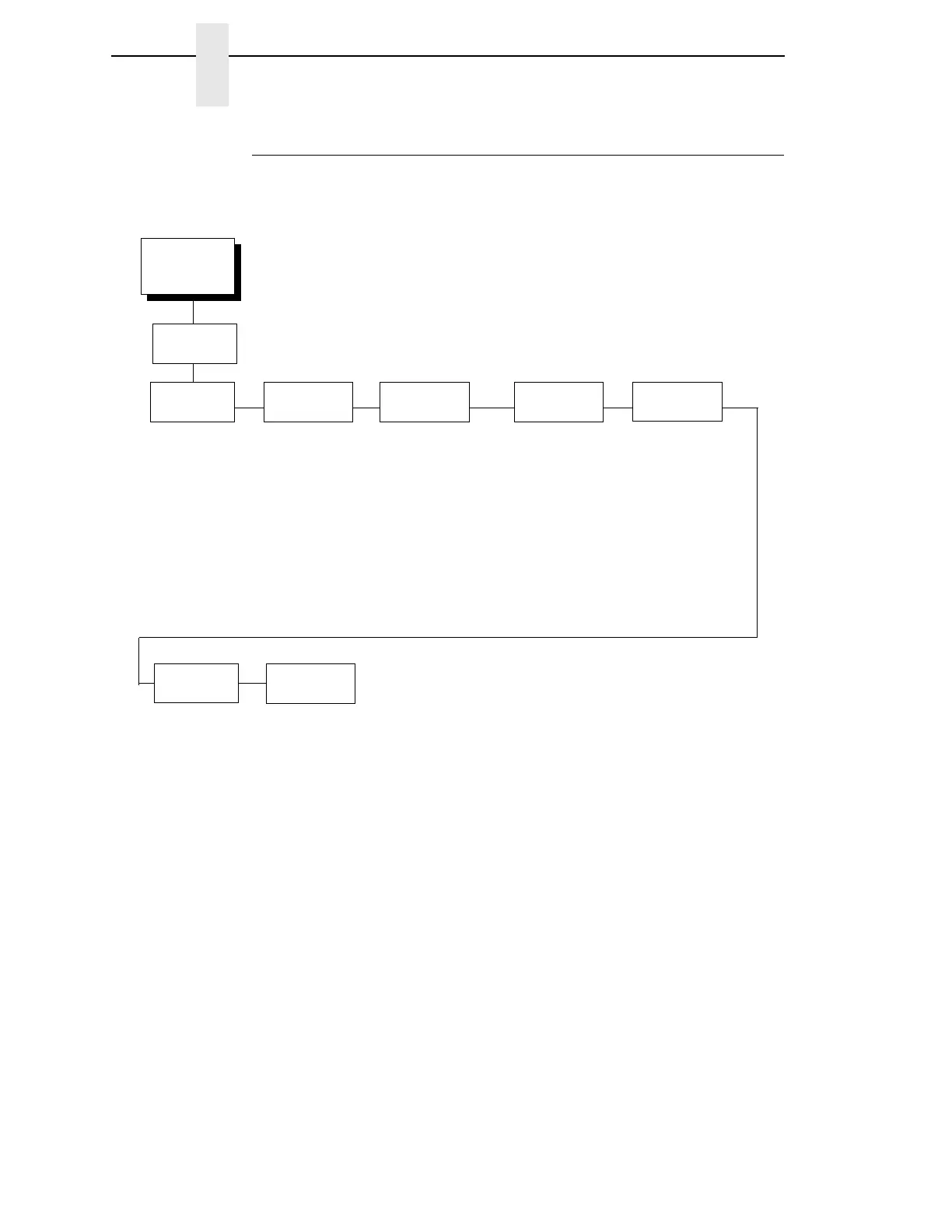
Code V Emulation Menu
Emulation
Configuration
(from page 152)
SFCC And
Power On
Code V SFCC
5E*
Power On ^X
Disable*
Enable
Power On ^F
Disable*
Enable
Power On ^PY
Disable*
Enable
Lines
Per Inch
6*
7
8
9
10
Graphics
Options
See the following
page.
Error
Handling
Error Messages
Enable*
Disable
Error Markers
Enable*
Disable
Off Page Errors
Disable*
Enable
Bar Code Errors
Enable*
Disable
Font
Set
0*
0 - 33
Character
Filtering
Ignore Characters
Disable*
Character 1
Character 2
Character 1 And 2
Select Character 1
0* - 255
Select Character 2
0* - 255
Data Bit 8
Enable*
Disable
PI
Control
Printer PI
Disable*
Enable
Host PI
Disable*
Enable
PI Slew Range
Enable*
Disable
Code V
Emulation
* = Factory Default

Table of Contents

Related product manuals