EasyManua.ls Logo

InfoPrint 6500 - Page 177

Default Icon
360 pages
Print Icon
To Next Page IconTo Next Page
To Previous Page IconTo Previous Page
Loading...
Code V Emulation Menu
177
SFCC and Power On
Code V SFCC
Selects the Special Function Control Character. Valid values are 11 (hex)
through FF (hex). The default value is 5E (hex). Always use the SFCC
required for your configuration wherever the circumflex, or (cc) is shown.
Obtain a configuration printout to determine the currently selected SFCC.
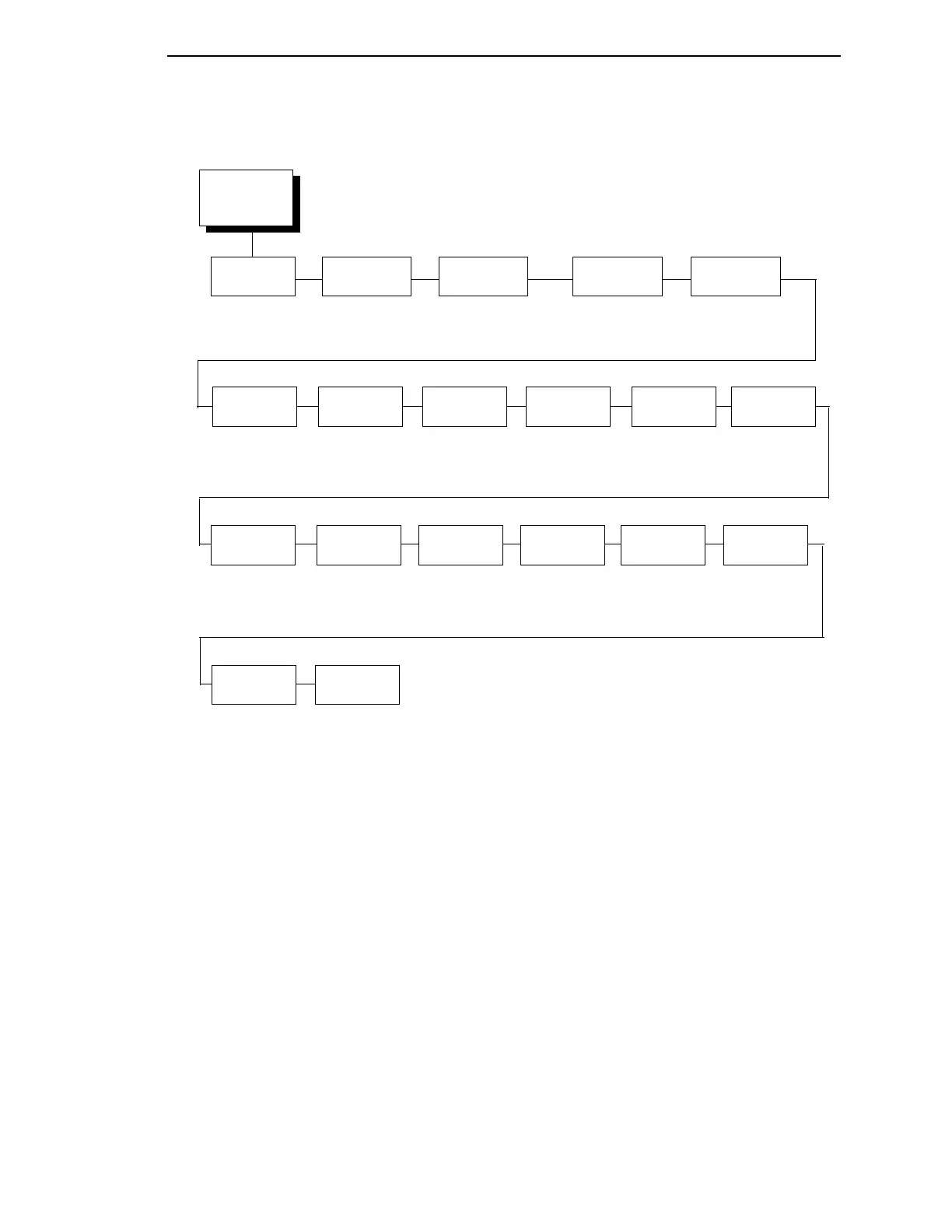
Graphics
Options
(from page 176)
Absorb
At ^PY
Ignore Dots
Value
Append
Rotated
Truncate Off
Page Alpha
True Vert
1/10
Slashed Zero
Disable*
Enable
Disable*
Enable
Disable*
Enable
Enable*
Disable
Disable*
Enable
Absorb Motion*
Absorb All
Disable
UPC
Descenders
Enable*
Disable
Rotate
Character Size
Adjusted*
Not Adjusted
Ignore
Spaces
Disable*
Enable
Midline PY
Enable*
Disable
Dark
Barcode
Disable*
Enable
Expanded
Font
Block*
Scalable
LP+ Font
Disable*
Enable
Width Limit
Disable*
Enable
Absorb at ^PN
Disable*
Enable
IGP110
Compatibility
Enable*
Disable
Inline
Graphics
Disable*
Enable
LF For Term.
Disable*
Enable
Ignore ^Lxx
Cmd.
Disable*
Enable
* = Factory Default

Table of Contents

Related product manuals