Printer
Control
(From page 58)
Interface
Selection
Autoswitching*
Parallel
Serial
E-Net Adapter
Twinax*
1
Coax
1
Ethernet
4
Display
Language
English*
German
French
Italian
Spanish
Dutch
Portuguese
Polish
Print
Direction
Bidirectional*
Unidirectional
Hex Print
Mode
Disable*
Enable
Power On
State
Ready*
Not Ready
Paper Jam
Detection
Enable*
Disable
Form
Speeds
Normal Speed*
Slow Speed
Set Platen At
BOF
Disable*
Open
Shuttle
Timeout
5 Seconds*
1 - 60 Seconds
Energy
Saver Timer
15 Minutes*
1 - 60 Minutes
240 Minutes
Instant
5 - 30 Seconds
NOTE:
* = Factory Default
1
The Twinax and Coax interface menus only appear in the
menus if the Coax/Twinax feature is installed.
2
Top exit tear path can only be selected on pedestal
models.
3
If the Power Paper Stacker is installed.
4
Either the Network Setup menu or the Parallel Interface
menu will display. They cannot be displayed at the same
time.
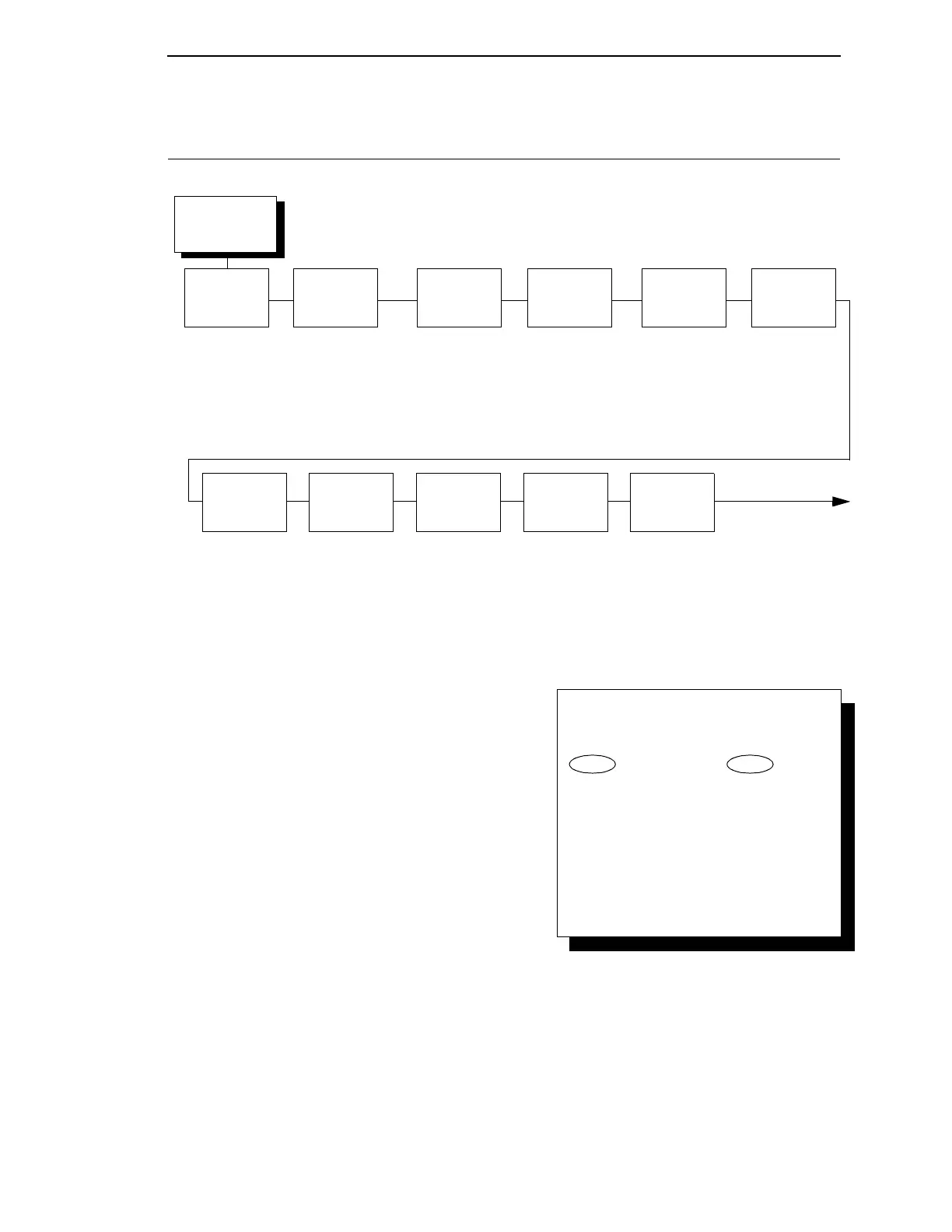
To cycle through the menus and its
options, press MENU then:
To enter a menu or select menu options,
press ENTER.
To return to a previous menu level,
press RETURN.
To exit the configuration menus
and return to READY, press START.
↑
Scroll/
Micro
↓
Scroll/
Micro
OR
(Continued on
next page)
Slick
Paper
Disable*
Enable



 To Next Page