EasyManua.ls Logo

InfoPrint 6500 - Parallel Interface Menu

Default Icon
360 pages
Print Icon
To Next Page IconTo Next Page
To Previous Page IconTo Previous Page
Loading...
136
Chapter 4
Parallel Interface Menu
Refer to Chapter 5 for more information about printer interfaces.
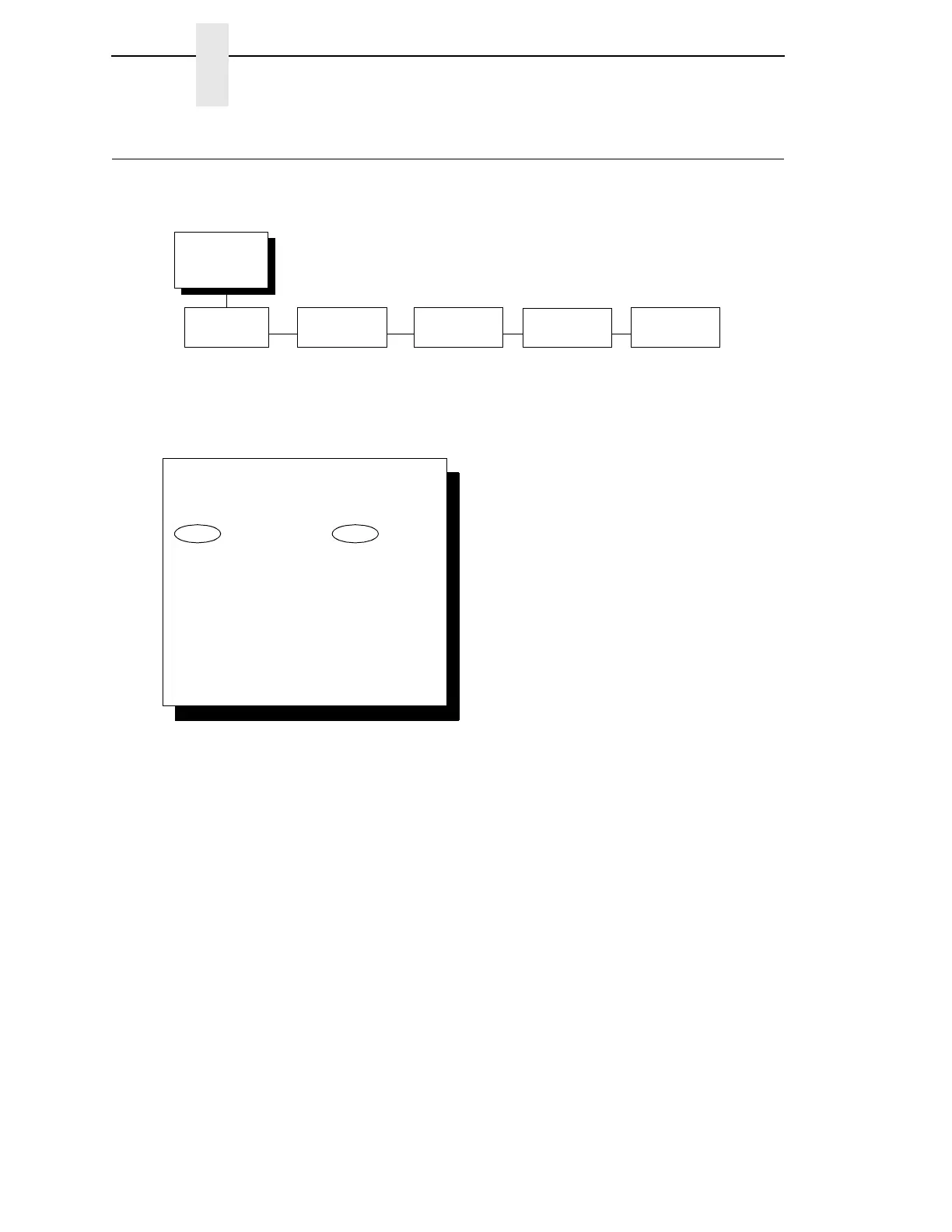
Interface Type
The INTERFACE TYPE parameter selects which electrical interface will drive
the parallel port interface, as follows:
IEEE 1284 (the default)
PC Parallel
Dataproducts
PC Parallel
See page 138.
Dataproducts
See page 141.
IEEE 1284
See page 144.
Parallel
Interface
(from page 59)
Interface
Type
IEEE 1284*
PC Parallel
Dataproducts
PC Parallel
See page 138
Dataproducts
See page 141
Parallel
Hotport
Trickle Time
1/4 Sec*
1/2 Sec
1 Sec
2 Sec
4 Sec
8 Sec
16 Sec
OFF
Timeout
10 Sec.*
1 Sec. - 60 Sec.
Report Status
Disable*
Enable
IEEE 1284
See page 144
* = Factory Default
To cycle through the menus and its
options, press MENU then:
To enter a menu or select menu options,
press ENTER.
To return to a previous menu level,
press RETURN.
To exit the configuration menus
and return to READY, press START.
Scroll/
Micro
Scroll/
Micro
OR

Table of Contents

Related product manuals