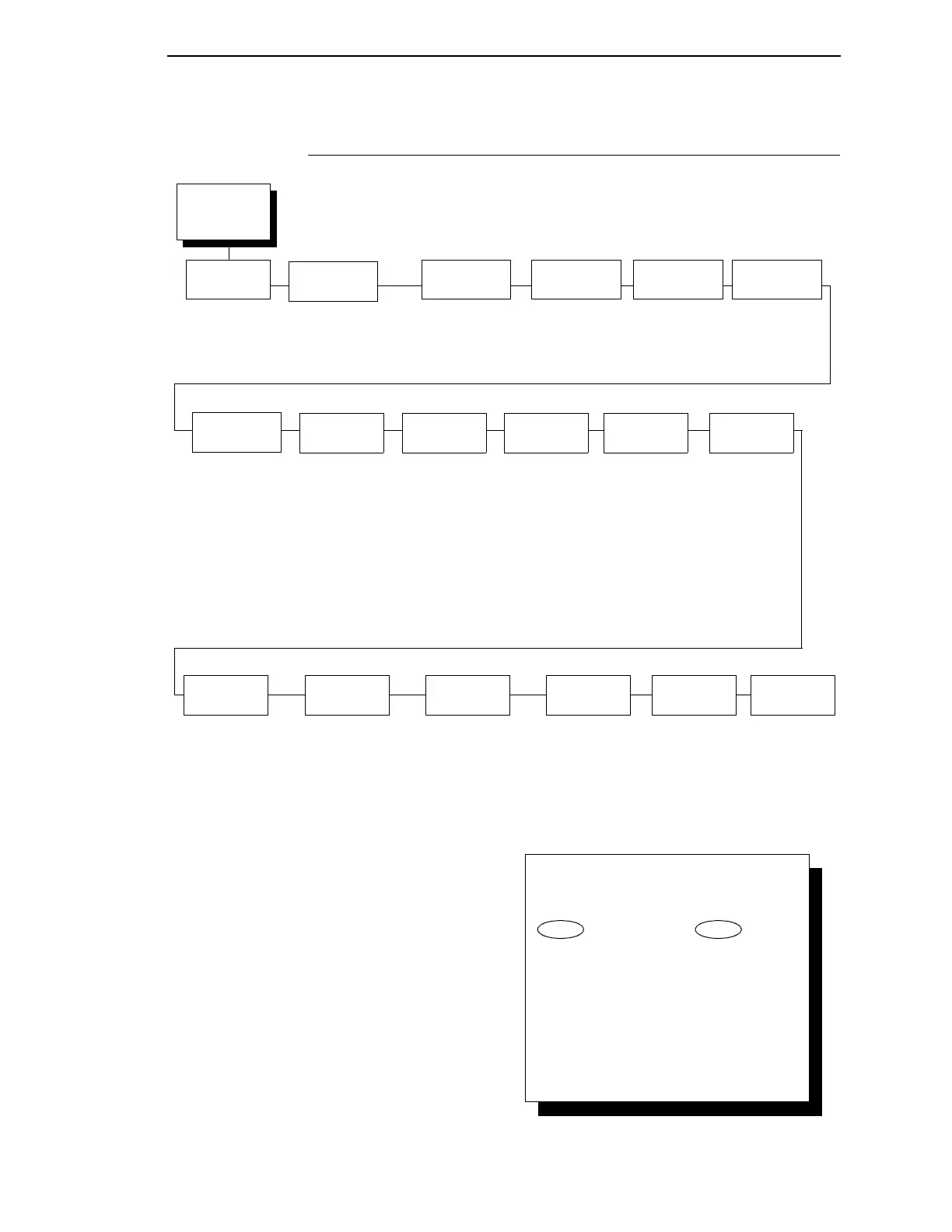
Wireless
Parameters
(from page 116)
Signal
Strength
0%
SSID
Name
SSID Name (01 - 15)
SSID Name (16 - 30)
SSID Name (31 - 32)
Preamble
Default*
Short
Long
Operation
Mode
Infrastructure*
Pseudo IBSS
Ad Hoc
Antenna
Diversity
Diverse*
Primary
Auxiliary
NOTE:
* = Factory Default
1
Only when 40 Bites is selected
2
Only when 128 Bits is selected
3
Only when a Symbol radio card is installed.
4
Only when a Cisco radio card is installed.
Minimum
Transfer Rate
Auto-negotiate*
1Mb/Sec
2Mb/Sec
5.5Mb/Sec
11Mb/Sec
Power
Management
0 ms.*
100 ms.
200 ms.
300 ms.
400 ms.
500 ms.
600 ms.
700 ms.
800 ms.
900 ms.
1000 ms.
Transmit
Power
100%*
0 - 100 %
International
Mode
Disable*
Enable
Default WEP
Key
0*
1
2
3
4
WEP Key 1
Key Format
Hexadecimal*
ASCII
Key Width
128 Bits*
40 Bits
Byte 1: - Bytes 5
1
Byte 1: - Bytes 13
2
WEP Key 2
Key Format
Hexadecimal*
ASCII
Key Width
128 Bits*
40 Bits
Byte 1: - Bytes 5
1
Byte 1: - Bytes 13
2
WEP Key 3
Key Format
Hexadecimal*
ASCII
Key Width
128 Bits*
40 Bits
Byte 1: - Bytes 5
1
Byte 1: - Bytes 13
2
WEP Key 4
Key Format
Hexadecimal*
ASCII
Key Width
128 Bits*
40 Bits
Byte 1: - Bytes 5
1
Byte 1: - Bytes 13
2
Reset WEP
Keys
Channel
Default*
1 - 15
Reset SSID
Name
Authentication
Method
Open*
Shared
Kerberos
3
LEAP
4
To cycle through the menus and its
options, press MENU then:
To enter a menu or select menu options,
press ENTER.
To return to a previous menu level,
press RETURN.
To exit the configuration menus
and return to READY, press START.
↑
Scroll/
Micro
↓
Scroll/
Micro
OR



 To Next Page