210
Chapter 4
Operator Print Tests Menu
Operator Print Tests Menu
The print tests are used to check the print quality and operation of your
printer. The procedure to run these tests is shown on page . The self–tests
include the following:
Printer Demonstration
(The default). Demonstrates some of the functions and features available on
the printer.
Print Error Log
Prints a log of errors that have occurred in the printer.
Print Ribbon Log
Prints log of cartridge installed in the printer.
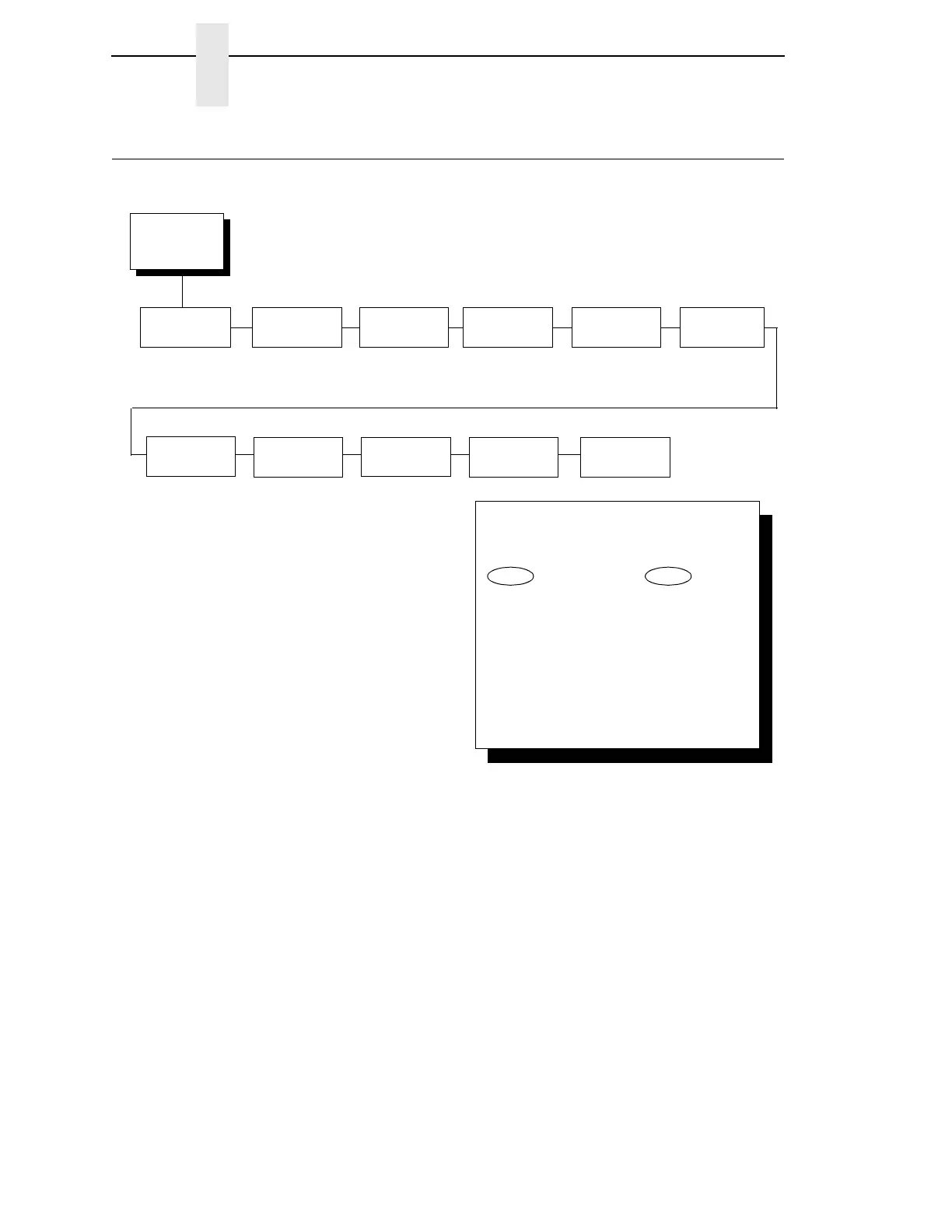
Operator Print
Tests
(from page 58)
Printer
Demonstration
Print Error
Log
Ripple
Print
All E’s
All H’s
Underlines
All E’s + FF
Ethernet Test
Page
2
NOTE:
1
The Adapter Test Page is only available with the
Ethernet Adapter feature installed.
2
The Ethernet Test Page is only available with the
Integrated Ethernet feature installed.
Adapter Test
Page
1
Clear Error
Log
To cycle through the menus and its
options, press MENU then:
To enter a menu or select menu options,
press ENTER.
To return to a previous menu level,
press RETURN.
To exit the configuration menus
and return to READY, press START.
↑
Scroll/
Micro
↓
Scroll/
Micro
OR
Print Ribbon
Log



 To Next Page