46
Chapter 3
Changing Parameters
Changing Parameters
The following procedure shows you how to change a configuration setting.
Changing the Print Direction from the factory default setting BIDIRECTIONAL
to the setting UNIDIRECTIONAL is provided as an example. Print Direction is
one of the Printer Control menu options. The procedure is similar for other
configuration changes. Use these basic guidelines to navigate the
configuration menus and change other parameters.
NOTE: Press Start at any time to exit the configuration menu.
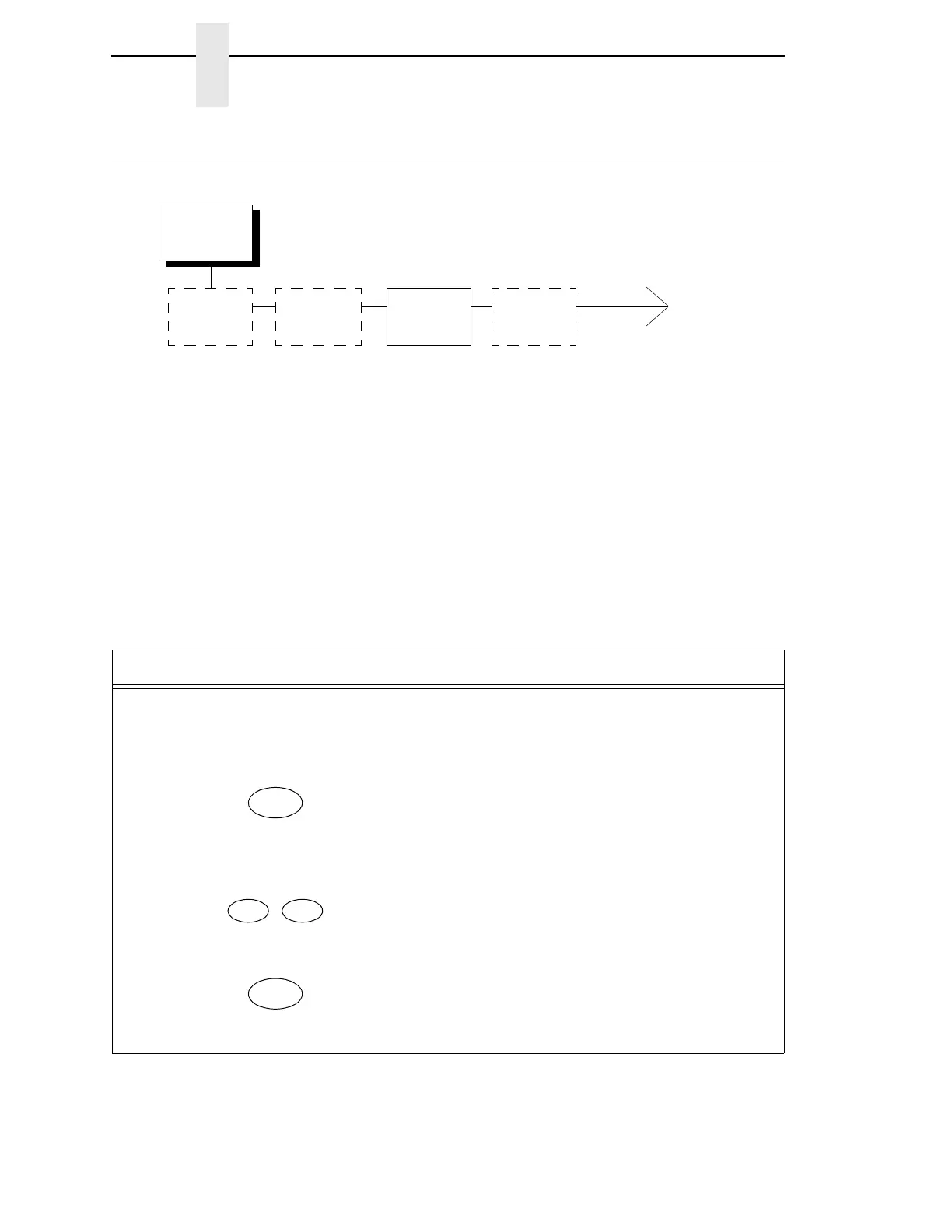
Printer
Control
Interface
Selection
Hex Print
Mode
Print
Direction
Display
Language
Bidirectional*
Unidirectional
* = Factory Default
Step Key LCD Results Notes
1. Determine which parameters you want to change and what the new values will be. In this
example, the value for the PRINT DIRECTION parameter will be changed from
“BIDIRECTIONAL” to “UNIDIRECTIONAL.”
2. Press NOT READY Places the printer in NOT
READY mode before entering
the operator menus.
3. OPERATOR MENU
UNLOCKED
Unlocks the Operator Menu,
which allows you to make
configuration changes.
4. OPERATOR MENU
PRINTER CONTROL
Displays the first Configuration
Main Menu option, PRINTER
CONTROL.



 To Next Page