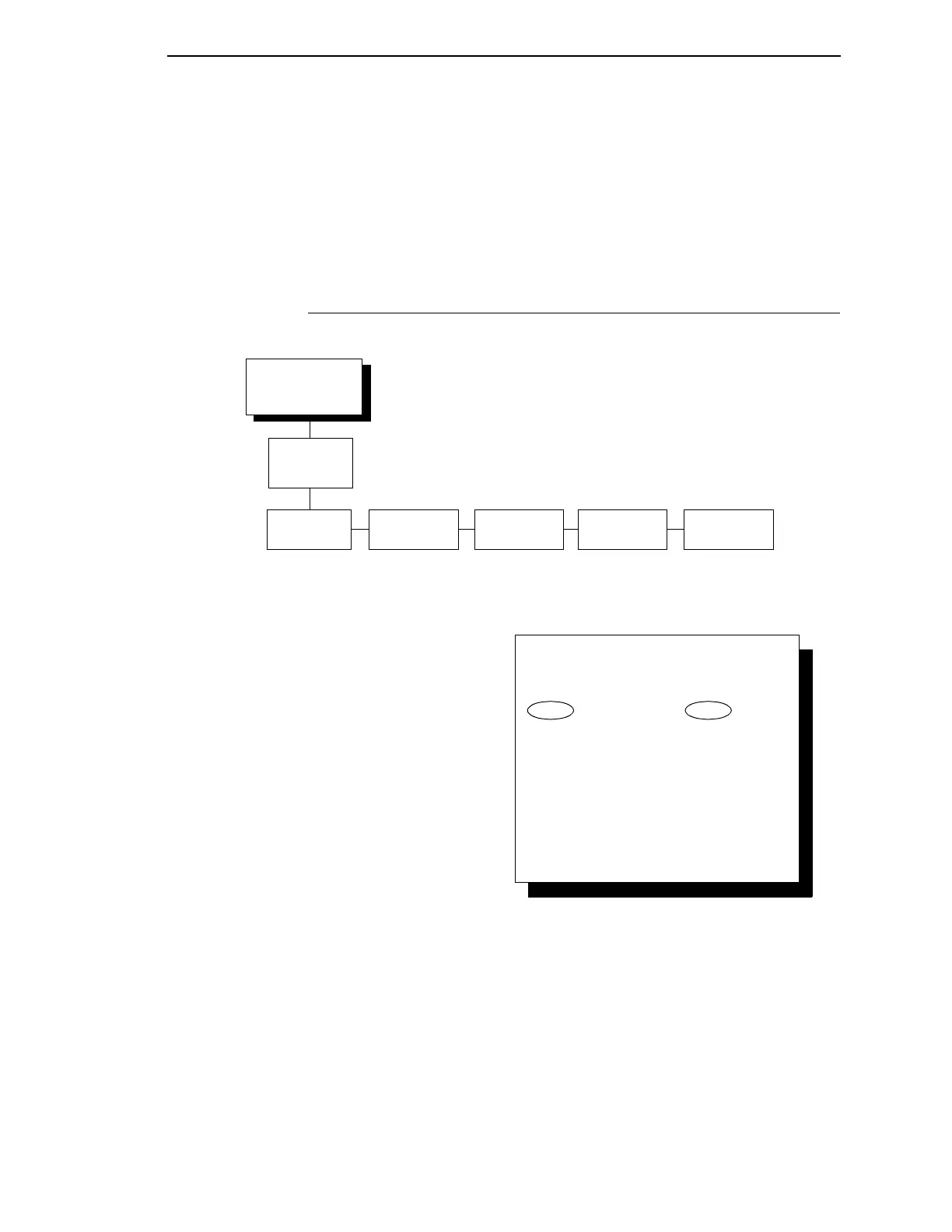
Printer Emulation
Configuration
(from page 152)
Proprinter III
XL Emulation
See page 186
Epson
Emulation
P-Series
Emulation
P-Series XQ
Emulation
Printer
Emulation
Configuration
Serial Matrix
Emulation
See page 188 See page 190 See page 194 See page 197
To cycle through the menus and its
options, press MENU then:
To enter a menu or select menu options,
press ENTER.
To return to a previous menu level,
press RETURN.
To exit the configuration menus
and return to READY, press START.
↑
Scroll/
Micro
↓
Scroll/
Micro
OR



 To Next Page