194
Chapter 4
Emulation Configuration Menu
P-Series XQ Emulation Menu
Control Code 06
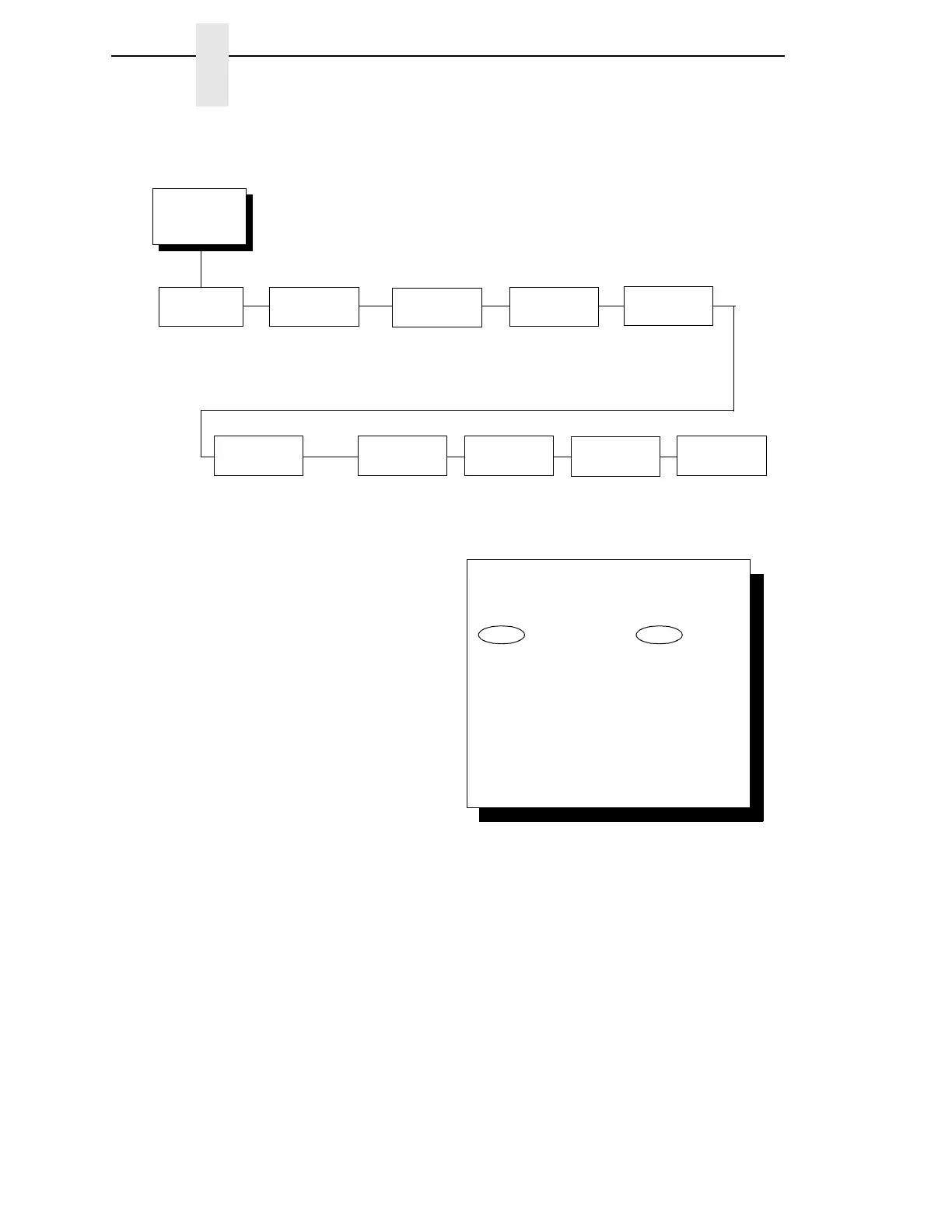
Control Code 06 defines the function of ASCII code hex 06 (ACK). You can
select an alternate line spacing of:
•
8.0 LPI (the default)
•
10.3 LPI
•
6.0 LPI
Control Code
06
8.0 LPI*
10.3 LPI
6.0 LPI
Define CR
Code
Define LF
Code
Compressed
Print
LF = CR + LF*
LF = LF
Char 01 SOH*
Char 03 ETX
Char 09 HT
P-Series
XQ Emulation
(from page 185)
CR = CR*
CR = CR + LF
Elong/Alt.
Font
Elng = BS Font = SO*
Elng = SO Font = BS
High Speed
Print Mode
Char 02 STX*
Char 03 ETX
Char 09 HT
EVFU
Select
Enable*
Disable
Auto LF
Disable*
Enable
Upper Case
Select
Disable*
Enable
Slew
Relative
1 to 16 Lines*
1 to 15 Lines
To cycle through the menus and its
options, press MENU then:
To enter a menu or select menu options,
press ENTER.
To return to a previous menu level,
press RETURN.
To exit the configuration menus
and return to READY, press START.
↑
Scroll/
Micro
↓
Scroll/
Micro
OR
* = Factory Default



 To Next Page