146
Chapter 4
Serial Interface Menu
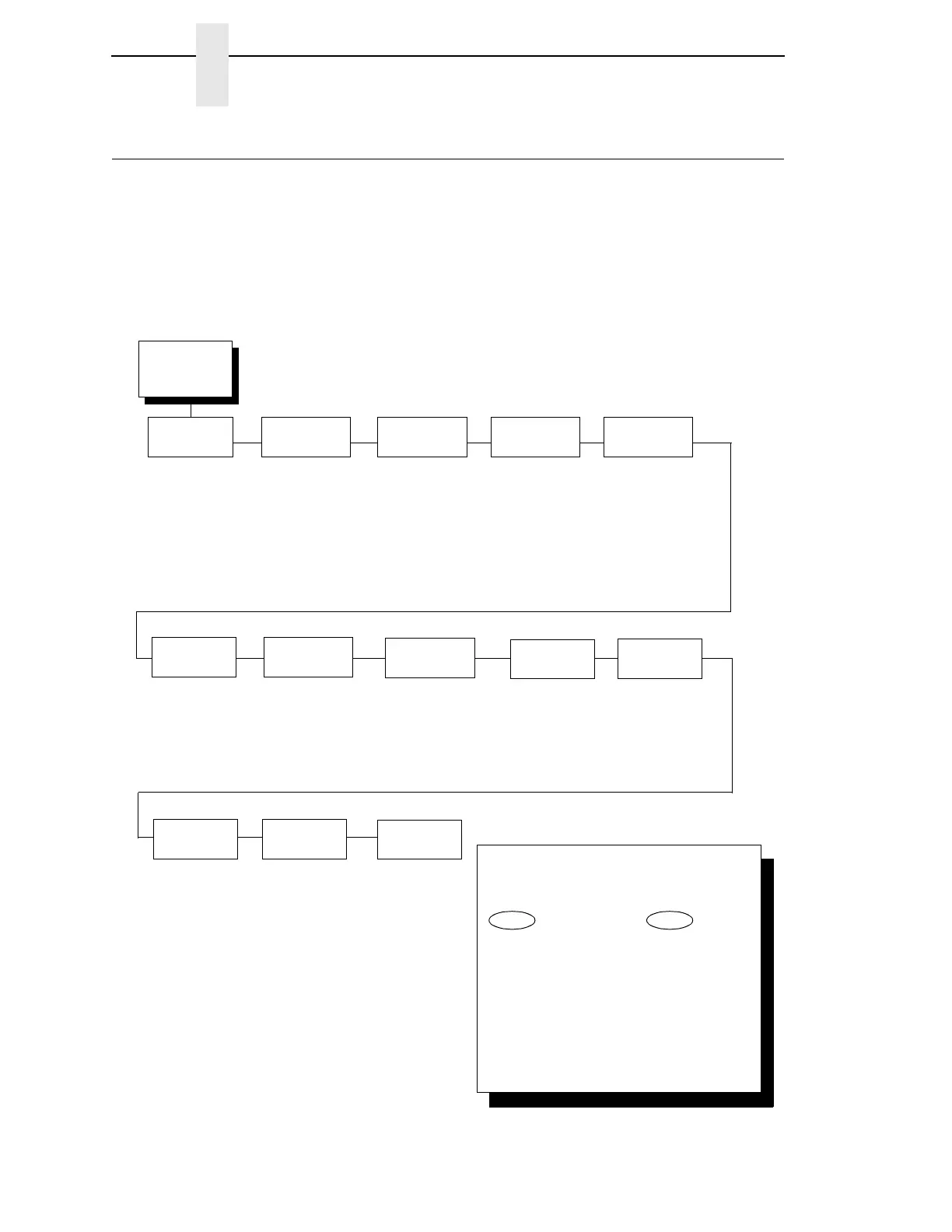
Serial Interface Menu
IMPORTANT
The serial parameters in the printer must be set to match the serial
interface in the host computer (at the other end of the printer data
cable). Otherwise, the printer may not operate correctly, and data
characters from the computer may not print or may appear as “garbled”
text.
Serial
Interface
(from page 59)
Interface
Type
RS 232*
RS 422
Data
Protocol
XON/XOFF*
ETX/ACK
ACK/NAK
SERIES1 1 CHAR
SERIES1 2 CHAR
EXQ/ACK
DTR
Baud
Rate
9600* Baud
19200 Baud
38400 Baud
57600 Baud
115200 Baud
600 Baud
1200 Baud
2400 Baud
4800 Baud
Data Bits
8*
7
Parity
None*
Odd
Even
Mark
Sense
Stop Bits
1*
2
Data Terminal
Ready
Ready/Buffer Not
Full*
Not Ready/
Buffer Full
False
True
Request To
Send
True*
Ready/Buffer
Not Full
Not Ready/
Buffer Full
False
Buffer Size in
Kbytes
16*
1 - 16
Poll
Character
00 Hex*
00 - FF Hex
One Char
Enquiry
Disable*
Enable
Serial
Hotport
Trickle Time
1/4 Sec*
1/2 Sec
1 Sec
2 Sec
4 Sec
8 Sec
16 Sec
OFF
Timeout
10 Sec.*
1 Sec. - 60 Sec.
Report Status
Disable*
Enable
Framing
Errors
Enable*
Disable
To cycle through the menus and its
options, press MENU then:
To enter a menu or select menu options,
press ENTER.
To return to a previous menu level,
press RETURN.
To exit the configuration menus
and return to READY, press START.
↑
Scroll/
Micro
↓
Scroll/
Micro
OR
* = Factory Default



 To Next Page