EasyManua.ls Logo

InfoPrint 6500 - ANSI Printer Emulation Menu

Default Icon
360 pages
Print Icon
To Next Page IconTo Next Page
To Previous Page IconTo Previous Page
Loading...
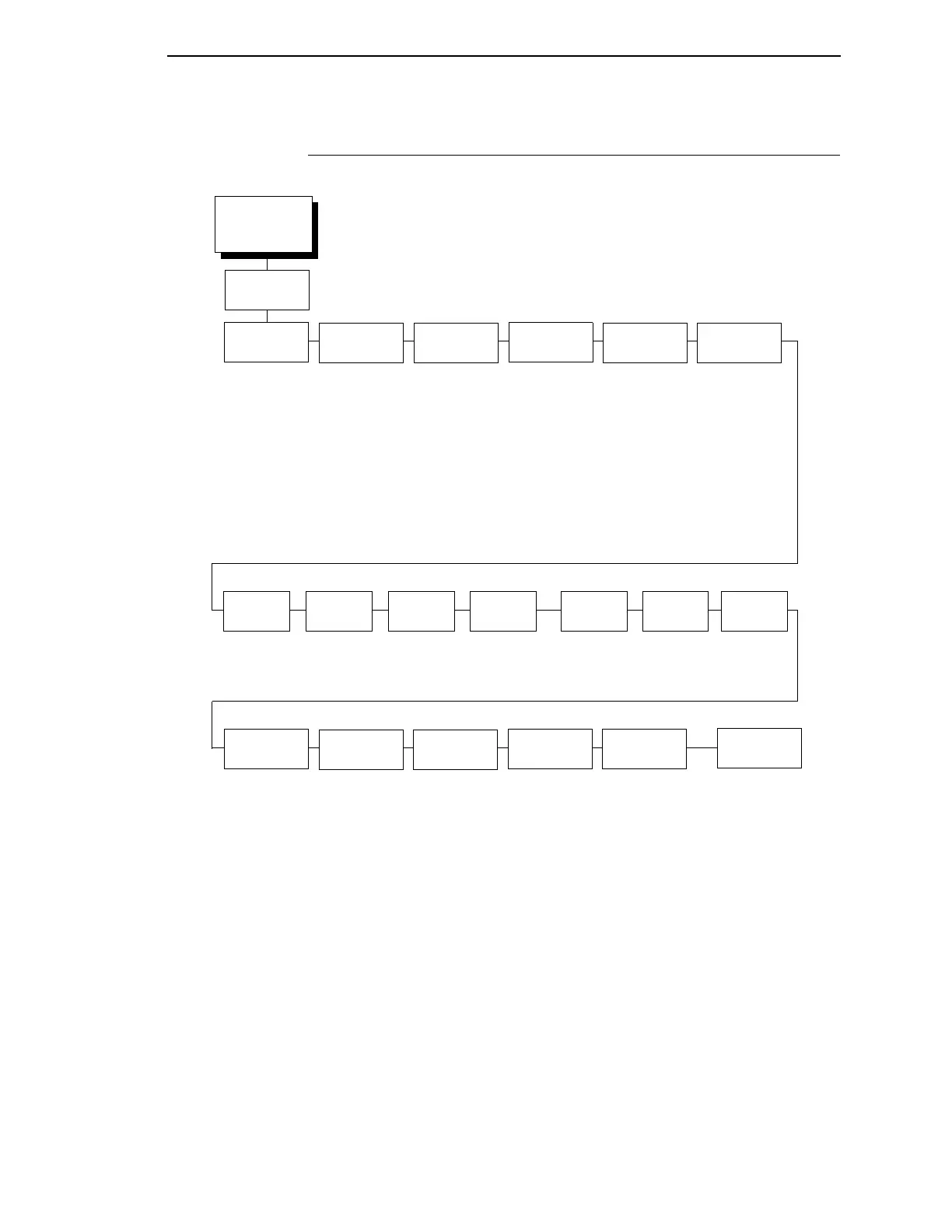
ANSI Printer Emulation Menu
161
ANSI Printer Emulation Menu
EMULATION
(from page 152)
CPI/LPI
Select
Font
Attributes
Page
Format
Define CR
Code
Auto LF Define LF
Code
Character
Set
Private
Mode
Select CPI
10.0* CPI
12.0 CPI
13.3. CPI
15.0 CPI
16.7 CPI
17.1 CPI
Select LPI
6.0* LPI
8.0 LPI
3.0 LPI
4.0 LPI
(see next page) (see next page) CR = CR*
CR = CR + LF
Disable*
Enable
LF = CR + LF*
LF = LF
(see next
page)
ON=DC1/
OFF=DC3*
Disable
Enable*
Disable
Observe*
Ignore
Observe*
Ignore
Set 2*
Set 1
* = Factory Default
ANSI Printer
Emulation
Pos. on
BC/OVRSZ
BC Check
Digit
Barcode
Darkmode
PUM
Default
Set to Top*
Set to Bottom
By Host*
By Printer
Enable*
Disable
Decipoints*
Lines/Columns
Truncate PI
Slew
Truncate at TOF*
Disable
Printer
Select
ESC c
Sequence
Received
CR
Disable*
Power up config.
Current config
Factory config.
Reset
Command
Received
DEL
ETX/ACK
Disable*
immediate
afterprint

Table of Contents

Related product manuals