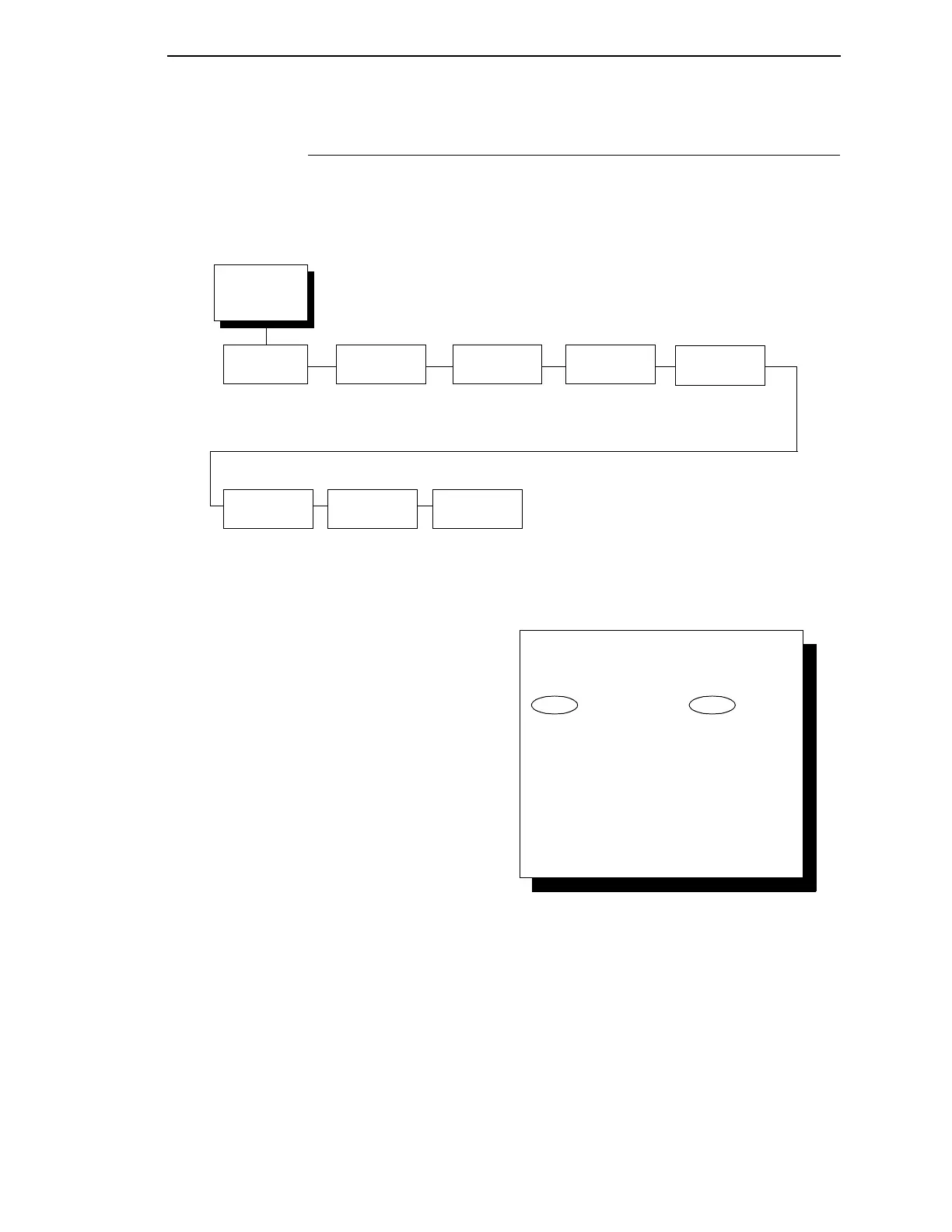
Dataproducts Menu
141
Dataproducts Menu
The Dataproducts parallel interface is configured using the following
configuration options.
Data Bit 8
The DATA BIT 8 parameter allows access to the extended ASCII character
set. When this parameter is disabled, the printer interprets bit 8 of each
incoming data character as a zero, regardless of its actual setting.
•
Enable (the default)
•
Disable.
Dataproducts
(from page 136)
Data Bit 8
Enable*
Disable
PI
Ignored
Enable*
Disable
Data
Polarity
Standard*
Inverted
Data Request
Polarity
Standard*
Inverted
Strobe
Polarity
Standard*
Inverted
Auto
Trickle
Disable*
Enable
Trickle
Time
1/4 sec*
1/2 sec
1 sec
2 sec
4 sec
8 sec
16 sec
OFF
* = Factory Default
Buffer Size in
Kbytes
16*
(1-16)
To cycle through the menus and its
options, press MENU then:
To enter a menu or select menu options,
press ENTER.
To return to a previous menu level,
press RETURN.
To exit the configuration menus
and return to READY, press START.
↑
Scroll/
Micro
↓
Scroll/
Micro
OR



 To Next Page