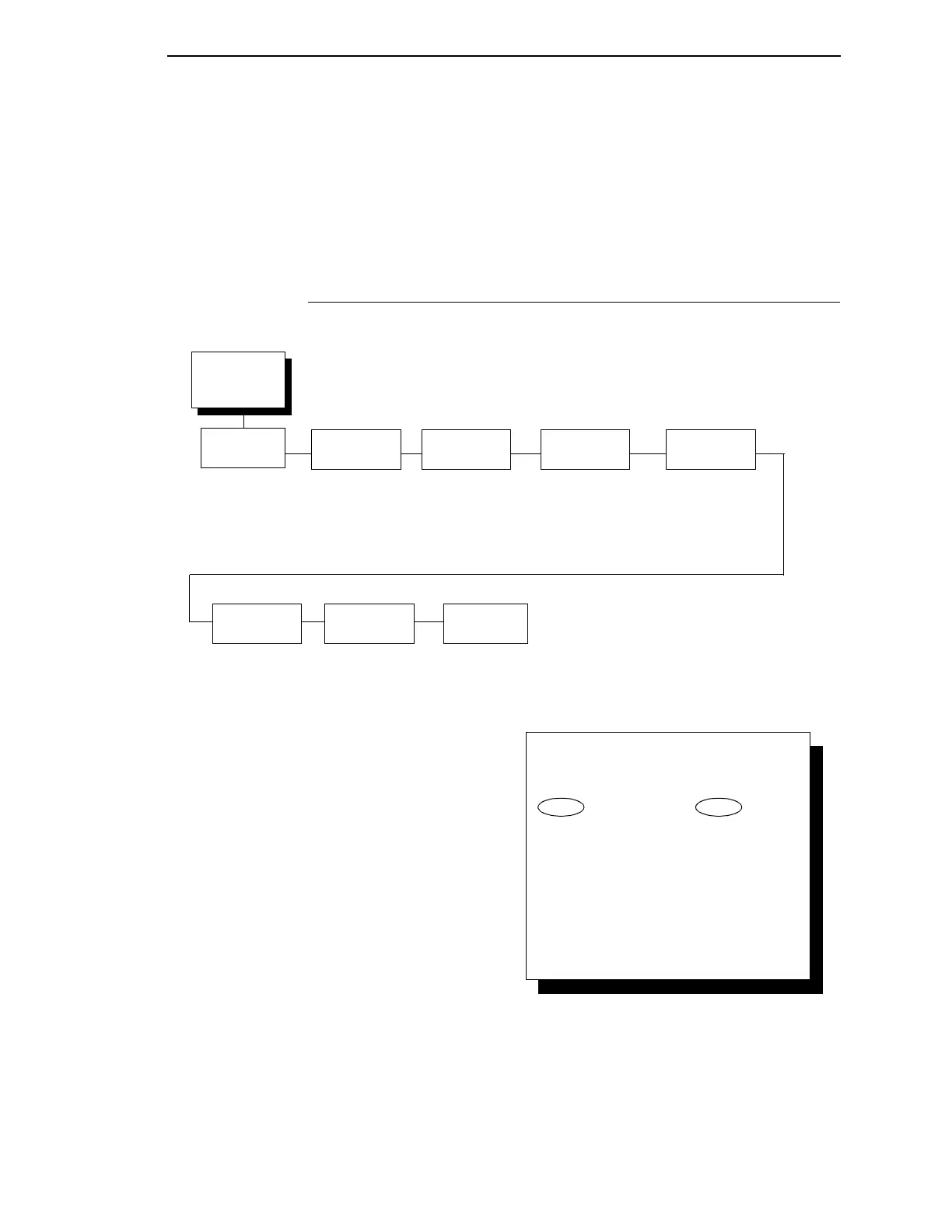
Ethernet Parameters Submenu
123
DHCP
You can enable/disable the DHCP protocol using this option, but consult your
administrator for the appropriate setting. The options are:
•
Disable (the default)
•
Enable.
Ethernet Parameters Submenu
Detailed information regarding the Ethernet IP Address, Gateway Address,
Subset Mask, and MAC Address capabilities can be found in the InfoPrint
6500 Line Matrix Printers: Ethernet Interface User's Manual. Access to the
parameters is through the operator panel.
Ethernet
Parameters
(from page 116)
Buffer Size in
Kbytes
16*
(1-16)
NetBIOS
Protocol
Enable*
Disable
Ethernet
Hotport
Timeout
10 Sec.*
10 Sec. - 60 Sec.
ASCII Data
Port Number
9100*
1023 - 65535
Keep-Alive
Timer
3 Minutes*
2 - 10 Min
Ethernet
Speed
Auto Select*
10 Half Duplex
10 Full Duplex
100 Half Duplex
100 Full Duplex
Job
Control
Standard*
Enhanced
Off
* = Factory Default
IPDS Data
Port Number
5001*
1023 - 65535
To cycle through the menus and its
options, press MENU then:
To enter a menu or select menu options,
press ENTER.
To return to a previous menu level,
press RETURN.
To exit the configuration menus
and return to READY, press START.
↑
Scroll/
Micro
↓
Scroll/
Micro
OR



 To Next Page