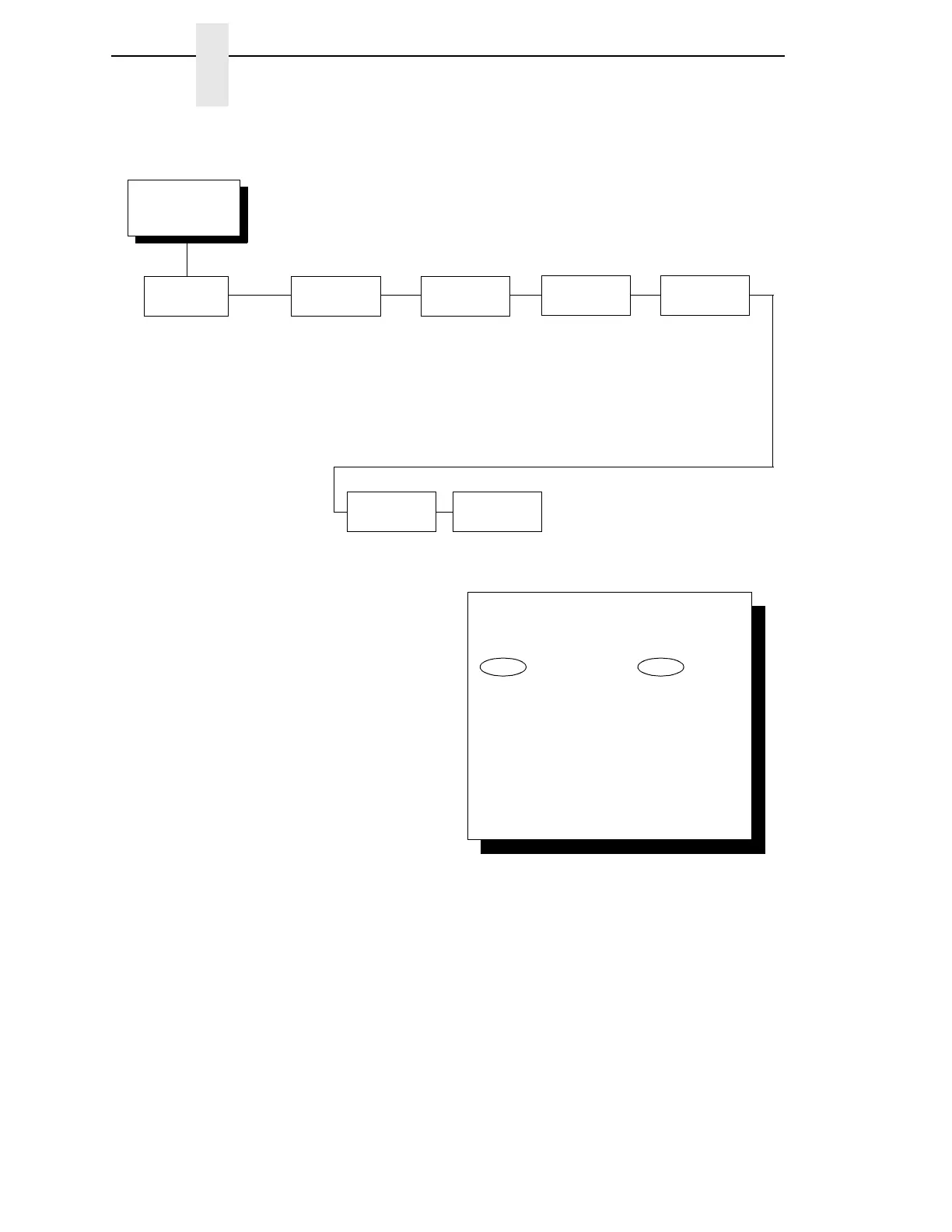
Proprinter III XL
Emulation
(from page 185)
Print
Language
0437 PC Character Set*
0737 Greek
0813 Greek Euro
0819 ISO/ANSI Multilingl
0850 PC Multilingual
0851 Greek Old
0852 Latin 2/Roece
0853 Latin 3 PC
0855 Cyrillic
0857 Turkish
0858 PC Euro Multilingl
0860 Portuguese
0861 Icelandic
0862 Hebrew
0863 Canadian French
0864 Arabic
0865 Danish/Norwegian
0866 Cyrillic
0869 Greek New Euro
0874 Thai
0876 OCR A
0877 OCR B
0912 ISO Latin 2 PC
0913 ISO Latin 3
0914 ISO Latin 4
0915 ISO Cyrillic PC
0916 Hebrew
0920 ISO Latin 5 Turk
0921 ISO Baltic Multilin
0922 Estonian
0923 Latin 9 8859-15
1006 ISO URDU
1008 ISO Arabic
1046 Arabic Extended
1089 ISO Arabic
1098 Farsi 1285
1116 Estonian
1117 Latvian
1118 Lithuanian
1129 Vietnamese
1134 Hebrew Old
DEC Greek
Alternate
Character Set
Define CR
Code
Auto LF
Define LF
Code
PC Character Set 1*
PC Character Set 2
CR = CR*
CR = CR + LF
Enable*
Disable
LF = LF*
LF = CR + LF
FF Valid at
TOF
Enable*
Disable
20 CPI
Condensed
Enable*
Disable
To cycle through the menus and its
options, press MENU then:
To enter a menu or select menu options,
press ENTER.
To return to a previous menu level,
press RETURN.
To exit the configuration menus
and return to READY, press START.
↑
Scroll/
Micro
↓
Scroll/
Micro
OR
* = Factory Default



 To Next Page