190
Chapter 4
Emulation Configuration Menu
20 CPI Condensed
Compressed print characters are narrower than the normal character set.
This is helpful for applications where you need to print the maximum amount
of information on a page.
•
Enable (the default). Prints about 60 percent of the width of normal
characters when compressed print is chosen by the host computer. For
example, a 12 CPI Draft font will compress to 20 CPI.
•
Disable. Does not compress print widths, even if condensed print is
chosen by the host.
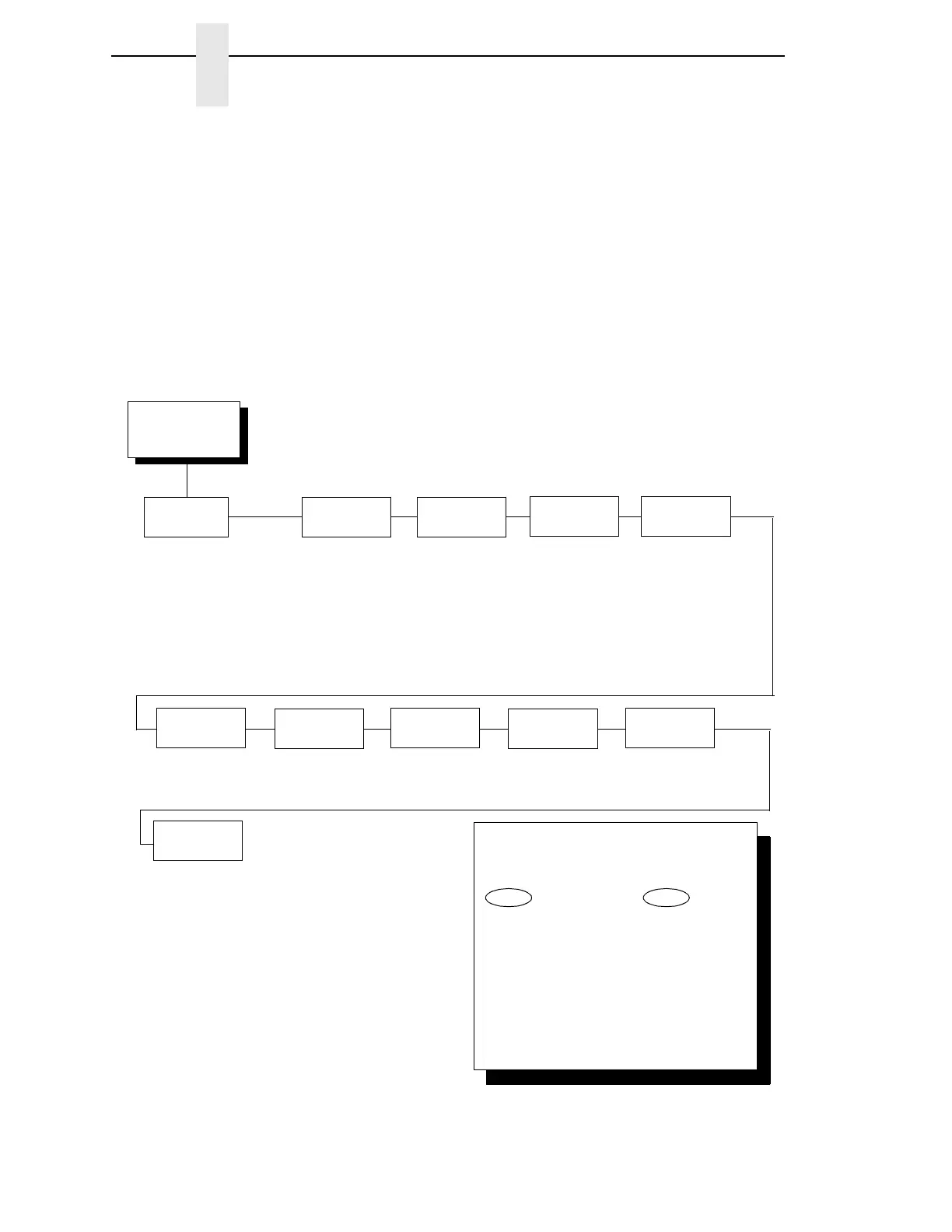
P-Series Emulation Menu
P-Series
Emulation
(from page 185)
Character
Sets
IBM PC*
Multinational
EMCA Latin 1
DEC Multinational
OCR A
OCR B
0858 PC Euro Multilingl
0862 Hebrew
0923 Latin 9 8859-15
DEC Greek
Print
Language
Control Code
06
Control Code
08
Elongated*
Backspace
8.0 LPI*
10.3 LPI
6.0 LPI
Define CR
Code
Auto LF
Disable*
Enable
CR = CR*
CR = CR + LF
Overstrike Define LF
Code
LF = CR + LF*
LF = LF
Enable*
Disable
P-Series
SFCC
EVFU Select
Enable*
Disable
1*
00 - 7F
Alternate Set
80 - 9F
Control Code*
Printable
See the
following page.
To cycle through the menus and its
options, press MENU then:
To enter a menu or select menu options,
press ENTER.
To return to a previous menu level,
press RETURN.
To exit the configuration menus
and return to READY, press START.
↑
Scroll/
Micro
↓
Scroll/
Micro
OR
* = Factory Default



 To Next Page