164
Chapter 4
Emulation Configuration Menu
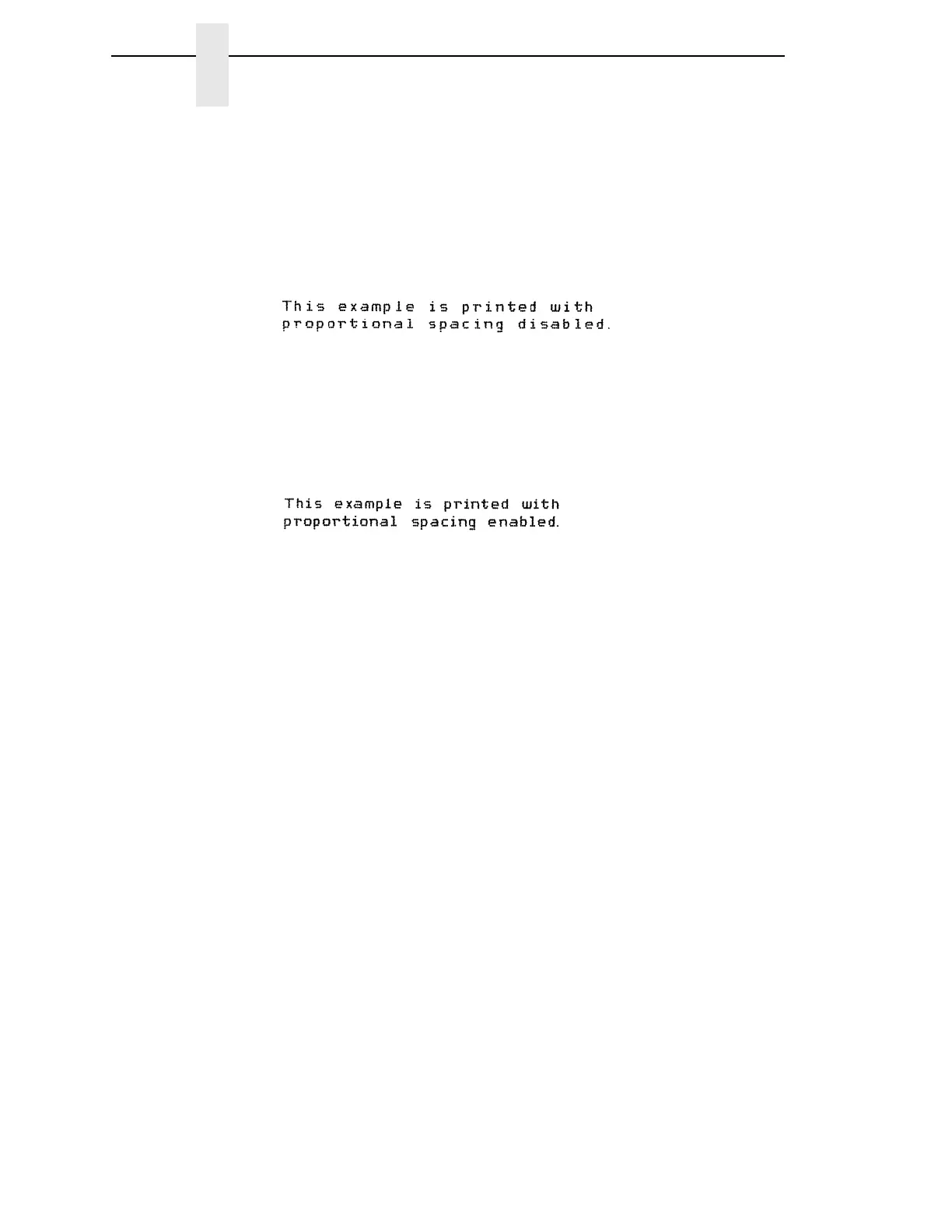
Prop. Spacing (Proportional Spacing)
Each printed character is contained inside a character cell. The width of the
character cell includes the character and the space around the character.
•
Disable (the default). Each character cell is printed with the same width.
Each column in the printed text will line up.
•
Enable. The width of each character cell varies with the width of the
character. For example, [i] takes less space to print than [m]. Using
proportional fonts generally increases the readability of printed
documents, giving text a typeset appearance.
Bold Print
•
Disable (the default). Text is printed normally.
•
Enable. Text is printed with a heavy line thickness.
Slashed Zero
This parameter allows you to print the numeral “0” with or without the slash.
This option applies to all character sets except OCR-A and OCR-B.
•
Disable (the default). Zero is printed without a slash.
•
Enable. Zero is printed with a slash.



 To Next Page