80
Playback
Basic Operations
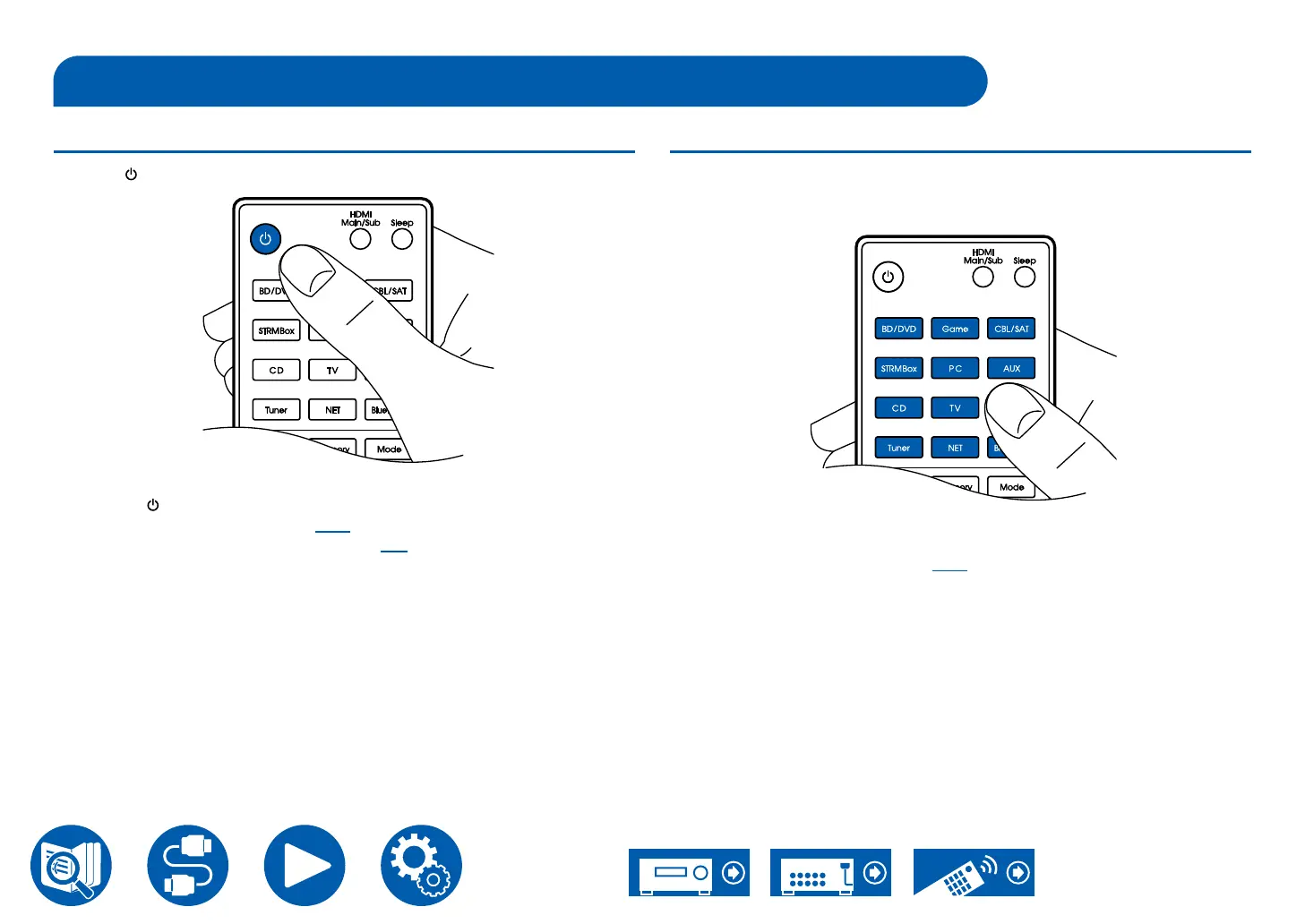
Turning the power on
1. Press " " on the remote controller to turn on the power of the unit.
You can also turn on the power of the unit with the following operations:
– Pressing " " on the main unit.
– Using the Integra Control Pro ( →p173) app
– Using the linking function (HDMI CEC) ( →p81)
Selecting a source to play
1. Press an input selector button on the remote controller to select a source.
For example, to play the device connected to the BD/DVD jack, press the BD/
DVD button. To listen to the audio of the TV, press TV button.
You can also select a source to play with the following operations:
– Pressing an input selector button on the main unit
– Using the Integra Control Pro ( →p173) app



 To Next Page