89
Playback
Tuning Manually
Note that if you tune manually, the reception for FM broadcasts will be monaural
rather than stereo, irrespective of the sensitivity of the reception.
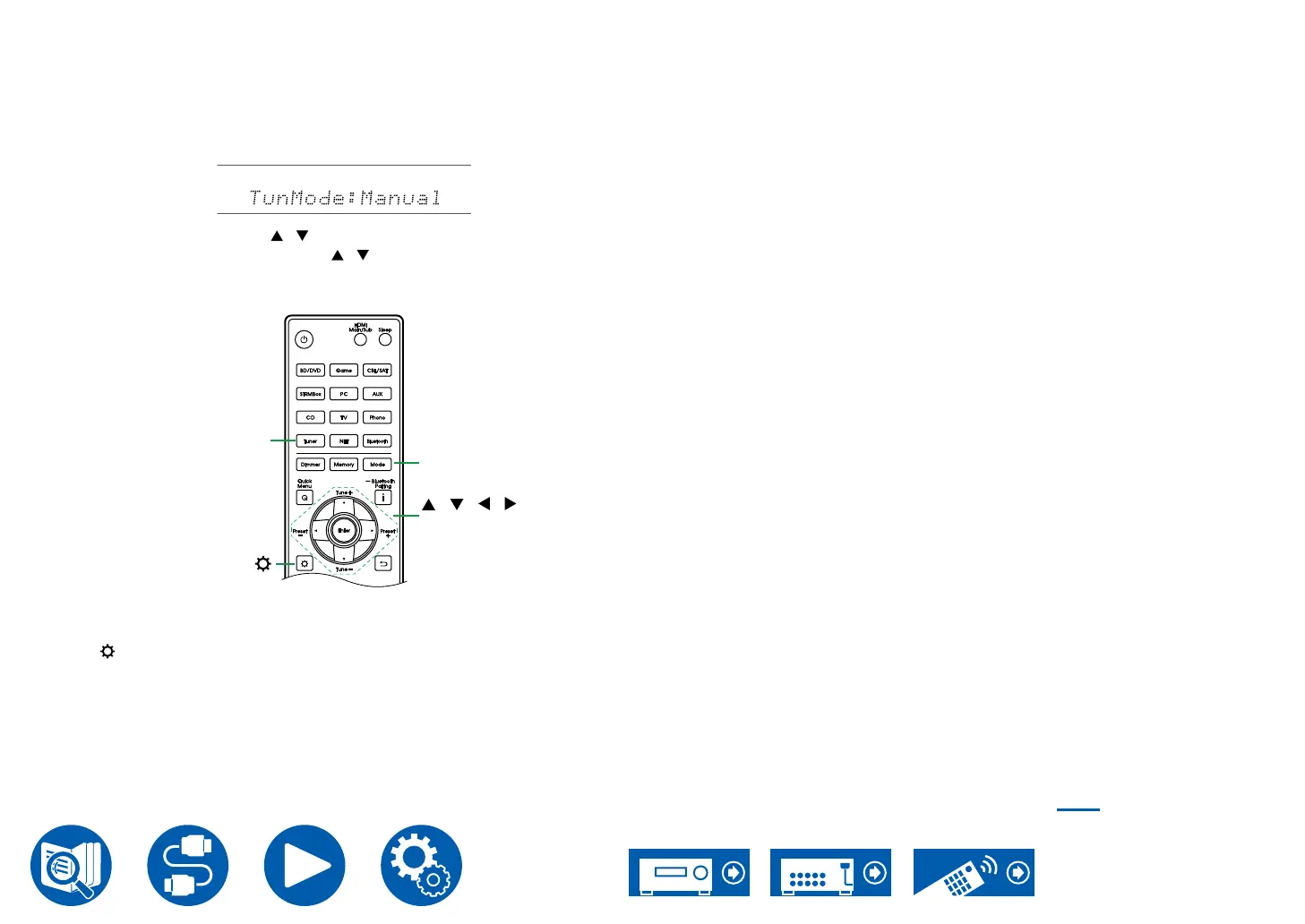
1. Press Tuner repeatedly to select either "AM" or "FM".
2. Press Mode repeatedly to display "TunMode: Manual" on the display.
3. While pressing the cursors / , select the desired radio station.
• Each time you press the cursors / , the frequency changes by 1 step.
If the button is held down, the frequency changes continuously, and if the
button is released, the frequency stops changing.
/ / /
Enter
Mode
Tuner
Frequency step setting
Press , and using the cursors and Enter, select "Miscellaneous" - "Tuner" -
"AM/FM Frequency Step", and then select the frequency step for your area. Note
that when this setting is changed, all radio presets are deleted.
Presetting a Radio Station ( →p90)



 To Next Page