56
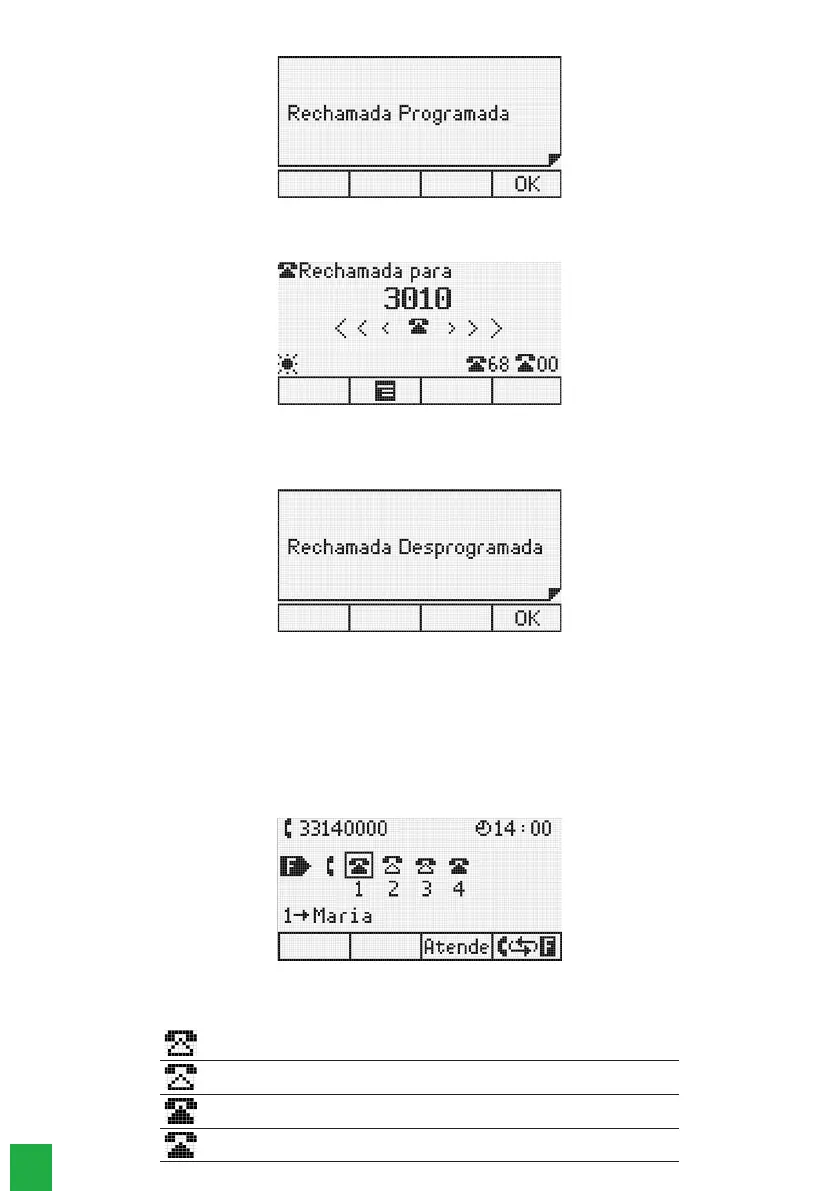
The following message will appear on the display for 3 seconds:
Successfully programmed recall
When the recall function is executed, the following message will be displayed:
Terminal performing the recall
To cancel a recall, press the
Recall
key again. The recall will be canceled and the following message will appear on
the screen for 3 seconds:
Recall successfully deprogrammed
4.5. Receiving calls
When receiving internal or external calls, the terminal presents to the user, if available, the caller’s number or name (if
registered in the phone book). After the call is answered, the call duration time will be shown on the display.
On hold call queue
When the terminal is operating at an operator extension, the display will show the icon representation of the answered
external call and the queued calls.
On hold call queue
Call status:
Unanswered internal call (it’s in the queue and has not yet been answered by the terminal)
Answered internal call (has already been answered by the terminal and returned to the queue)
Unanswered external call (it’s in the queue and has not yet been answered by the terminal)
External answered call (has already been answered by the terminal and returned to the queue)



 To Next Page