80
6. Press the
Ok
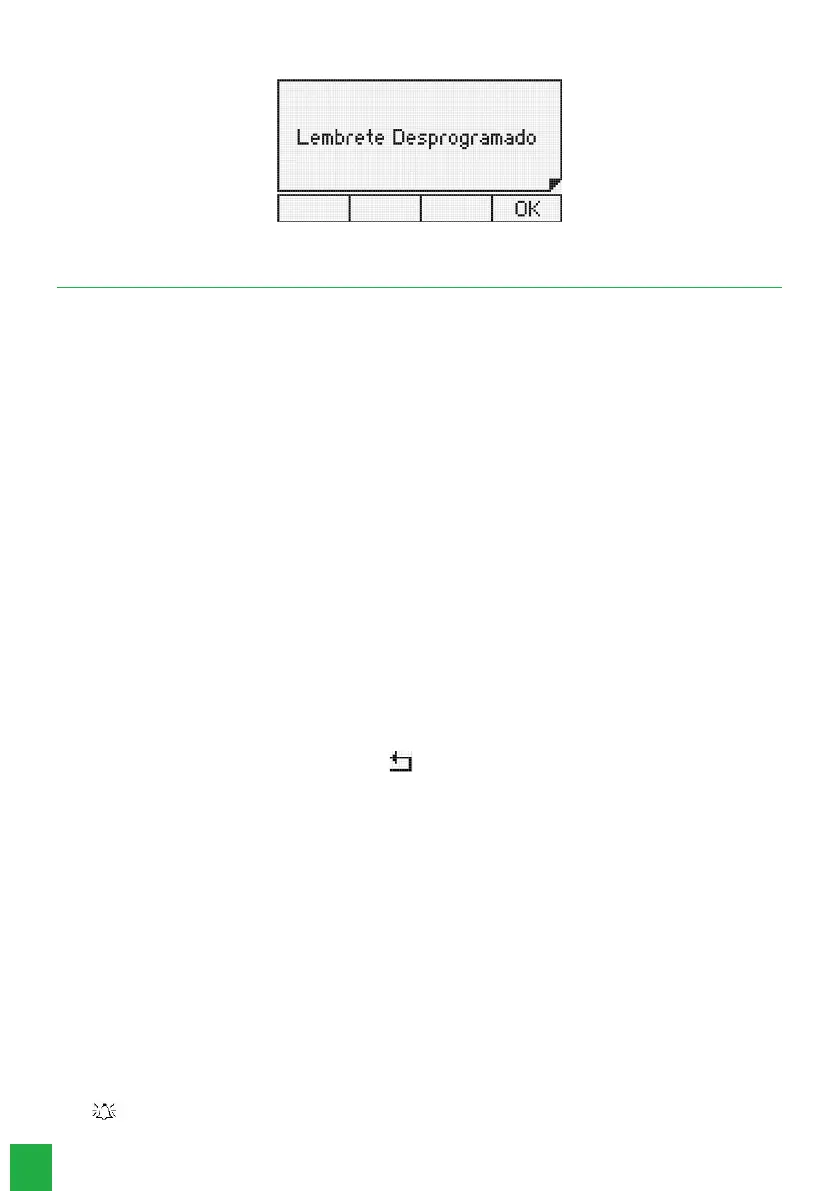
key to conrm the setting. The following message will be displayed:
10. Conguration
Allows the user to congure the terminal according to his preferences.
10.1. Language
Allows you to select the operation language of the Smart Terminal; select Portuguese or Spanish. To do so, follow these
procedures:
1. Press the
Menu
key. The terminal will enter the main menu;
2. Search for
Prole
using the and keys.Press the
Ok
key;
3. Select the language with the and keys;
4. The accepted programming message will appear, already in the selected language.
10.2. Bell Type Conguration
Allows you to select the type of ringer to announce a call. You can differentiate the ring type for Internal, External, and
Queue calls. Ten types of melodies are available.
Procedure
1. Press the
Menu
key. The terminal will enter the main menu;
2. Search for
Prole
using the and keys.Press the
Ok
key;
3. Search for
Congure Bell
and press the
Ok
key;
4. Select one of the options:
Calls in queue, Internal calls, External calls, Volume
and press the
Ok
key;
5. For a brief demonstration of the ring type, for internal and external calls, select the 10 available types (1 to 10) using the
navigation keysand;
6. Select the desired bell and press the
Ok
key;
7. If you do not want to conrm the setting, press the key;
Factory default:
melody 1.
8. For queued calls the conguration menu allows you to enable or disable the ringer. Through the keysor select the
Enabled or Disabled
option, and press the
Ok
key.
Factory default:
enabled and melody 1.
10.3. Backlight
Allows you to enable or disable the display’s Backlight function.
1. Press the
Menu
key. The terminal will enter the main menu;
2. Search for
Prole
using the keys and . Press the
Ok
key;
3. Search for
Backlight
and press the
Ok
key;
4. Select the
Enabled or Disabled
option with the navigation keys and press the Ok key to congure.
Factory default:
active backlight.
10.4. Sound alarms
The terminal allows you to congure the volume of the following audio alerts:
» (One beep): occurs when a key is being pressed or when the terminal receives a message.
Factory default:
low volume.



 To Next Page