70
5.12. Speed dialing (shortcut)
To perform speed dialing, you must associate the 0 to 9 keys with the phone numbers in the phone book.
With the handset off-hook, speakerphone/headset active, or with the terminal idle, press and hold the desired number key
(0 to 9) for 2 seconds until the name/number is shown on the display.
6. Calls
A very useful feature of the terminal is the storage of incoming and outgoing calls, and incoming messages, allowing the
consultation and return of calls.
6.1. Storage capacity
The terminal has a memory that can store up to:
» 30 missed calls.
» 30 answered calls.
» 30 originated calls.
» 5 received messages.
6.2. Call Indicator
The indication that there are calls and or messages registered in the memory is given through the terminal’s indicator light
and messages.
» Indicator light: lit, means that there are unanswered call(s) or unseen message(s) in memory. Unlit, means that all
registered calls/messages have been viewed.
6.3. Call Log Access
The call records are accessed through the selection key . You can consult and or delete the registered calls, store the
record in the phone book, and make a call to the selected number.
The selection key (call log) accesses the following options:
» Unanswered.
» Unanswered PABX (only for the terminal installed in an extension with operator function)).
» Answered.
» Originated.
» Delete all logs.
Note: the access to the settings to congure the type of call to be logged and the visual signaling (LED) of the call list
records is made through the programming menu.
Some general aspects regarding the use of call lists are:
» Call list access can occur with the terminal either idle or in operation.
» Access to call lists is not allowed when the terminal is in an ongoing call.
» The list of incoming external calls is available on the terminal only if the PABX can identify the caller’s number.
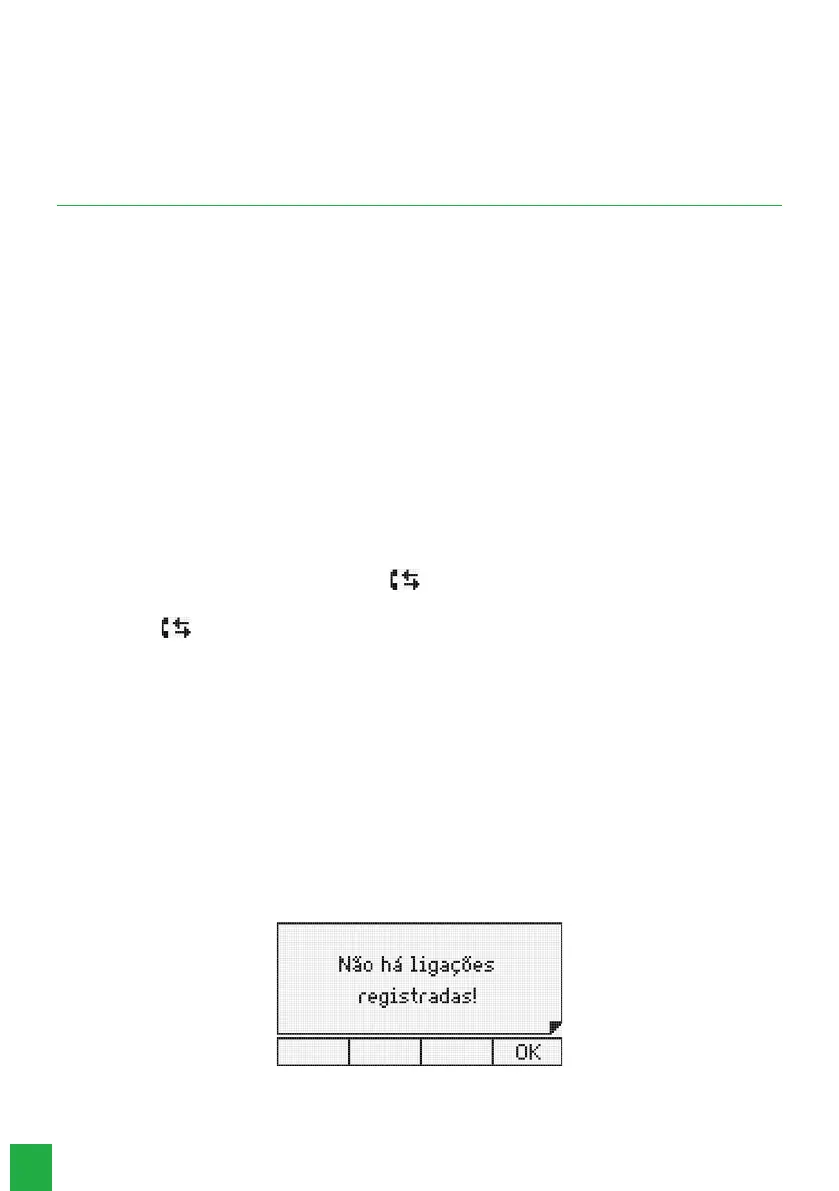
If there is no call or message log, the following message will appear:
There are no registered connections in the selected list
Whatever the type of call chosen, the terminal displays the existing number of calls in memory for 2 seconds.



 To Next Page