75
» Wake up on weekdays: using the keys and ll in the elds with the hour and minute when you wish to
be woken on weekdays and press the
Ok
key. The alarm will sound at the programmed time only on weekdays.
For this type of alarm to work, the working days and holidays must be previously programmed in the PABX.
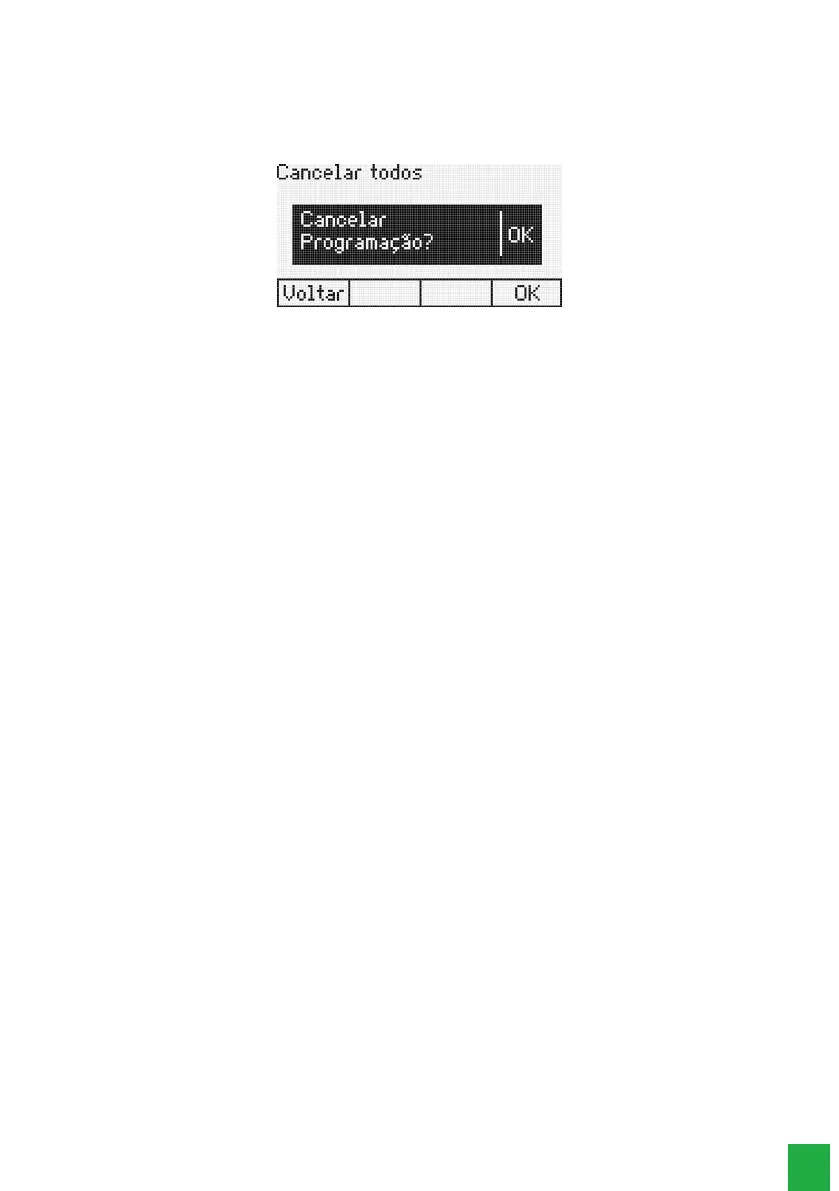
Cancelar todos: pressione a tecla
Ok
.
Then you will see the conrmation message.
Cancel Alarm Clock Settings
Press the Ok selection key to conrm the setting.
The terminal allows the programming of only one type of alarm clock at a time. If you program an alarm clock type
and another one is already programmed, the existing one will be cancelled.
7.13. Telemarketing extension
This feature has the function to enable an extension not to receive beeps during an intercom call, that is, when another
user enters the current call.
To program:
1. Press the
Menu
key. The terminal will enter the main menu;
2. Search for
Features
and press the
Ok
key;
3. Search for Telemarketing Extension using the keys and, and press
Ok
to program;
4. Using the keys and, select the item
Enabled
;
5. Press the
Ok
key to conrm.
To unprogram:
1. Press the
Menu
key. The terminal will enter the main menu;
2. Search for
Facilities
and press the
Ok
key;
3. Search for
Telemarketing Extension
using the keys and , and press
Ok
to program;
4. Using the keys and, select the item
Disabled
;
5. Press the
Ok
key to conrm.
7.14. Programming the PABX calendar
Allows programming of the PABX calendar (Date and Time).
Note: the user will only be able to perform this programming when the terminal is installed at an extension with an
operator desk category.
1. Press the
Menu
key. The terminal will enter the main menu;
2. Search for
Features
and press the
Ok
key;
3. Search for Congure
PABX
Calendar using the keysand , and press the
Ok
key;
4. Type in the Date and Time using the alphanumeric keypad. Use the
Delete
selection key to delete the eld selected by the
cursor. Press
Ok
to conrm the programming.
7.15. Motion Sensor¹
With the motion sensor it is possible to detect movements of people up to six meters away. It is possible to congure a
programmable key to access the function, four alarm options, password and timings for entry and exit of the detection
zone.
To use the motion sensor initially it is necessary to congure a programmable key, which will have the functions of
activating/deactivating the motion sensor and signaling the operation status.



 To Next Page