74
7.9. Hotline
Hotline is a feature programmed in the extension to make automatic calls to extensions, VoIP numbers, or external
numbers. The user simply lifts the handset and the call will be placed automatically to the desired number, after a period
of time dened in the programming (0 to 7 seconds).
If the set time is 0 seconds (Hotline without delay) the extension will only make calls to the programmed number.
When the set time is 1 to 7 seconds, the PABX waits during this period for the user to make a call other than the
programmed one.
Another option is the route Hotline, that is, the user picks up the handset and has access (0 to 7 seconds) to one of the lines
of the programmed route. To do this, just program an external Hotline and do not set the desired number.
7.10. To program Hotline
1. Press the
Menu
key. The terminal will enter the main menu;
2. Search for
Features
and press the
Ok
key;
3. Search for
Hotline
using the keys and , and press the
Ok
key;
4. Use the keys or to choose between
To Extension, To Route, To External Number and To VoIP.
Press the
Ok
key
k
:
» To extension: ll in the eld with the desired extension number and set the delay time (0 to 7 seconds).
» To external number: select the eld with the desired route number. Fill in the desired external number and set the
delay time (0 to 7 seconds).
» To route: select the eld with the desired route number and set the delay time (0 to 7 seconds).
» To VoIP: ll in the eld with the desired VoIP number and set the delay time (0 to 7 seconds).
7.11. To unprogram Hotline
1. Press the
Menu
key. The terminal will enter the main menu;
2. Search for
Features
and press the
Ok
key;
3. Search for
Hotline
using the keys and , and press the
Ok
key;
4. Search for
Cancel All
using the keys and , and press the
Ok
key.
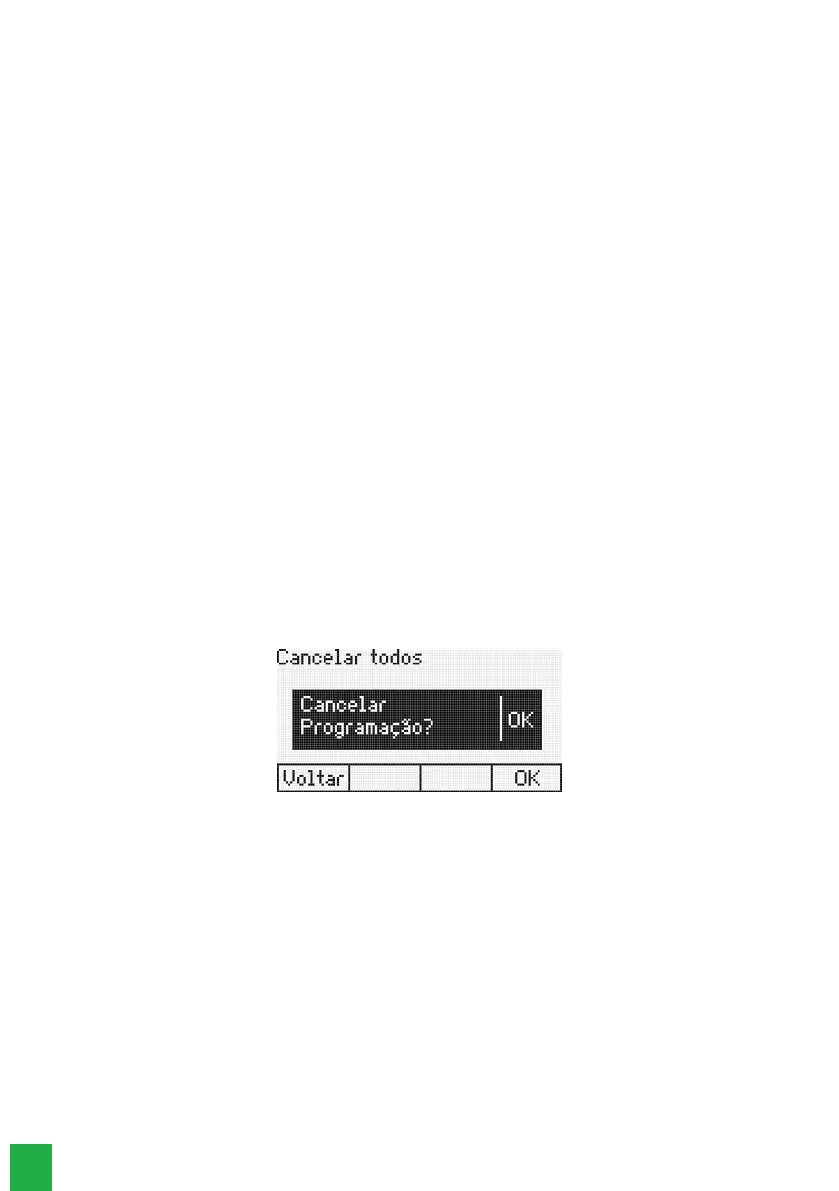
If a Hotline is programmed, the following message will be displayed:
Cancel Hotline programming
Press the
Ok
selection key to conrm the programming.
7.12. Alarm clock
To set any kind of alarm clock:
1. Press the
Menu
key. The terminal will enter the main menu;
2. Search for
Features
and press the
Ok
key;
3. Search for
Alarm Clock
using the keys and , and press the
Ok
key.
Use the keys and to view the Alarm clock options, which can be:
» Wake up today: using the keys and ll in the elds with the hour and minute you wish to be woken up and
press the
Ok
key. The alarm clock will sound at the programmed time.
» Wake up every day: using the keys and ll in the elds with the hour and minute you wish to be woken up
and press the Ok key. The alarm clock will sound at the programmed time.
» Wake up every period: using the keys and ll in the elds with the hour and minute when you wish to
be woken periodically and press the
Ok
key. The alarm clock will sound at pre-programmed periods, for example:
intervals of 2 hours, 3 hours, 4 hours, etc. The period will start at the moment the programming is done.
Note: the minimum period is 5 minutes.



 To Next Page