61
4.13. Padlock
Allows you to block the extension so it cannot generate external calls.
To program the padlock, press the key that has been programmed for this function. In this case, the terminal will be
programmed in padlock mode with total blocking. To program padlock with intermediate options, such as blocking only
IDD calls, you must access extension programming from the terminal settings menu.
If the extension where the terminal is installed is programmed with the option to request password, the extension´s
password will be requested.
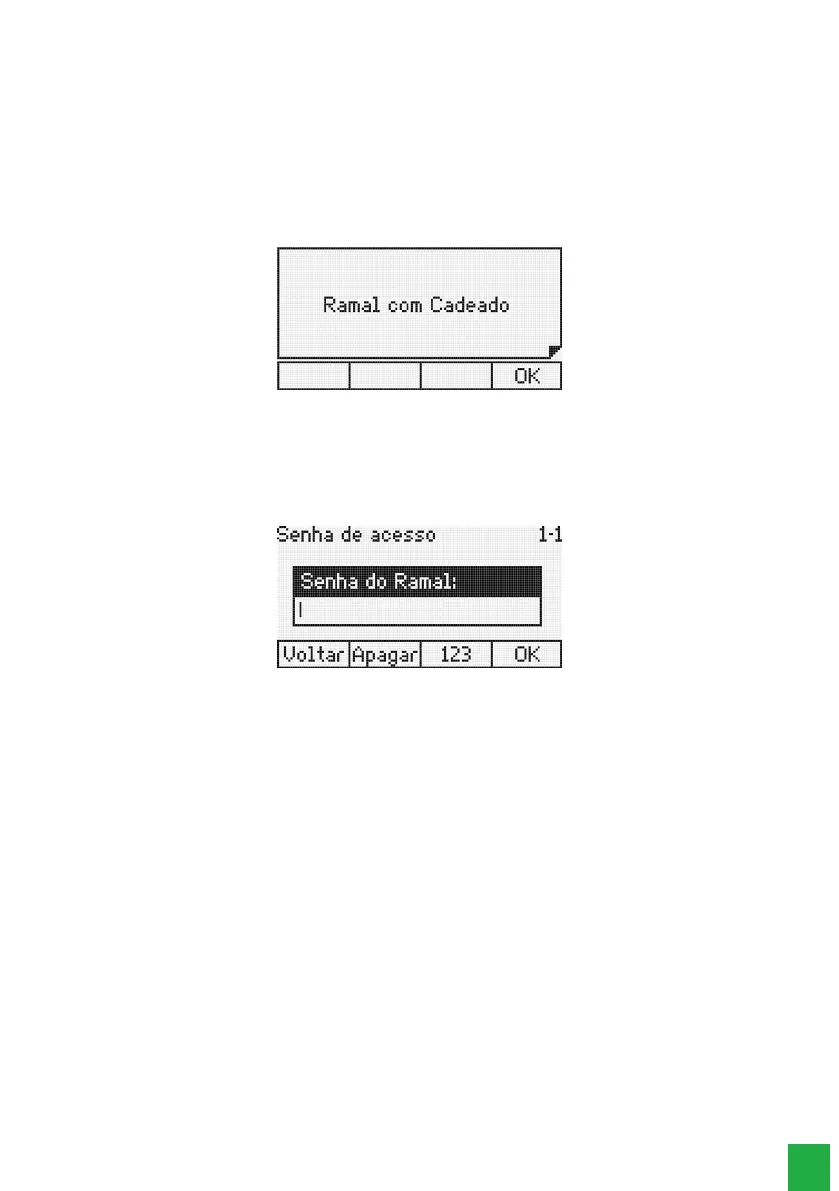
The display shows a notication that the extension is locked:
Extension programmed with padlock
The extension with the programmed padlock feature will receive an intercom dial tone with an alert tone (continuous tone
followed by beeps every second).
To release the extension, press the programmed padlock key again. Once again, if the option requires password is enabled,
the display will prompt you to enter the extension’s password.
Password to unprogram the lock
After entering the password, the terminal will beep, conrming the operation.
The key indicator light can show the states:
» LED is on: padlocked extension.
» LED is off: extension with no padlock.
Access to Boss-secretary
To execute the Boss-Secretary feature, the user only has to press the key that was programmed as such. The message
referring to an internal call will appear on the display.
The key light indicator can show the following states:
» LED ashing: extension boss-secretary calling.
» LED is on: boss-secretary extension busy.
» LED is off: boss-secretary extension is free.
Monitor extension
Allows monitoring of the surroundings, in an extension that is programmed with this function.
The user who wishes to call the extension to be monitored should press the button programmed with this
function. If the desired extension is in a monitored state and free (only one extension can monitor another
simultaneously), the call is established and the following message is displayed:



 To Next Page