78
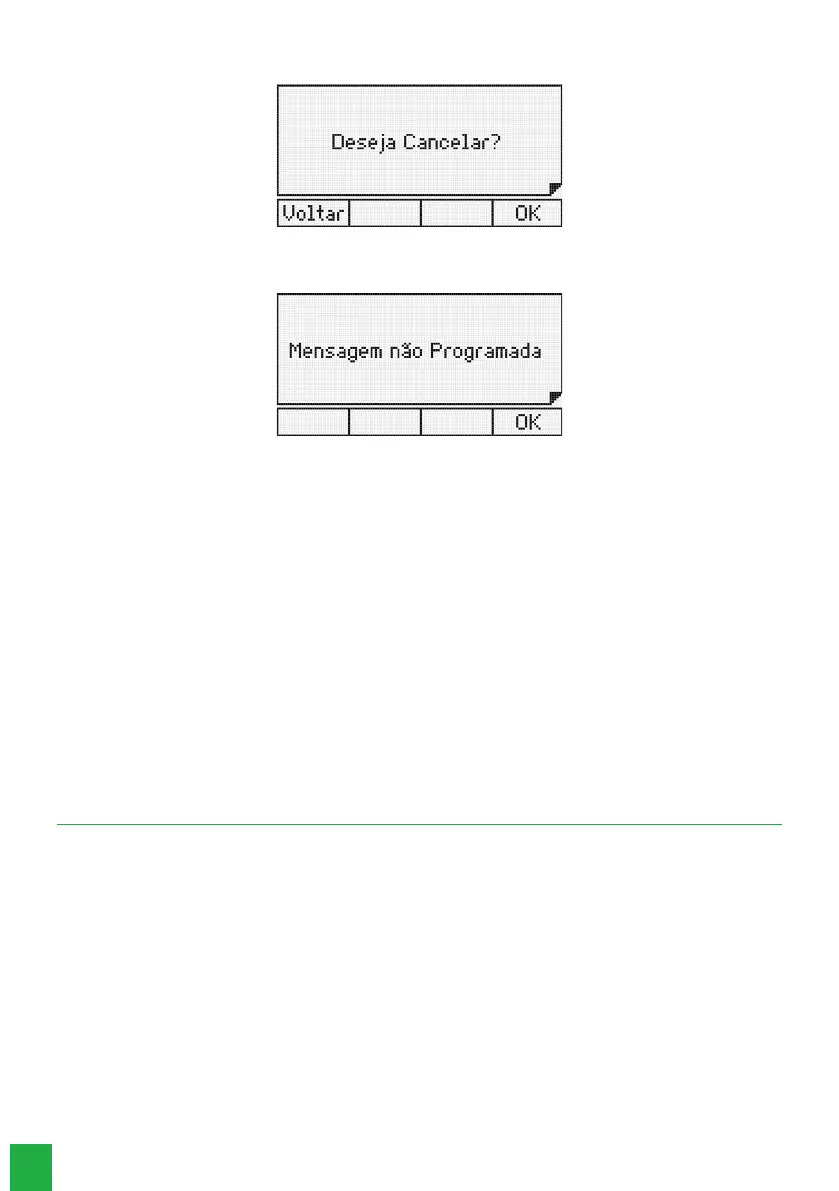
If there is already a programmed message, the following message will be displayed:
Press the
Ok
selection key to conrm.
If there is no programmed message, a temporary message will be displayed:
8.3. Sending SMS messages
1. Press the
Menu
key. The terminal will enter the main menu;
2. Search for
Messages
and press the Ok key;
3. Search for
Send SMS Msg
using the keys and , and press the
Ok
key;
4. Type the cell phone number that will receive the message and the text;
5. Using the alphanumeric keyboard write a text of up to 140 characters. Use the navigation keys and the
Delete
selection
key to make corrections;
6. Press the
Ok
selection key to send the message;
7. If the message is sent correctly, the
Message Sent
screen will be displayed. In this situation, the terminal returns to the
message editing screen;
8. It is possible to read the sent SMS through the
Read sent SMS
option, and delete them through the
Delete all SMS
option.
An error message can appear on the TI 5000 display, if it is unable to send the SMS to the recipient. In this situation,
the terminal returns to the messages screen.
Note: SMS messaging is only possible when the terminal is connected to Impacta exchanges that have GSM cards.
9. Reminder
Reminders are short messages that the user can program the terminal to show on its display at a specied date and time.
The reminder can be programmed to be displayed only once or to be repeated after a certain dened period.
At the programmed date and time, the handset will emit reminder beeps for 30 seconds and the text will be shown on the
terminal’ s display. To exit this function, press any key or lift the handset.
This device allows the programming of 5 reminders with text and date/time of reminder.
9.1. Add a new reminder
1. Press the
Menu
key. The terminal will enter the main menu;
2. Search for
Reminders
and press the
Ok
key;
3. Search for
Add
using the keys and , and press the
Ok
key;
4. Fill in the reminder day, month and year elds;
5. Fill in the reminder time and minute elds;
6. In the Day of Week eld, using the or keys, select the way the reminder will repeat (All, Sun, Mon, Tue, Wed, Thu,
Fri, Sat);



 To Next Page