68
5.6. Consulting the terminal’s phone book records
By pressing the selection key , the terminal will display the phone book menu, automatically entering the query mode.
The rst record (in alphabetical order) in the agenda will be displayed.
To query a record the user has the following optionss:
Through the navigation down key , the search can be made in ascending alphabetical order (from A to Z); or with the
up key , no sentido inverso (de Z a A).
By pressing the key for the rst letter of the name to be searched for, the records that begin with the letter chosen will be
displayed. If there is no name beginning with the typed letter, the search will occur with the subsequent letters. In query
mode, the typed characters cause a search in the phone book.
5.7. Editing the phone book´s records
The phone book entries can be edited. To do this, you must enter the phone book menu using the selection key and
in query mode select the record to edit.
Once the record is selected we use the Edit selection key to go into edit mode and check/change the selected name.
With the positioned cursor (keys,), the chosen character can be replaced by another (letters/digits from the
alphanumeric keyboard). In edit mode, the selection key Delete, deletes the character where the cursor is.
After changing the name, press the
Ok
key to edit the registered number. All the values in the record can be edited with a
similar procedure as when adding new records.
After editing the number and the ringer, speed dial, and route information, press the Ok selection key to nish editing the
record. A screen indicating the status of the phone book will be displayed for 2 seconds.
5.8. Deleting a phone book record
Allows you to delete phone book records individually. The rst step is to select the record to be deleted. You must enter
the phone book menu using the selection key and in query mode select the record to be deleted.
With the name selected, press the
Delete
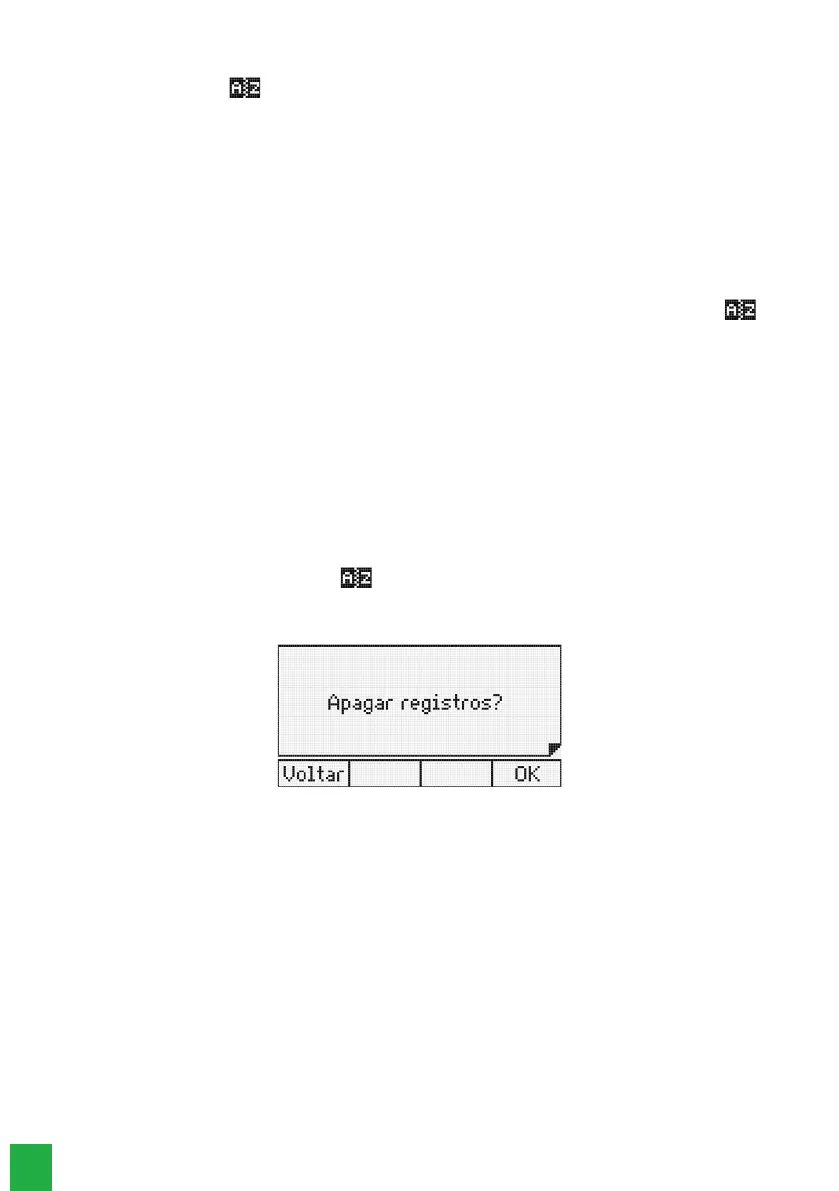
selection key to delete the record. You will then see a screen asking for
conrmation:
Option to delete a phone book record
Press the
Ok
selection key to conrm the deletion of the record.
Press the
Back
selection key to cancel the operation. After this, the terminal returns to the Phone book menu.
5.9. Consulting the PABX’s collective phone book
It allows consulting the PABX’s collective phone book. The user can access the Internal or External phone book through
the terminal’s menu in the
Internal PABX phone book
or
External PABX phone book
options, or through the programmable
keys. To congure a programmable key with this function, follow the procedure:
1. Press the programmable key as a PBX Phone Book. The terminal will enter the query menu of the PABX’s phone books;
2. Using the keys and select the
Internal phone book or External phone book
option, and press the
Ok
key. Then the
list of records in the selected phone book will be displayed (rst name - alphabetical order);
3. Search for the desired name;
Using the key , you can search in alphabetical order (from A to Z); or with the key , in reverse order (from
Z to A).
4. With the number selected, press the
Dial
selection key to start dialing;
5. To save the dialed name/number from the PABX’s phone book into the terminal’s phone book:



 To Next Page