67
5.3. Adding a new record to the phone book
Adding a new record to the phone book can take place in 2 different situations:
» Adding a new record using the phone book menu.
» Adding a record, with a number from the list of incoming or outgoing calls.
5.4. Adding a new record from the phone book menu
1. Press the phone book selection key . The terminal will display the rst record and the phone book menu using the
selection keys;
2. Press the
New
selection key. The screen for entering the name will appear;
3. Type the desired name on the alphanumeric keyboard;
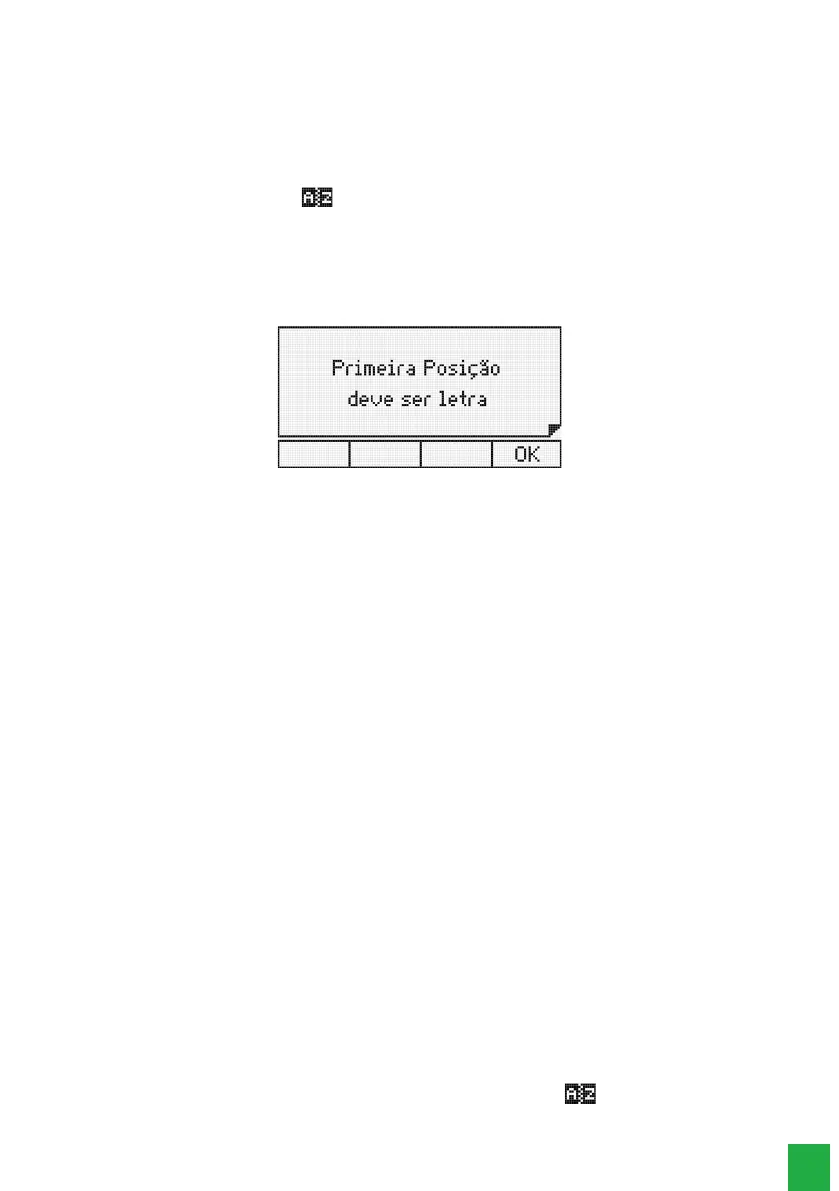
The rst character of the name must be different from a number and a blank space. If it is entered incorrectly, the
following temporary screen be displayed :
First character of the record must be a letter
After entering the desired name, press the key.
Attention: if there are records saved with the same name, the rst record found in the phone book will be displayed
when a call is received.
4. Type the desired number using the alphanumeric keypad;
The provider code can be entered between the characters ( ). These characters can be accessed by pressing
the * key.
When editing the phone book number, besides the provider code, generic codes can be included through the ?
character. At the moment of dialing, the software recognizes the sequence of ? characters and asks for the inclusion
of the desired code.
5. Select the ring type, the speed dial key (shortcut), and the exit route. Use the and keys to navigate the elds;
» Ringtone: allows 10 ringing melodies.
» Shortcut: allows speed dialing using the 10 numeric keys on the numeric keypad (0 to 9). If this eld is left blank, it
means that no key is associated with the record.
» Route: allows you to select the outgoing route for dialing the record. If you leave this eld blank, it means that no
route is associated with the record.
Attention: if the user is registering an extension, the Route eld must be left blank, because this way the terminal
will understand that it is an internal number of the PABX.
After setting these items, press the
Ok
key to go to the number editing elds.
6. After editing the name, number, ringtone, shortcut and route.
If the Ok key is pressed the edition is nished, storing the contact in memory and the temporary message indicating
the status of the phone book is displayed. Then the terminal returns to the Phone Book menu.
5.5. Adding a record, with a number from the list of incoming or outgoing calls
The procedure for adding a record is the same as described in the previous section. What differs in this case is that the
number to be entered will come from the list of outgoing or incoming calls that are stored in the terminal. It is up to the
user to edit the number that will be presented to insert the provider code or generic codes, when these are necessary.
To start the procedure, when a call list entry is being consulted, press the selection key . The terminal will automatically
enter the phone book menu, in the adding option.



 To Next Page