66
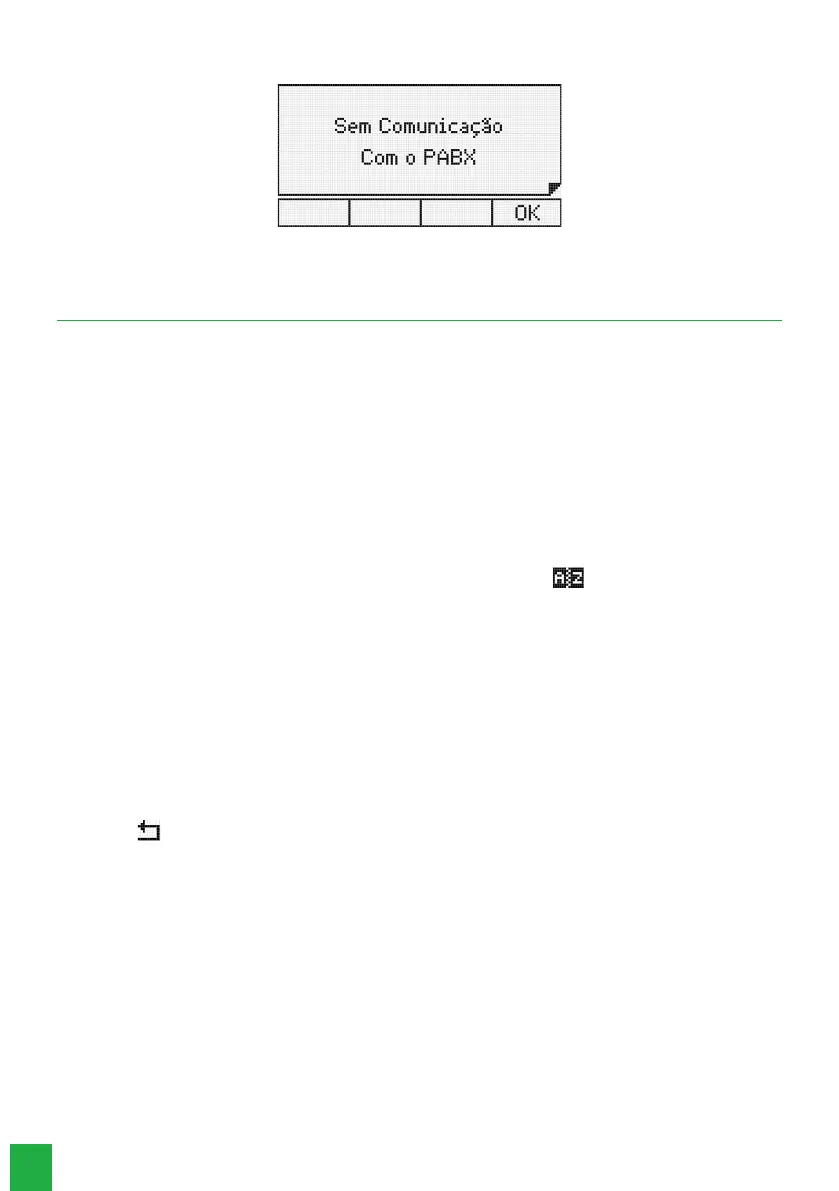
This message will appear when the terminal is not receiving any information from the PABX (loss of communication).
Terminal without communication with the PABX
5. Phone Book
The terminal has an alphanumeric phone book that allows you to register internal and external numbers, as well as the
name associated with each number. The memory capacity of the phone book is 100 (one hundred) entries, containing:
» Name with up to 16 characters.
» Bell type (10 options).
» Speed Dialing (10 options, which are associated with the numeric keys on the alphanumeric keyboard).
» Exit route (10 options).
» Phone number, which can be either internal (10 digits) or external (19 digits, including Pause, * and #)).
The phone book is checked for all incoming calls and if the number is stored, the user’s name will be shown on the
terminal display. To make calls, you can look up a name in the phone book and automatically call the number.
5.1. Accessing the phone book
The phone book is accessed through the selection key associated with the symbol .
When the phone book is accessed, the rst entry is shown in the display and the phone book is in Query Mode. The
menu will be shown on the display, accessing the selection keys:
» Edit: change the record that is selected on the terminal’ s display.
» New: add a new record.
» Dial: dials the number of the record in the phone book.
» Delete: deletes the selected eld or record.
Some general characteristics regarding the use of the phone book are:
» Access to the agenda can occur while the terminal is idle or in an operating state.
» Access to the phone book is not allowed when the terminal is in a call in progress.
» The Ok key allows you to go to the next screen, or conrm the operation in progress.
» The key allows you to go to the previous screen, or exit the operation in progress.
» The keys, , andallow you to position the cursor on the desired elds.
» The Delete selection key allows you to delete the character where the cursor is located or the selected record.
» To enter characters in the phone book, you use the phone’s alphanumeric keyboard. For each key, two or more letters are
associated. To select a letter, press the key with the letter several times.
Example: for the key with the number 2 we have associated the letters a, b and c. To enter the letter b press the key 2
times.
5.2. Order of characters in the phone book
The phone book is structured in alphanumeric order. The order of location of the names in the phone book has the following
priority: “ “ - a - b - c - d - e - f - g - h - i - j - k - l - m - n - o - p - q - r - s - t - u - v - w - x - y - z - 0 - 1 - 2 - 3 - 4 - 5 - 6 - 7 - 8 - 9
.
The blank space shown above has priority over any other character including a. Thus the name
Rose Meri
appears before
the name
Rosemeri
.
Note: the rst character of the name must be different from a number and a blank spac
e.



 To Next Page