65
Messages during terminal startup and fault situations
Messages during terminal startup
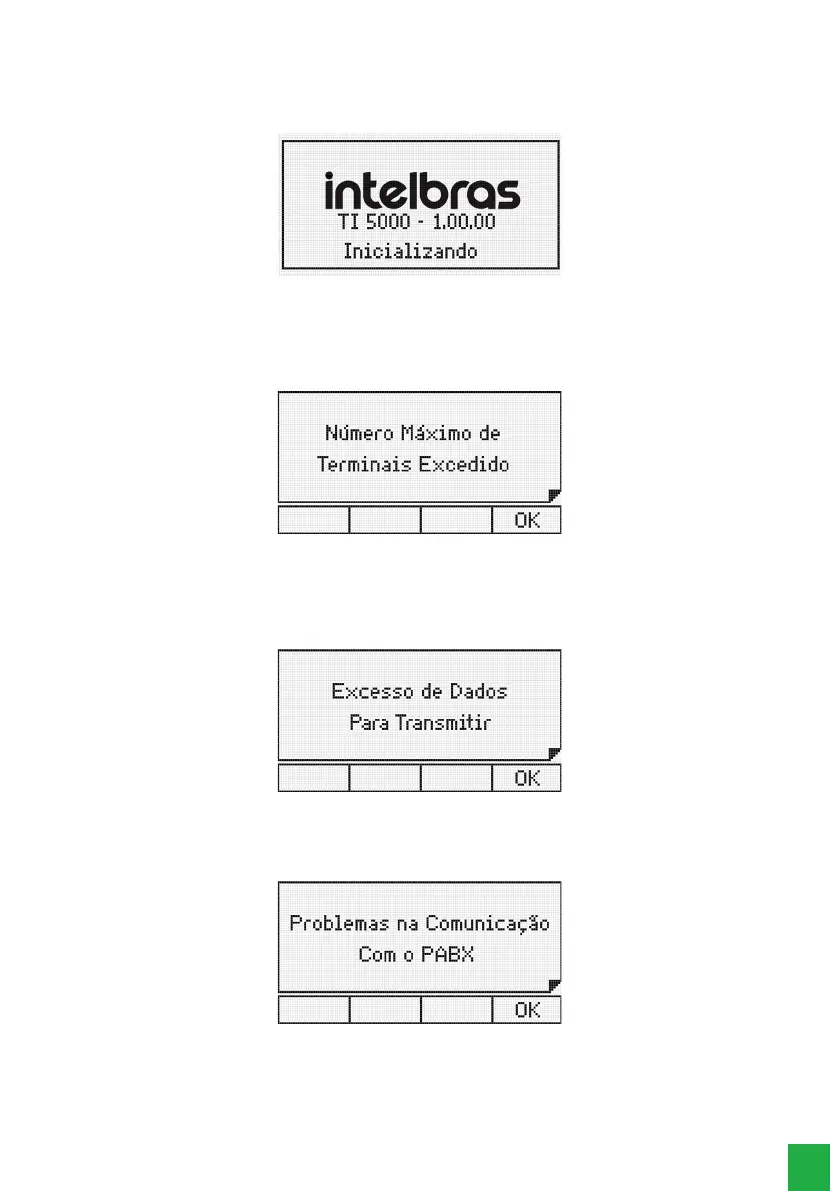
The following messages are displayed in succession during the terminal´s startup:
Initializing terminal
Failure messages during the terminal´s startup
Message indicating that the terminal cannot be started because the PABX is already operating with the maximum number
of Smart Terminals allowed:
Maximum number of connected terminals in the exchange
Fault and maintenance messages during operation
This message appears when the memory reserved for keys (dialing to the PABX) is full and any pressed keys are being
ignored. This can occur if too many keys are pressed.
Memory reserved for keys is full
This message appears when the information sent from the PABX to the terminal is incorrect. Presence of noise or problems
in the connection between the terminal and the PABX through the serial channel can be the cause.
Problems in the communication from the terminal to the PABX



 To Next Page