84
Cancel the key conguration
This function cancels the conguration of the selected key.
Select the option
Cancel Key Conguration
using the keys and . Press
Ok
to conrm.
10.9. Congure programmable key ranges
Allows you to congure the programmable keys of the terminal and of the module(s) installed in the terminal to access
and signal Line, E1 Channel or Extension.
1. Press the
Menu
selection key. The terminal will enter the main menu;
2. Search for
Programmable Keys
using the keys and . Then press the
Ok
key
;
3. Search for
Congure Range
and press the
Ok
key;
4. The
Choose Initial Programmable Key
screen will appear. Press the programmable key you wish to congure;
5. using the keysandselect the desired option, either Extension, E1 or Line. Press O
k
;
6. In the
From
eld: enter the desired extension number, E1 Channel or Initial Line number;
7. In the
To
eld: enter the last Extension, E1 Channel or Line in the range that you want the following keys to access;
8. To delete a digit, press the
Delete
selection key;
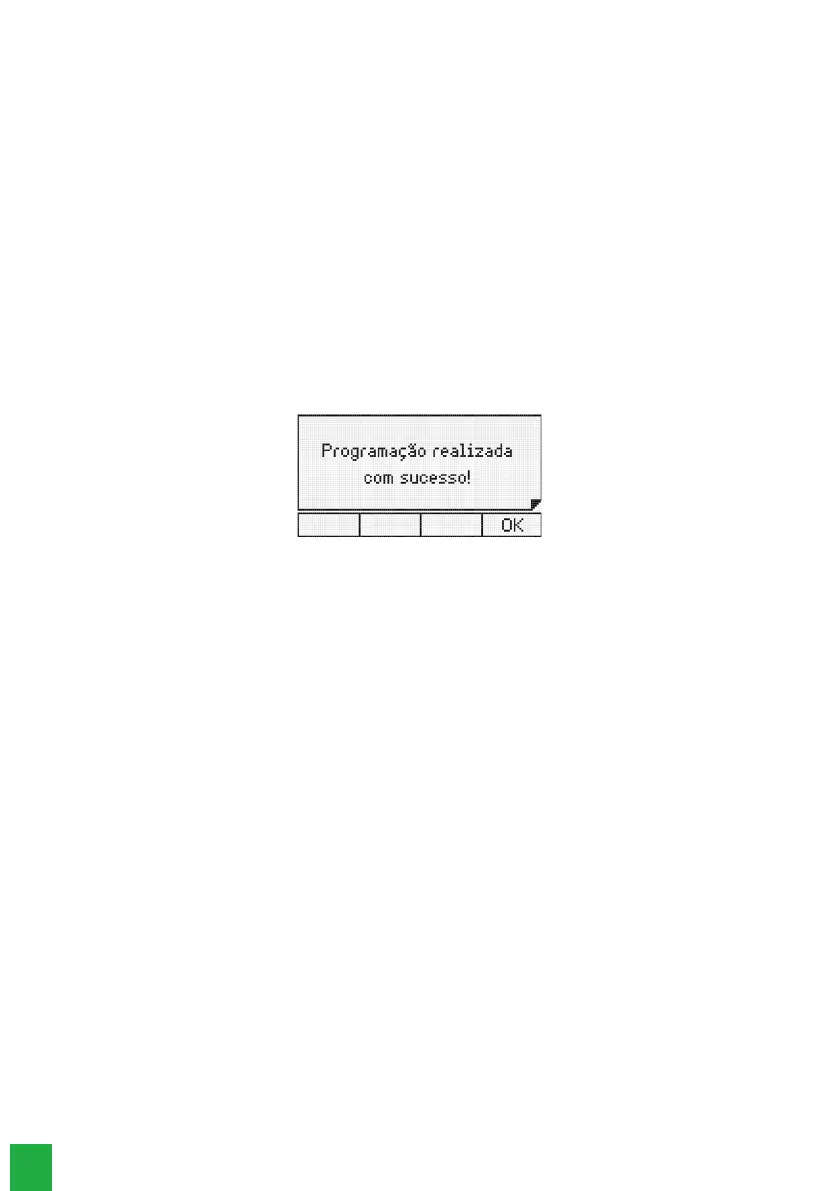
9. Press the Ok key to conrm the programming. It will be displayed on the screen:
10.10. Call service conguration
Dene types of calls that will be logged
Using this option, you can select the type of calls that will be stored in the terminal.
1. Press the
Menu
selection key. The terminal will enter the main menu;
2. Search for
Call Conguration
and press the
Ok
key;
3. Choose the type of calls that you want to register and press the
Ok
key. The options are:
» Missed Calls
» Missed Calls PABX.
» Answered.
» Originated Calls.
4. For each call type shown above, select Internal, External or All calls;
5. After selecting the desired option, press the
Ok
key to conrm.
Factory default:
log all calls.
Congure logging of customized messages
Allows you to log personalized messages received on the terminal.
1. Press the
Menu
selection key. The terminal will enter the main menu;
2. Search for
Call Conguration
and press the
Ok
key
;
3. Select the Custom Msg. option using the keys and . Press
Ok
to program;
4. Choose (
Register, Do Not Register
) using the navigation keys;
5. Press the
Ok
key to conrm.
Factory default:
logs custom messages.
Change signaling of missed calls
Denes how the indicator light should behave when the terminal registers a missed call.
1. Press the
Menu
selection key. The terminal will enter the main menu;
2. Search for
Call Conguration
and press the
Ok
key;
3. Search for Ind light No Answer and press the
Ok
key;



 To Next Page